Connecting Two Motion Clips
When there is more than one motion clip applied, the position and orientation of the previous clip has an effect on the state of the latter clip.
The connection type can be defined by the commands in the following
illustration: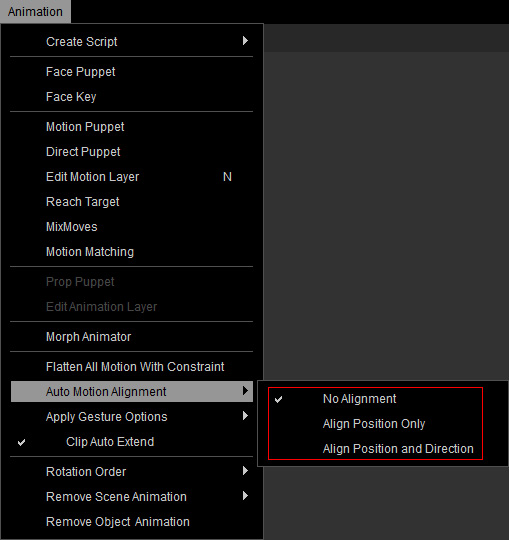
You can also use the Auto Motion Alignment feature on the Timeline toolbar.
- Align Position Only: Refer to the How to align Position for applying motions section for more information.
- Align Position and Direction: Please refer to the How to align Position and Direction for applying motions section for more information.
