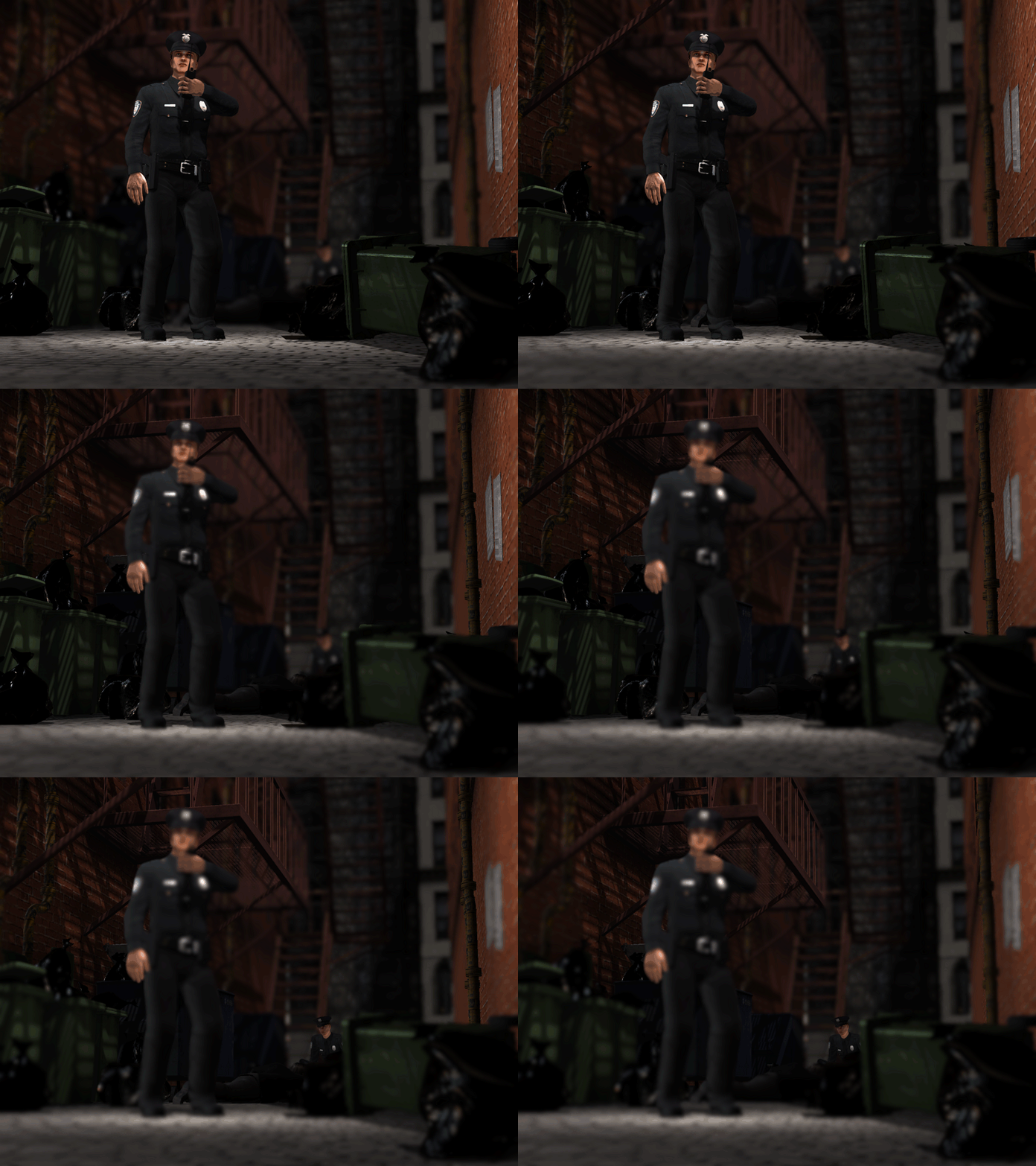
DOF Track
Follow the steps below to set keys on the DOF track to create DOF animation. Please read the DOF (Depth of Field) section for more information.
- Select a camera from the Scene Manager. Go to the desired frame you want to set the DOF key.
- In the Modify panel, scroll to the Depth of Field section.
-
Check the Activate box to enable this feature. You may
set the distance manually or use the Pick Target
button to let iClone select the correct value.
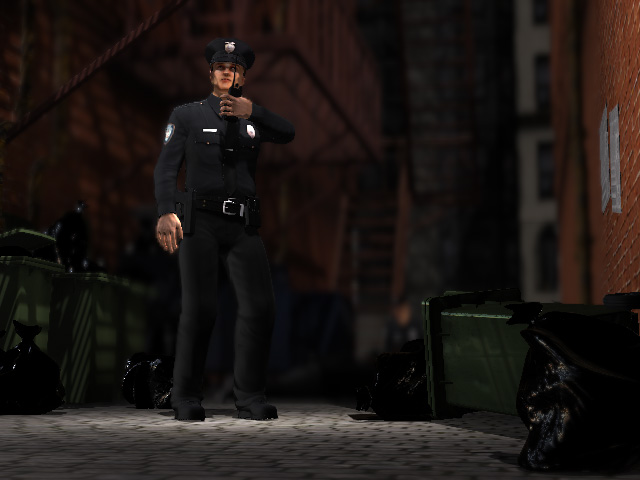
-
Go to another frame and change the DOF value.
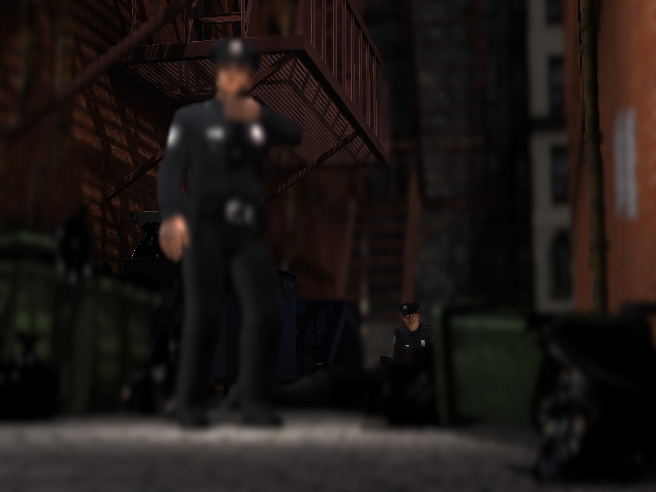
- iClone generates the transition effect between the two keys.
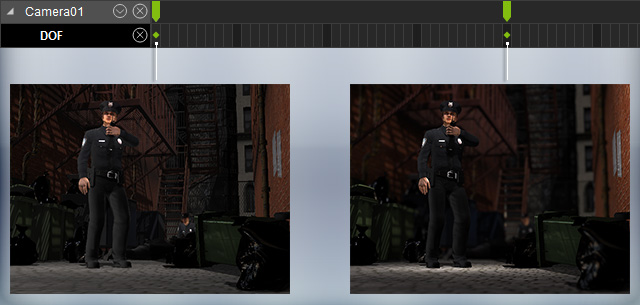
The transition effect should look like the following illustrations.