Gesture Track
Controls hand and finger gesture animations applied to a character over time, allowing gestures to be added, blended, and adjusted independently from full-body motions.
- Pick an actor and go to the desired frame for changing hand motions.
-
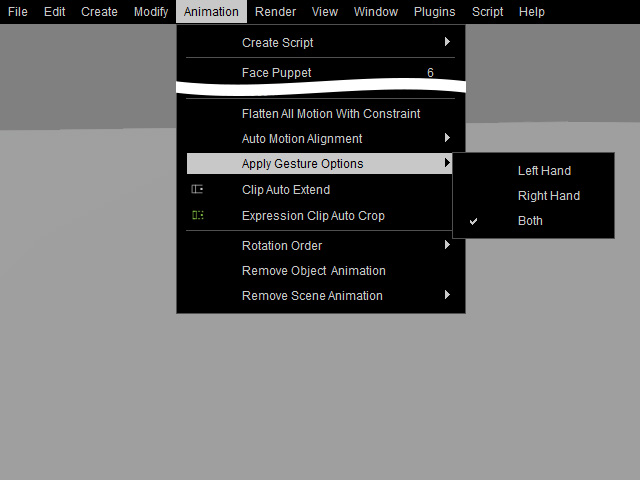
Access the Animation >> Apply Gesture Options on the menu bar and
select one of the three commands (Left Hand, Right Hand or Both) in accordance with the hand(s) you want to add motions to.
-
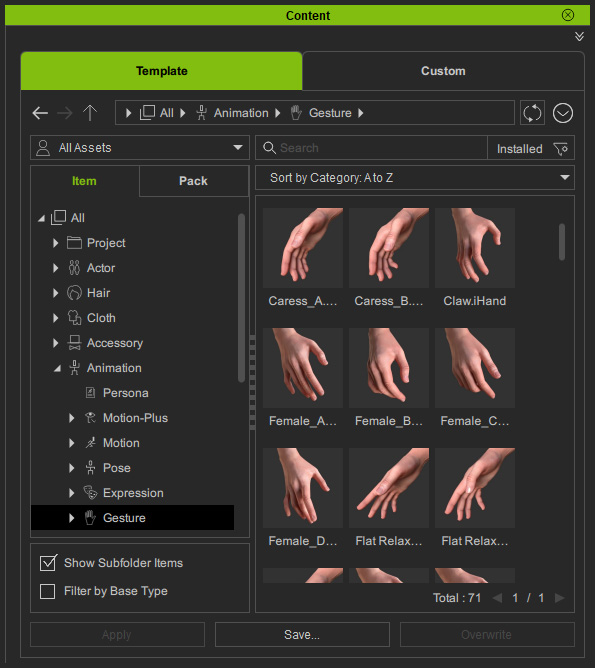
Double-click on a template from the Animation tab >> Gesture library in the Content Manager. The motion will be added instantly.
- Unfold the actor track and click its down arrow button to show the Gesture track with two sub-tracks. One is for storing the motion of the Left hand and the other is for the Right hand.

Refer to the Speed, Loop and Blending section for more information about the interactions between clips.
 Note:
Note:
The blending effect between two hand motion clips will be generated by blending method.
