Breaking Connection Relationship
When a constrained rigid body takes another physics object as its target, basically the connection between them lasts for the duration of the project. However, the relationship can be broken when the constrained object experiences severe movement or is strongly affected/hit by any other physics object. When you wish for a wall to break apart after being hit by a car, or you drop a glasses on the floor with certain force and you want them to shatter, then you can enable the Breakable feature.
-
Select the constraint (in this case, the point-to-point) of the dynamic rigid body object.
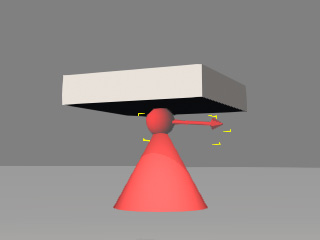
- Go to the Constraint section in the Modify panel.
-
Activate the Breakable box.
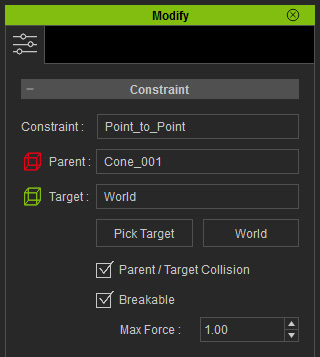
-
Set a value to the Max Force field. A smaller value means the connection can easily be broken by smaller collisions;
while a higher value means the connection is more solid, and only under strong collision or intense movement can the connection be broken.
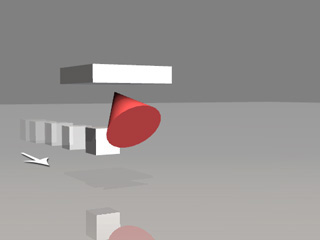
Max Force = 5
The Kinematic object moves slowly, and cannot break the connection but merely pushes the constrained rigid body away.
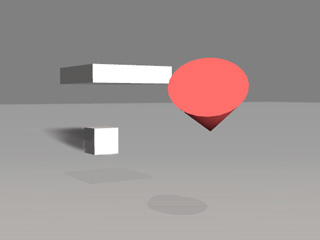
Max Force = 5
The Kinematic object moves abruptly, and hits and flings the constrained rigid body away.
