Key Menu
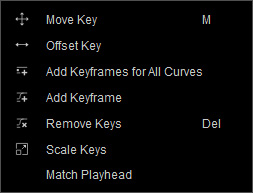
- Move Key: Use this tool to shift the keys on a curve.
- Add Keyframes for All Curves: Execute this command to add new keys on all of the displayed curves in accordance with the current animation state of the object.
- Add Keyframe: Use this tool to add keyframes on a curve.
- Remove Keys: This command will remove all the selected keys on displayed curves.
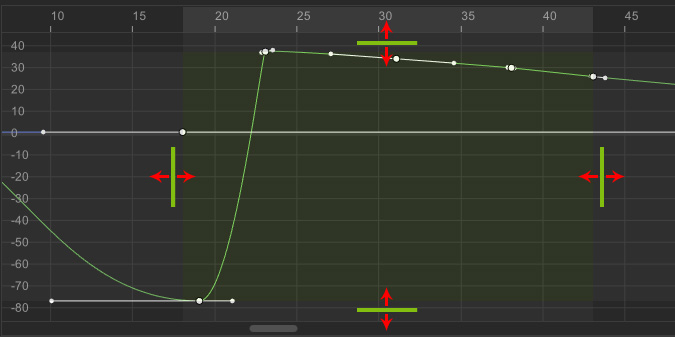
- Scale Keys: When there are multiple keys selected, you can use this command to scale the keys. Drag the handles
of the bounding box to scale the keys.
- Match Playhead: Choose this command and all of the selected keys will align with the time position of the playhead without changing their values.

