Increasing or Decreasing Stereo Vision
When you want to export 3D stereo media, you can use the Interocular Distance setting to
adjust the 3D depth sensation. You can find the setting in either the 3D Stereo section of the Render panel or the Camera section in the Modify panel for each camera.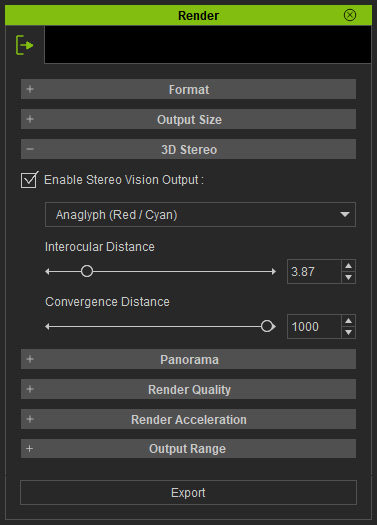
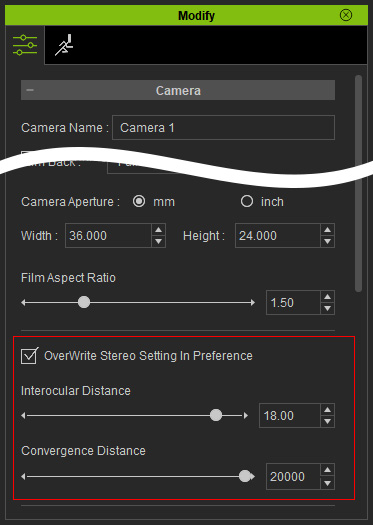
This setting determines the distance between the eyeballs.
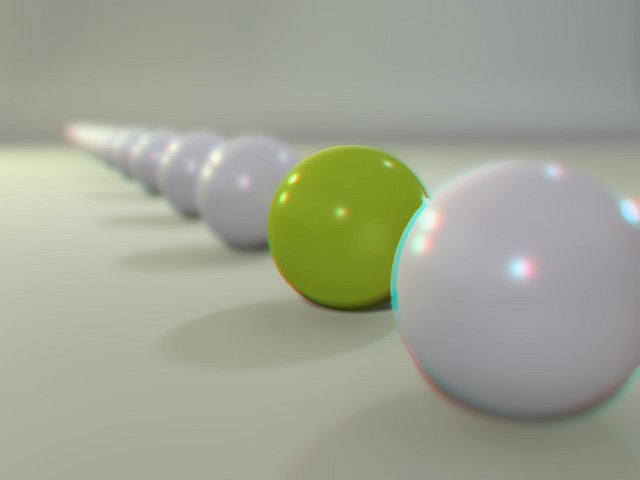
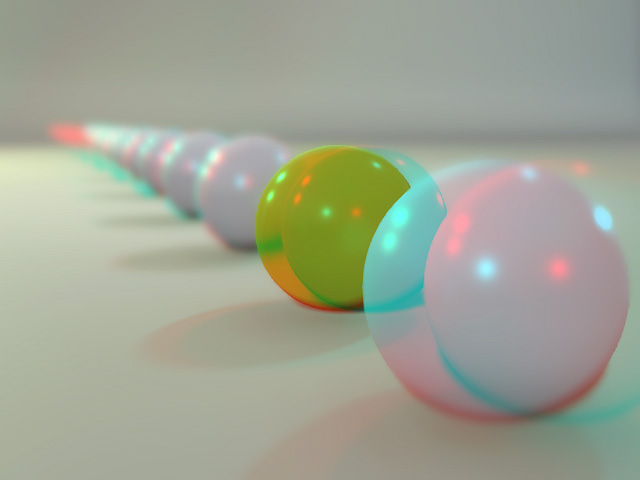
It can help with increasing or decreasing the 3D sensation of the exported media. The left image demonstrates a weaker depth sensation while the right one is stronger.
|
|
|
Interocular Distance = 6.00 Convergence Distance = 500 |
Interocular Distance = 30.00 Convergence Distance = 500 |
