


Exporting FBX from iClone
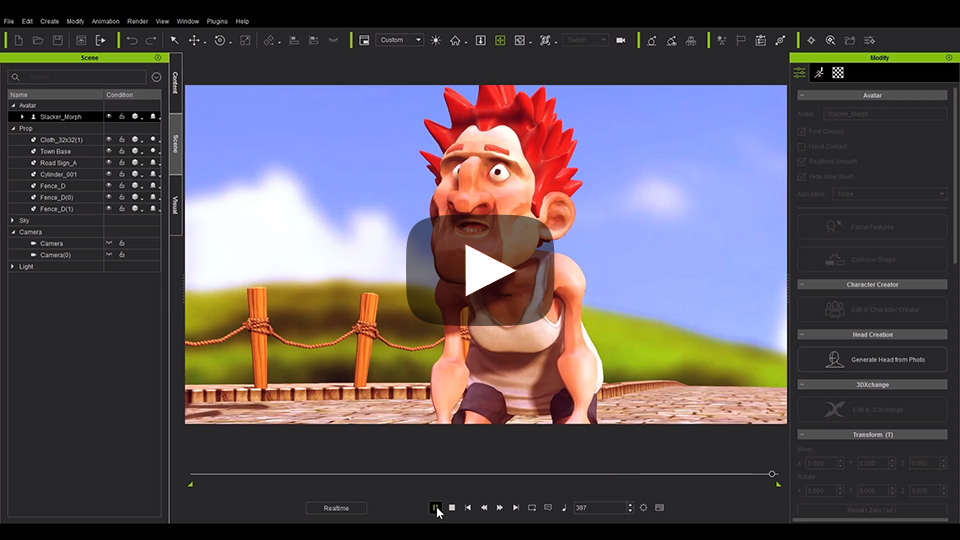
Select a single or multiple object (prop, avatar, accessory, camera) then execute Menu > File > Export > Export Fbx... to begin the export process.
|
If Constraint keys (Link, Look At, Attach, Path, Reach) have been used and you would like to export them together, then check enable Menu > Animation > Flatten All Motion with Constraint.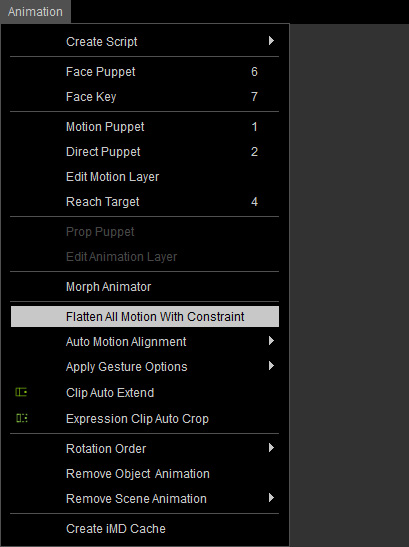
 Note:
Note:
- The object in the following formats are not supported for exporting FBX: iLight, .iEffect, .iParticle, .iTree, .iGrass, .iTerrain , .iWater, .iSky, .aml, .iTalk, .iPath. Please note that only the iTerrain that is made of heightmap is not supported since its inception from iClone 5.
