Decreasing File Size by Deleting Hidden Faces
An object can sometimes be created with layered meshes, especially a clothed character. However, if there is no need for revealing the inner layers by removing the outer layers, it is always a good solution to remove the hidden inner layers for decreasing the size of the exported FBX file.
- Load a layered object (in this case, a CC Character) into iClone.
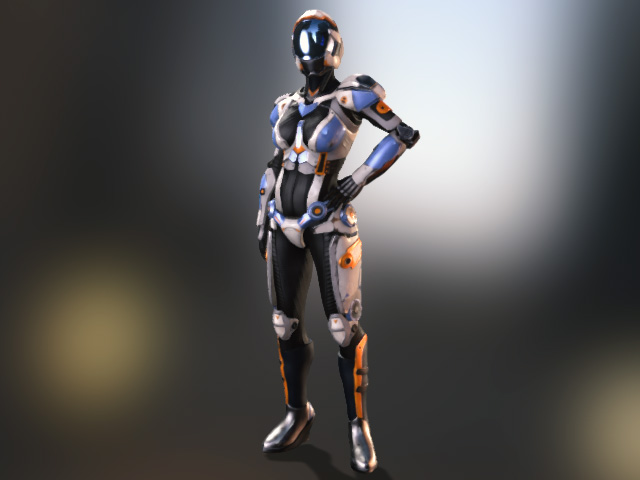
Some of the meshes are made hidden by the feature provided in iClone Character Creator in order to enhance the performance of iClone.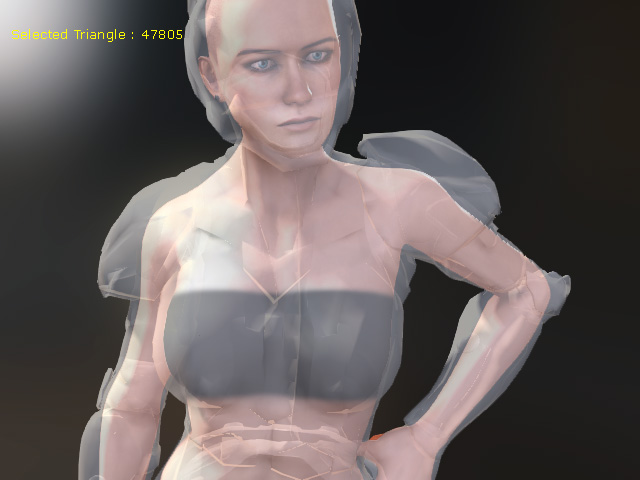
The originally layered meshes of the character.
Some of the inner meshes are made hidden (but not removed) to relieve the loading of the system.
- Select the character and go to File > Export > Export FBX... and activate the Delete Hidden Face checkbox.
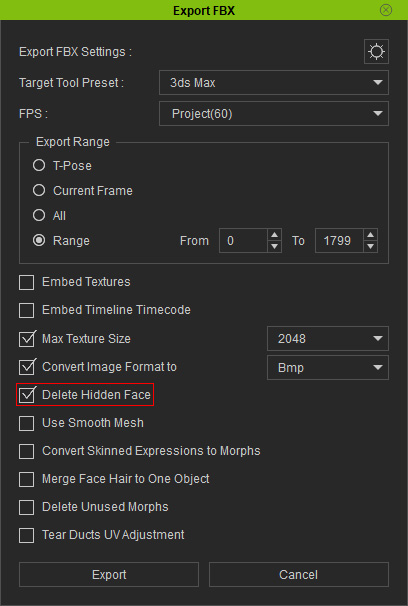
- Click the OK button to export the avatar as an FBX file.
- Deactivate the Delete Hidden Mesh box and export the model into FBX again.
- Compare the size of the two files. The file that has been exported with this feature is smaller than the other one.

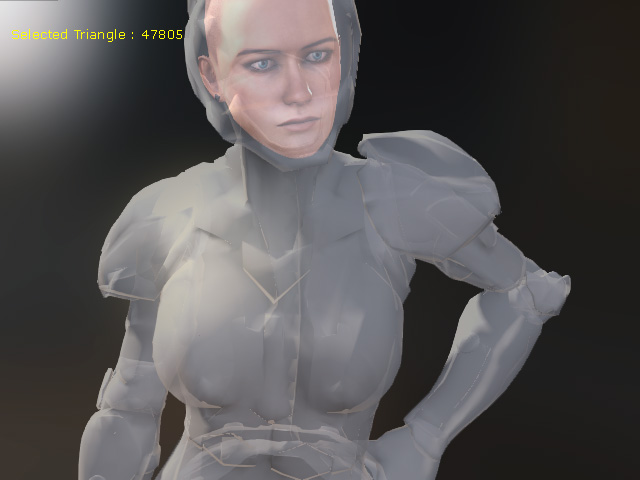
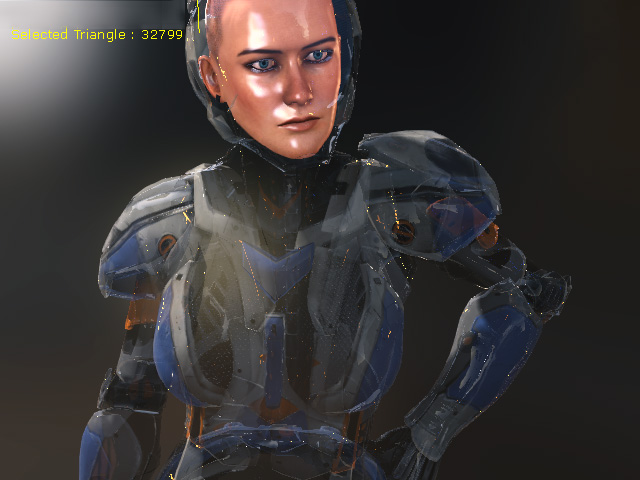
- Load back these two FBX files to observe the status of the meshes. In the Illustrations below, the outer layers of the two files are set to transparent for better observation.
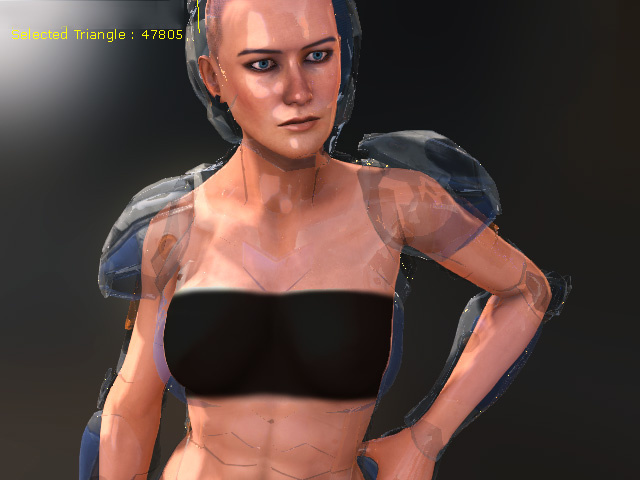
The originally hidden meshes are kept when the feature is deactivated.
The originally hidden meshes are removed by the feature.
