How to Obtain Morphed Shape with Bake Shape Feature
Follow the steps in this page to obtain and export the morphed shape of objects with Bake Shape feature in the Morph Animator panel.
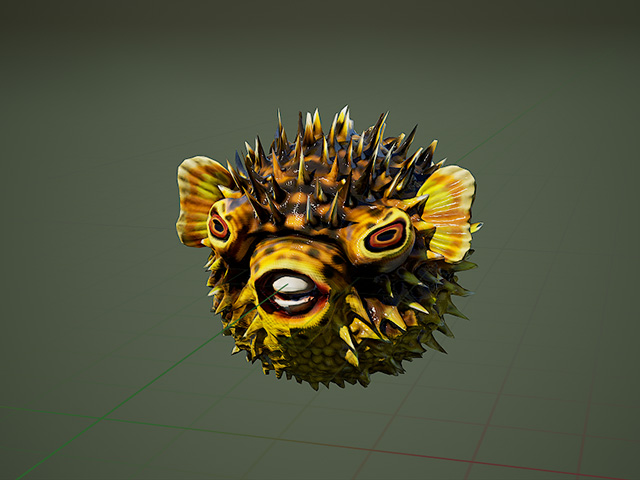
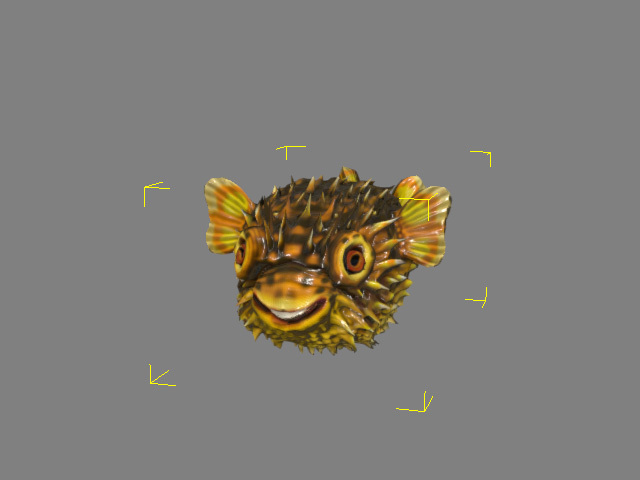
- Apply a morphable object, especially props or accessories and select it.
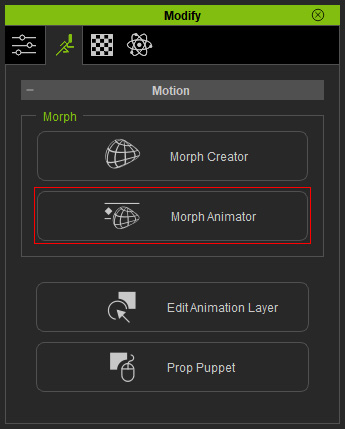
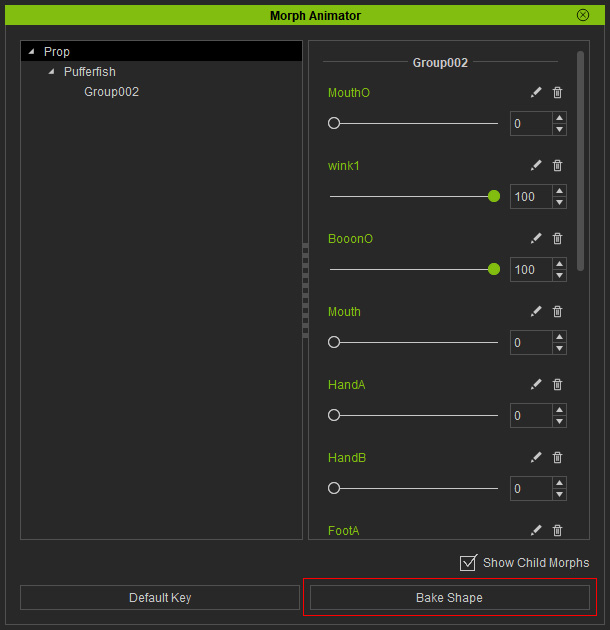
- Click the Morph Animator button in the Modify panel.
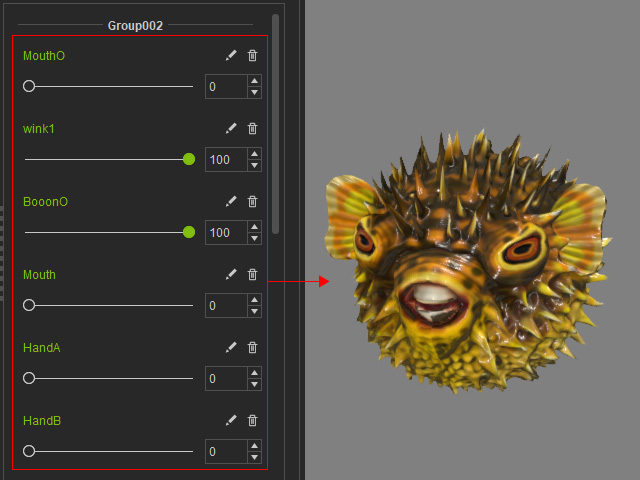
- Adjust the sliders in the Morph Animator to change the shape of the object.
- Click the Bake Shape at the bottom of the panel.
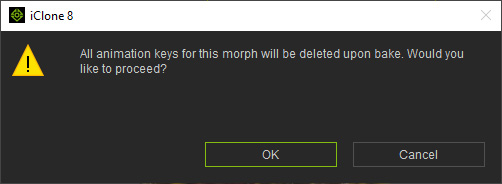
- System displays a dialog to inform you the morph animation keys will be removed. Click the OK button if you want to proceed.
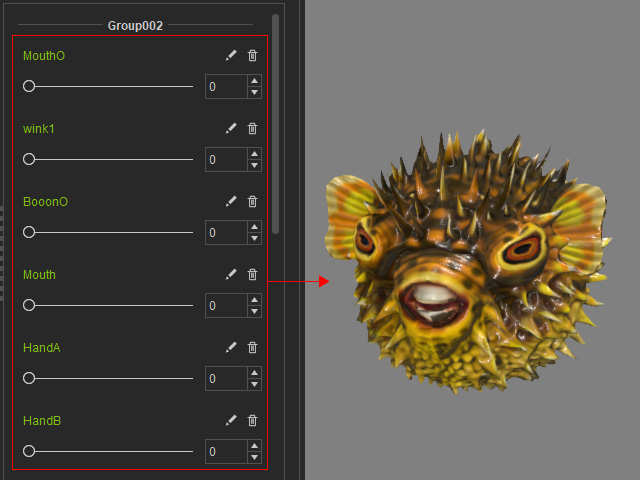
- The values of the sliders will be initialized while the shape of the object is maintained.
- You can then export the object by File > Export > Export FBX... command.
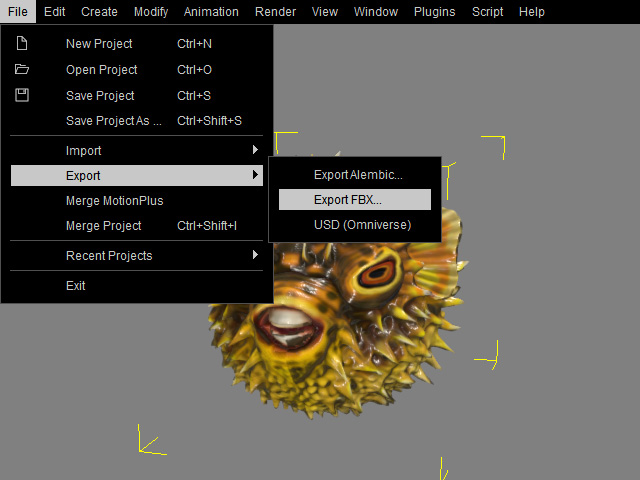
- You can proceed to modify the shape of the object in any external 3D software that is compatible with FBX format.