Creating Perform List for Props
In iClone, animations can be embedded into props using the Perform List. This makes it easy to activate certain animations without having to search for in the motion library. Perform lists also allows for the creation of reusable animation controllers.
- Add a prop to an empty scene (in this case, a robot with different parts
assembled).
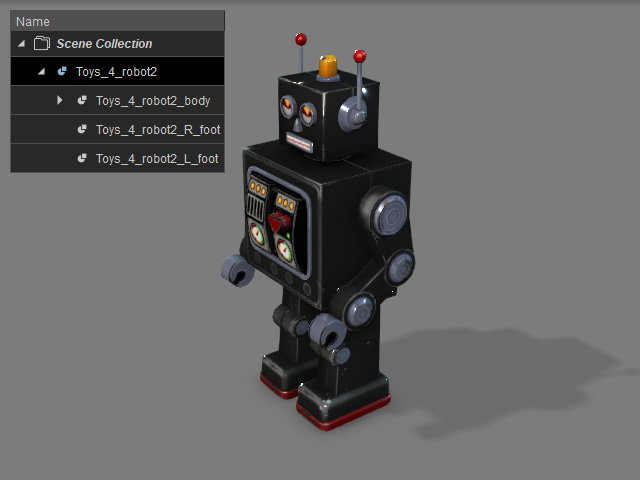
- Manually animate the prop and its parts.
- Launch Timeline and open the Collect Clip and Animation tracks of the prop, including the sub-props.
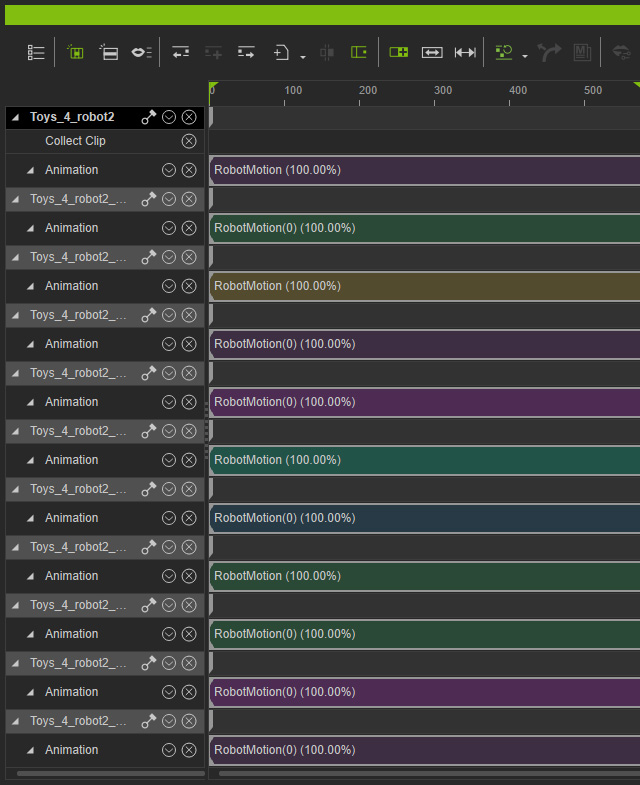
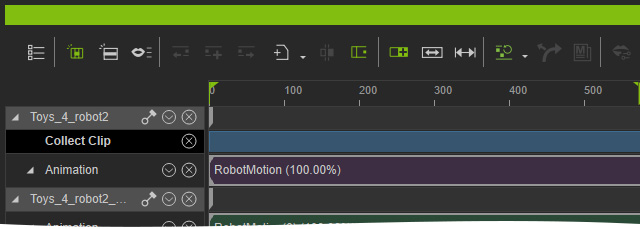
- Make a range by dragging in the Collect Clip track. Only the motions in the range will be kept.
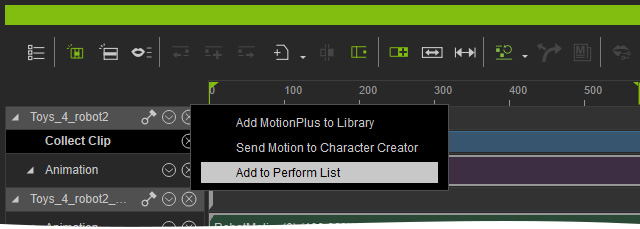
- Right-click in the range and choose Add to Perform List from the pop-up menu.
- Choose a location for storing the exported animation.
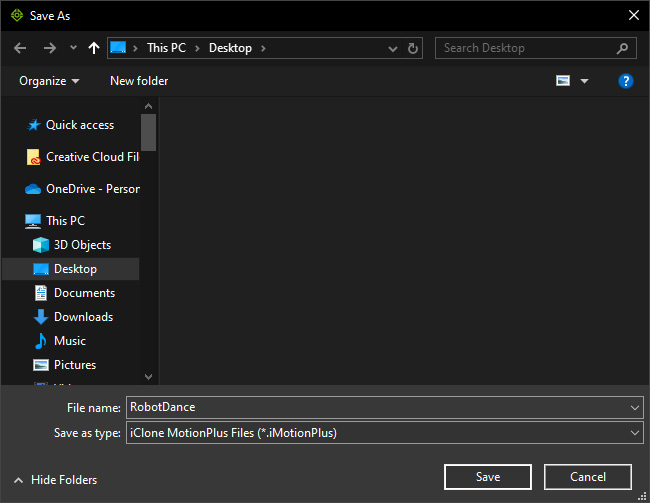
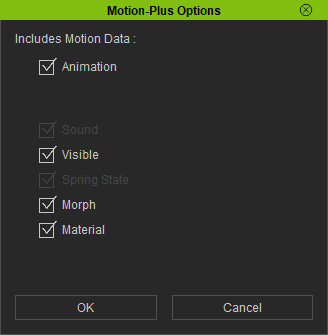
The supported file formats are iMotionPlus only. - Include the desired data from the Motion-Plus Options panel.
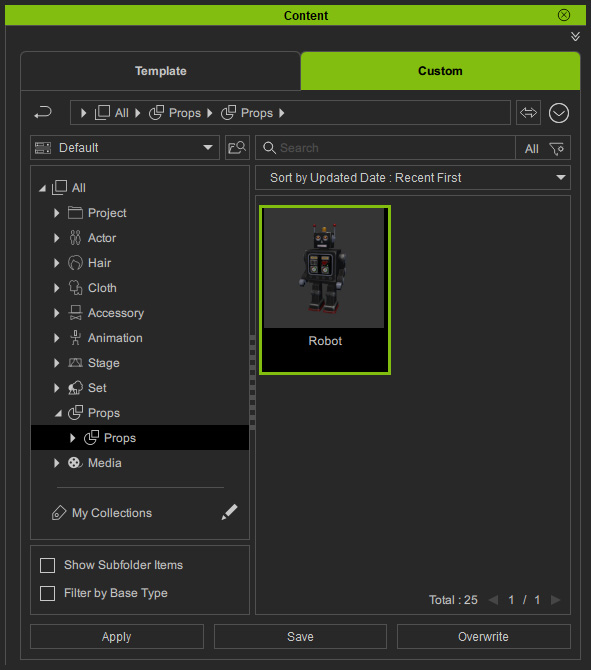
- Save the prop to the library.
- Create a new project and apply the prop again.
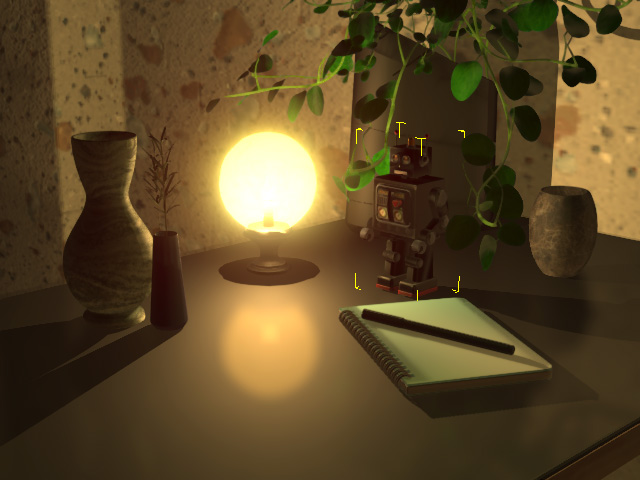
- Right-click on the prop and choose the Perform > [Newly added animation name].
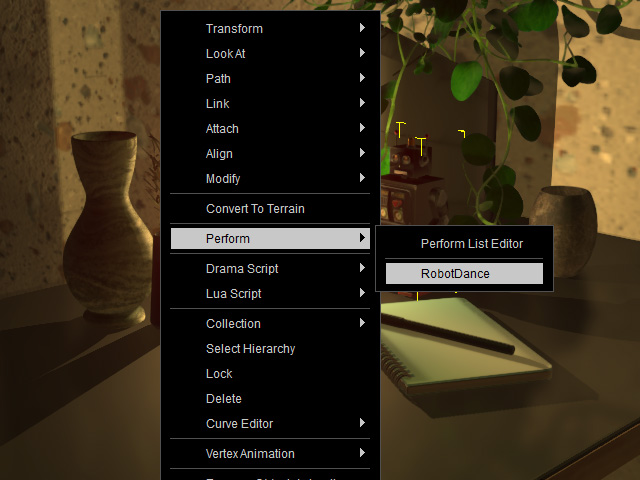
As you can see the animation is re-applied.
