Baking Soft Cloth Simulation Results
The physics animations in physics system, rigid or soft cloth, are not identical for each simulation. You can follow the steps below to keep (bake) a certain permutation:
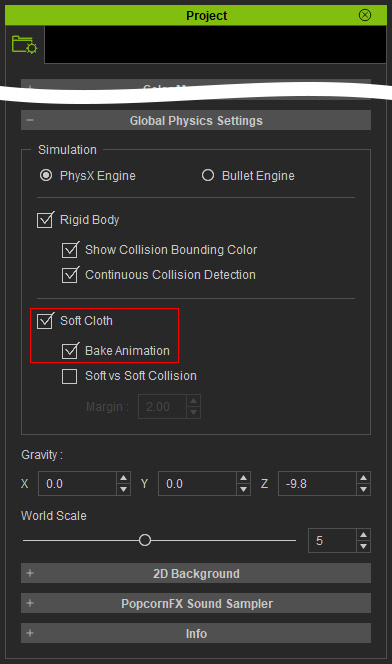
- Open the Project settings panel. Activate the
Bake Animation checkbox under the Global Physics Settings section.
- Make sure the Soft Cloth button on the toolbar is activated.

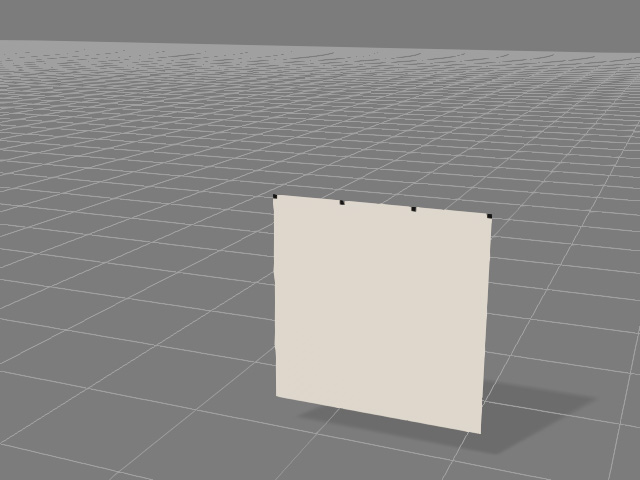
- Create a soft cloth in a new project.
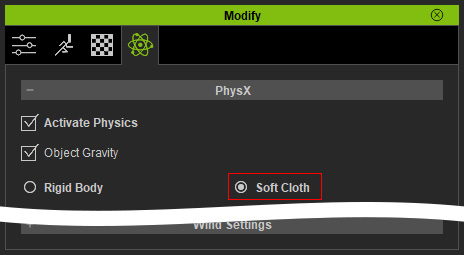
- Select the soft cloth and makes sure the Soft Cloth
radio button is selected.
- Playback to start simulation. You can recalculate the simulation as many times as is necessary to arrive at the desired permutation.
-
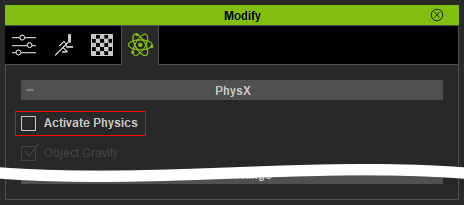
Select the soft cloth and then deactivate the Activate Physics
checkbox in the Modify panel.
- Open the timeline and you will see the simulation result is baked as an animation clip for the object in the
Vertex Animation track.
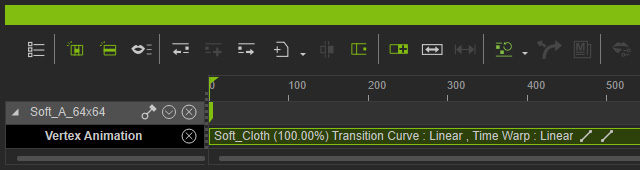
Playback to view the baked animation. Since the physics setting is disabled, the baked animation will always be kept until the settings are enabled again.
