About Camera Orbit and Rotation (New for v. 8.41)
There are two methods to change the viewing angle of the camera: orbit and rotation. The orbit method involves moving the camera in a circular path while looking at the center axis (like the rotation of the Earth around the Sun). On the other hand, the rotation method refers to the camera turning around its own axis.
Camera Orbit
The orbit method involves moving the camera along a circular path while focusing on the center of the circle.
To orbit around a specific object (prop, character, accessory, etc.), you need to first select the object and press the Home, A, S, D, F, or G keys to move the orbit center to the object's pivot. Then you can revolve the camera around the target object by using the orbiting tool (Alt + RMB).
You can adjust the hotkey under Preference > Control.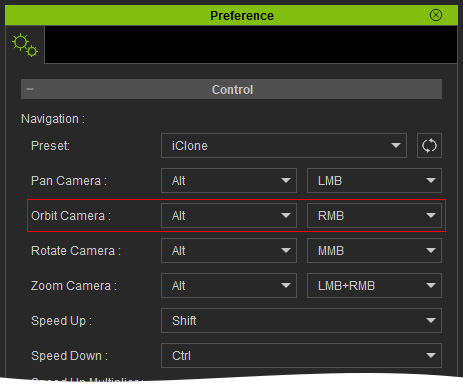
Camera Rotation
The rotation method is to have the camera to rotate by its z axis.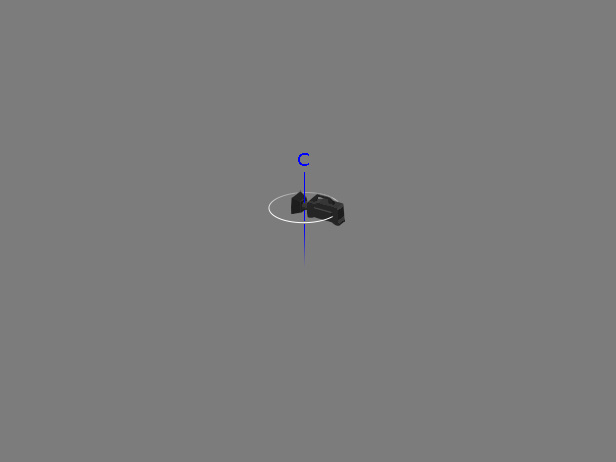
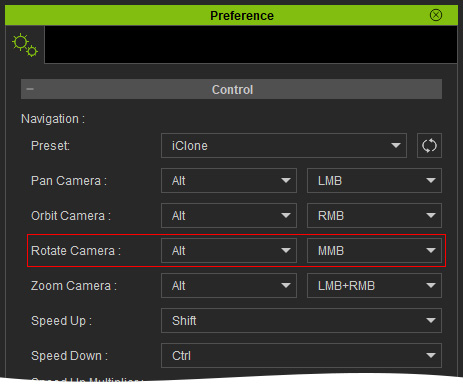
When an object is selected, you can rotate the camera only with the hotkey 'Alt + MMB'; otherwise, if nothing is selected, then 'Alt + MMB' and 'Alt + RMB' can rotate the camera in a same manner.
You can adjust the hotkey in the Preference > Control section.