How to switch to Third Person Perspective (New for v. 8.41)
When you activate Motion Director using the follow camera, the default setting is a 3rd-person perspective. There is also the option to adjust the camera to focus not only on the character but also to align with the character's direction or switch to different view.
Follow Camera (Bird's Eye View)
In the following example, the bird's eye view is set on the follow camera.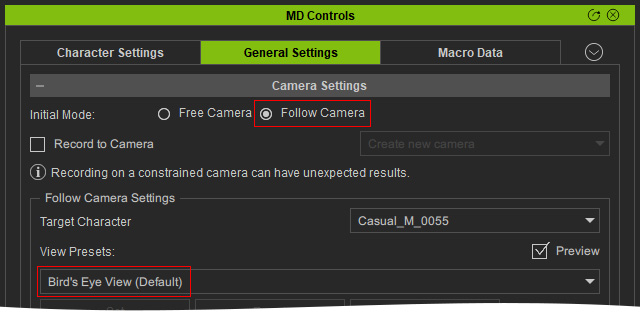
Enter Motion Director mode and the camera will follow the character in 3rd-persion
perspective.
Follow Camera (Bird's Eye View) with Locked Rotations
By enabling Lock Rotate, the camera adopts the
transformational movements of the character, including its orientation.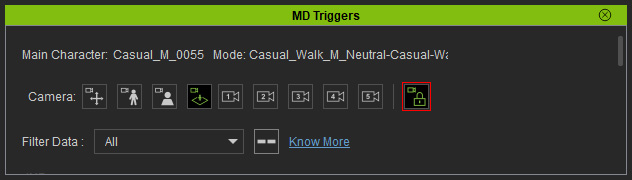
Enter Motion Director mode and the camera not only follows the character, but also rotates
with the character.
