Interactions for Player Control and Control on Path Modes (New in version 8.5)
The characters in Player Control or Control on Path modes, can interact with MD props using radial menu commands. For the characters in the Control on Path mode, they will deviate off the path or walkway to interact with the MD props outside of the path.
These modes support all types of MD props.
Interaction with Motions Integrated in MD props
When the interactions start, the character will perform the motions integrated in the MD props.
- Create a scene composed of character with iMD applied and
several MD
props.
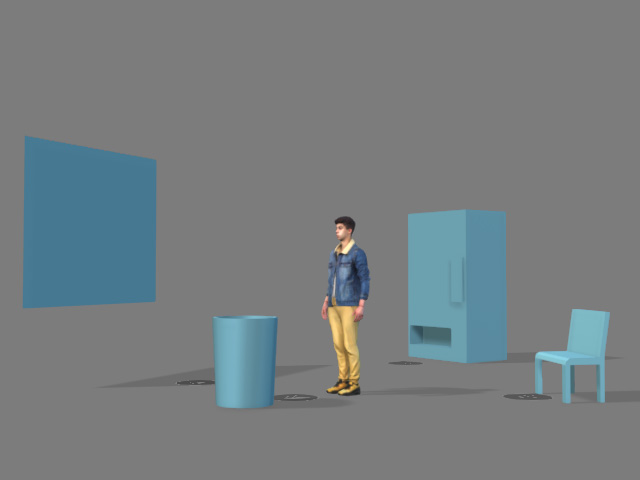
- Initialize MD mode.
- Hover the cursor over the character to highlight it.
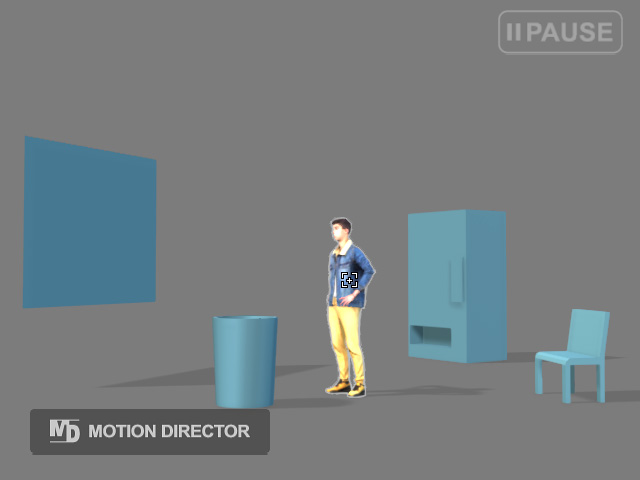
- Click on the character to display the radial menu.
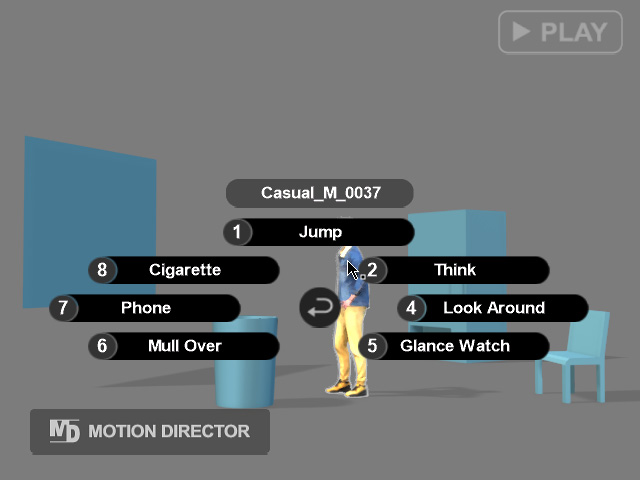
Click the Return button in the center of the radial menu to exit.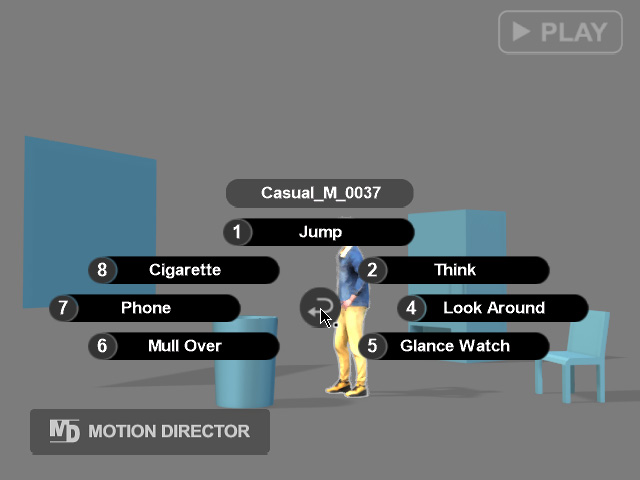
- Click on one of the MD props to display its radial menu.
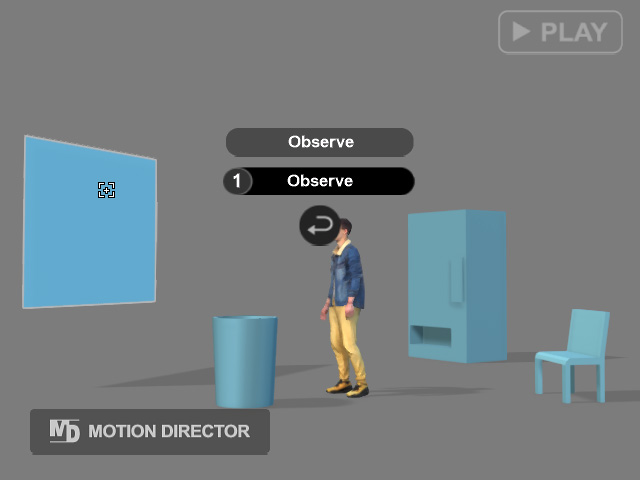
- Click on the desired command to execute an interaction.
- Repeat the same steps to direct the character to interact with different props.
As you can see, when a command is executed before a perform motion finishes, it will be stacked into a waiting list. The commands in the list will be executed sequentially from the bottom.
Interaction with Manually Triggered Motions
For MD props featuring automatic doors, you need to manually direct the character to begin the interaction.
- Compose a scene with a character and an MD prop featuring
automatic sliding doors.
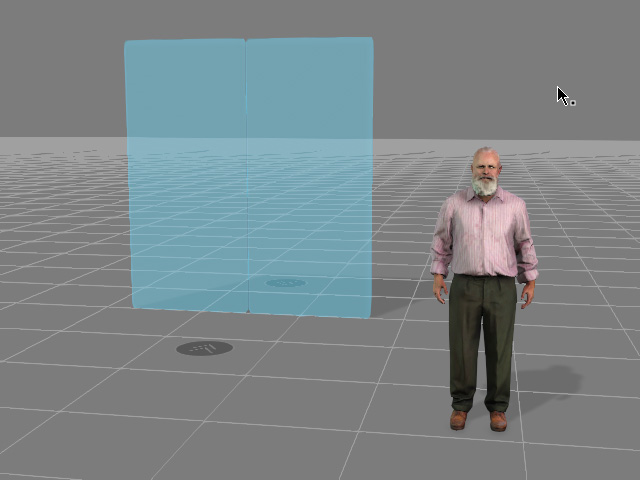
- Initiate MD mode.
- Select the character from within the MD Controls
panel.
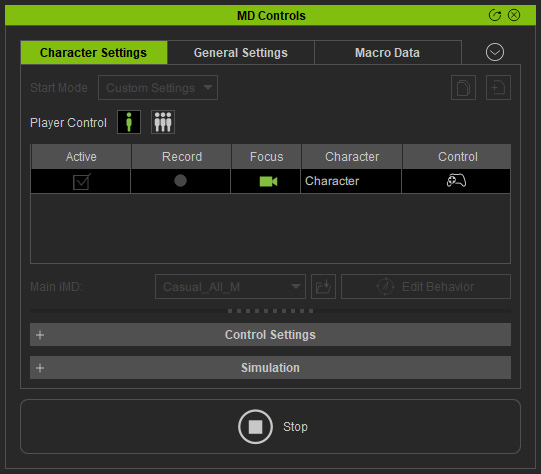
- Click on one of the MD props to display its radial menu.
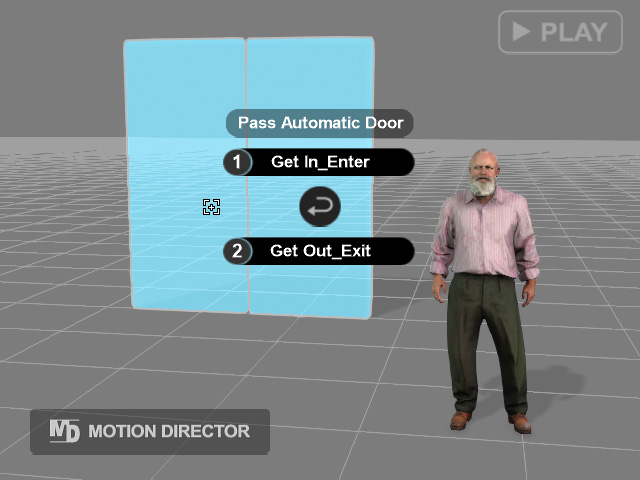
- Choose an interaction to execute. For example, by choosing "Get
In_Enter" the character walks up to the Entrance dummy and waits for
the prop animation to finish.
- When the door opens, use the Alt + Click on the target spot on the ground to direct the character to walk through the door because the entering motion is not integrated into the MD Prop.
