How to set surface for props (New for v. 8.5)
In addition to setting the character's controls to snap it to the props' surfaces, there is an easy and fast method by setting the desired props as the surface for characters to walk on to.
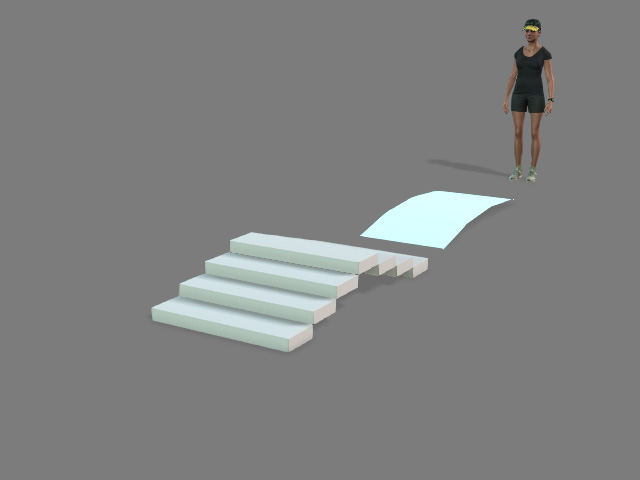
- Apply a character and props in the project.
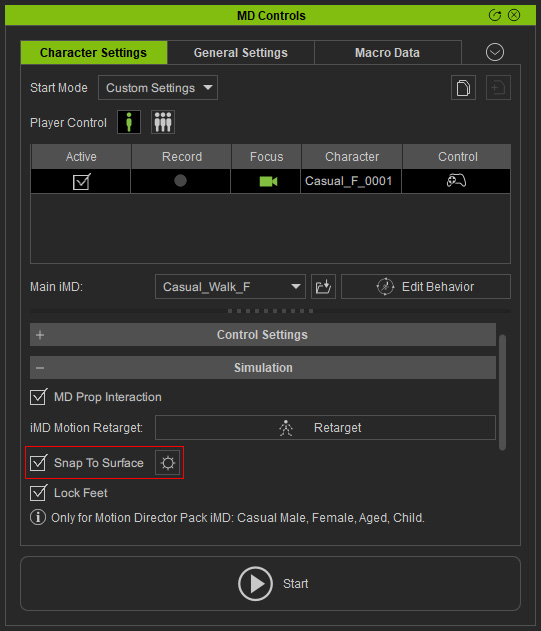
- Select the character, make sure it's Snap to Surface checkbox is activated.
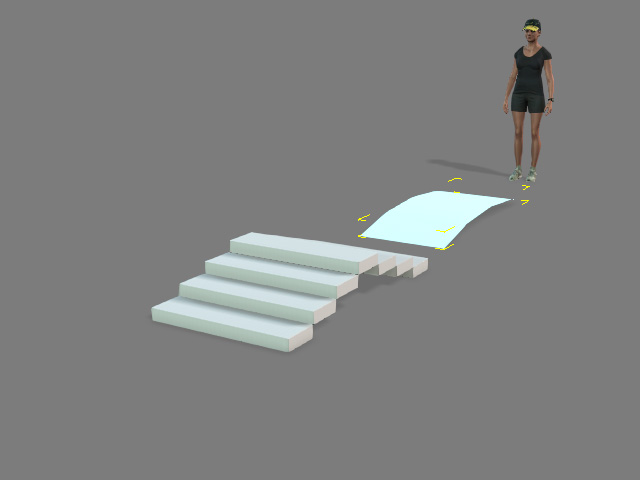
- Select one of the props on the scene.
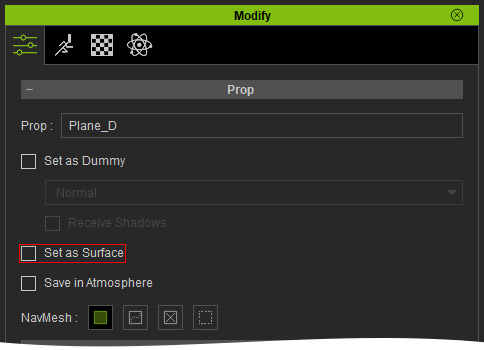
- In the Modify panel, activate or deactivate the Set as Surface check box.
- Start the MD mode and check out the result when the Set as Surface is activated or deactivated.
Set as Surface is activated
Set as Surface is deactivated
