For the sake of the realism, iClone provides many powerful features that
drastically increase the real-time visual quality. However, these features may cause poor
real-time animation editing or playback because they all consume a lot of system resources such as the
Ram Space, CPU and GPU processing power.
The features that increase the visual quality but cause the inferior performance are:
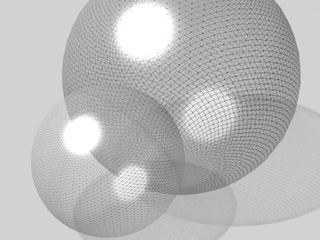
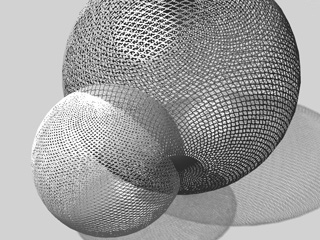
Alpha Transparency: The enhancement for the object with alpha transparency
constantly calculates the layers for each object of this type in order
to get the best results, especially when multiple objects of this
type obstruct or intersect with each other, which can cause a lot of consumption of the system resources
and slow down the performance. A few objects that use this feature are Grass, Particles,
or Character's Hair (with DOF effect), or any other 3D entities that use the Opacity channel for trimming
the appearance.
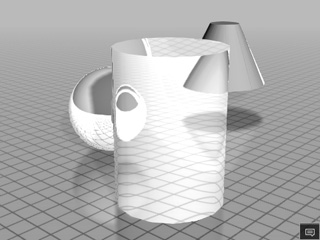
Inferior alpha transparency result for intersected objects in
iClone 5
Better alpha transparency result for intersected objects in
iClone 6
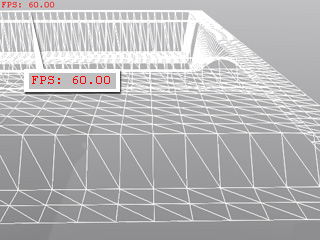
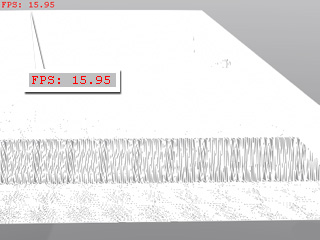
Tessellation: Tessellation can decreases the playback frame rate due to repeated calculation of the tessellated result frame by frame.
Tessellation Level = 1.
FPS = 60.
Tessellation Level = 20.
FPS = 15.95.
Note:
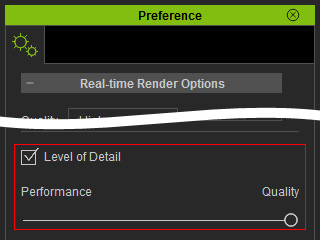
If you turn on the LOD in the Preference panel and
set it to the Quality end, then you may experience slower performance.
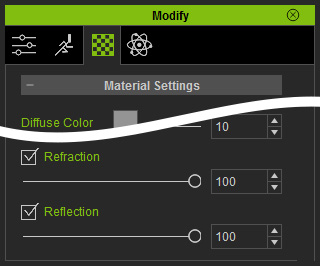
Environmental Reflection and Refraction Settings: If you turn on the Reflection or Refraction
settings other than the Reflection Map or Opacity Map, then iClone will calculate the
environment and then render the result to each of the objects, which will slow down your computer.
Reflection and
Refraction settings
can be found in Modify (panel) >>
Material (tab) >>
Material Settings section.
Amount of Lights: In iClone, you are able to add multiple lights. The interaction between the light and the surfaces that it hits needs to be calculated, therefore an excessive amount of lights can also slow down performance.
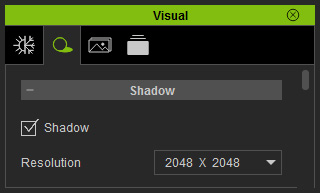
Shadow Resolution: The shadow in iClone is determined by a shadow map. The higher resolution
of the map means a better quality of the shadow. However, it also creates a heavier load on your system resources.
Substance with Animation Keys: The Substance material of a prop contains up to four layers of
different sub-materials. Each sub-material can contain at least a single texture. In addition, generating animation for different layers such as gradual weathering creates an excessive load on system resources.
Optimizing for Real-time Animation Editing
In order to have the best performance when you are authoring animations, you
may need to sacrifice the real-time render quality a little more while keeping the
final render (export) quality.
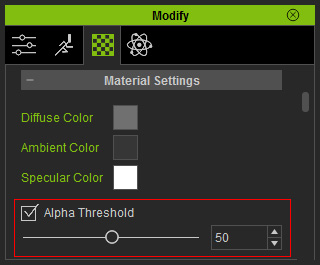
Turn on the Alpha Threshold feature to change the opacity map (alpha
transparency) into binary mode (either black or white) so that the grayscale
area will not be calculated all the time.
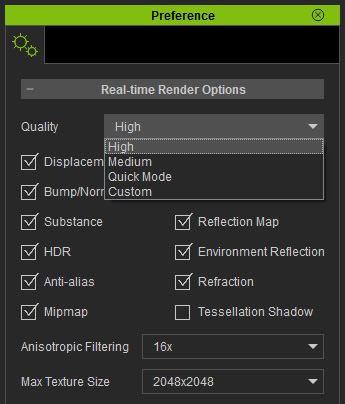
Go to the preference panel and switch the Real-time Render Options
to Medium or Quick Mode to ignore some effect for the preview window.
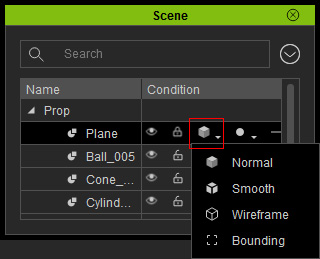
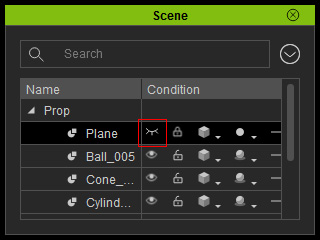
Set the objects that you do not need to edit in the scene to wireframe mode
or even hide them.
Wireframe Mode: This mode for the objects mainly make them for reference.
Hidden Mode: You do not need them for reference and you will not modify them afterward.