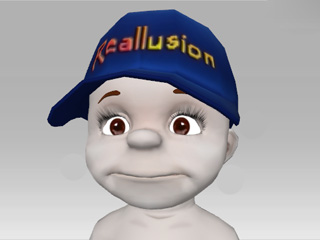
Have a character in selection.
Toggle to the Attribute tab >> Avatar section in the Modify panel.
Access the Facial Features panel by clicking the Facial Features button.
iClone randomizes the 9 facial features from the dummy pane to create a new face.
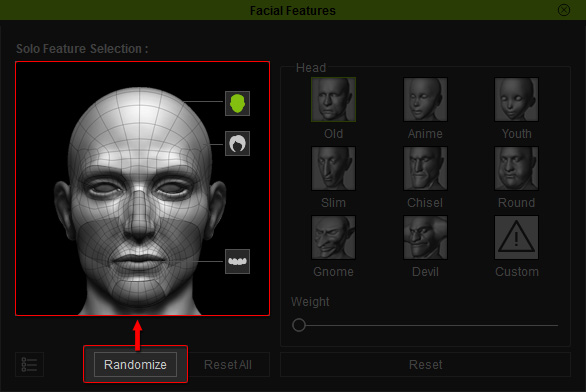
Click the Randomize button to produce randomized facial features.
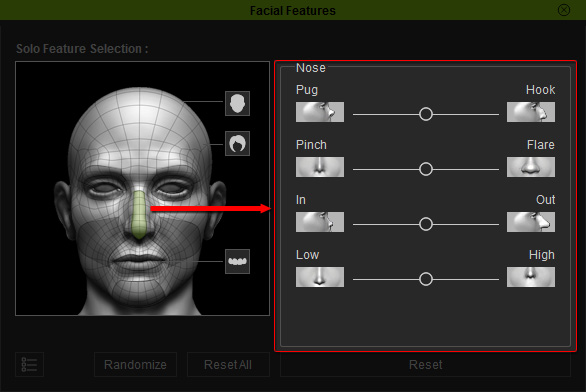
If you are satisfied with the randomized face, but you want to further enhance each feature of the face, then select the facial section in the dummy pane and adjust the sliders to refine the selected area.
A whole new look has been created.