Click the Face Puppet
 button under the Animation tab of the Modify Panel.
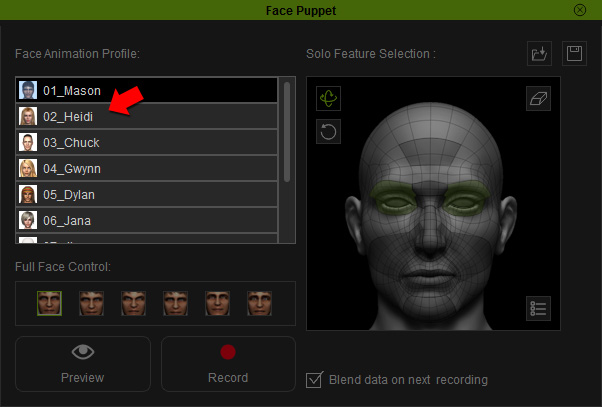
Pick a desired profile from the Face Animation Profile list.
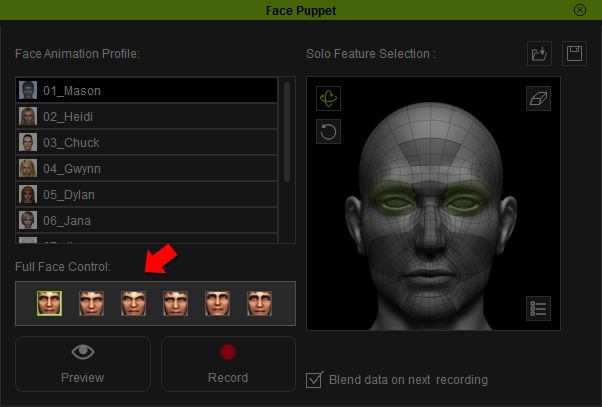
Choose a preset in the Full Face Control list.
|
Note: |
|
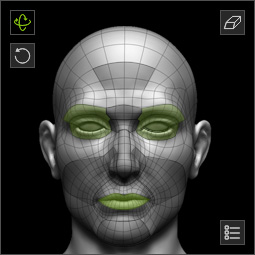
Click the Preview
 button and press the Space bar
to start previewing.
button and press the Space bar
to start previewing.
Move your mouse to puppeteer your model. Press the Space bar again to stop previewing.
Click the Record
 button
and press the Space bar to start recording the motion as
puppeteered by your mouse.
button
and press the Space bar to start recording the motion as
puppeteered by your mouse.
Once the recording stops, a clip will be added into the timeline Expression Track automatically.