Using Ambient Occlusion

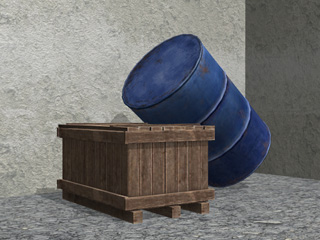
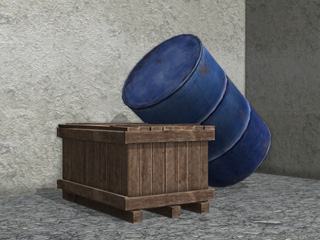
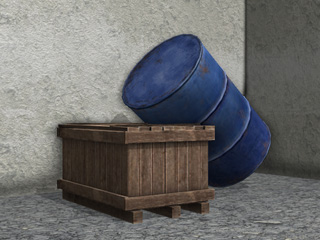
Ambient Occlusion is a shading method in iClone which helps add realism to models and scenes. It enhances edge shadows by simulating the attenuation of light due to occlusion. Ambient Occlusion simply attempts to approximate the way light radiates in real life, especially off what are normally considered non-reflective surfaces.

Enabling Ambient Occlusion

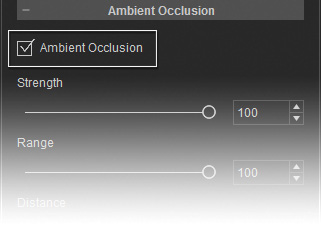
  1. Switch to the Atmosphere tab on the Visual Settings panel.
  2. In the Ambient Occlusion section, enable the Ambient Occlusion box.

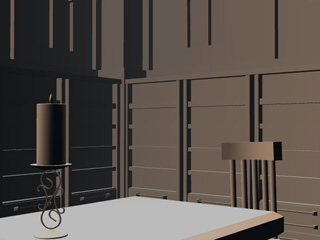
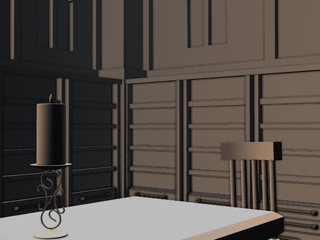
    Rendering State: Smooth

    Ambient Occlusion = Off

    Ambient Occlusion = On

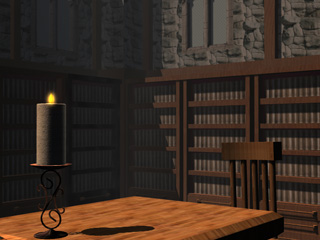
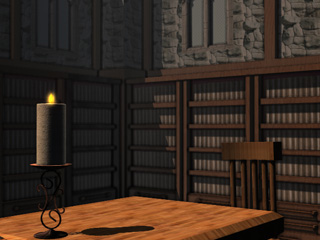
    Rendering State: Normal

    Ambient Occlusion = Off

    Ambient Occlusion = On

Modifying Ambient Occlusion