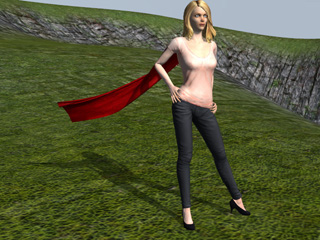
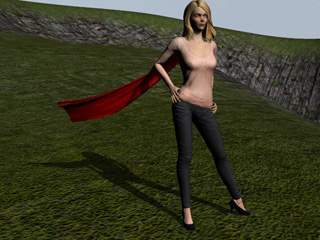
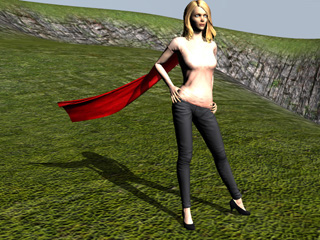
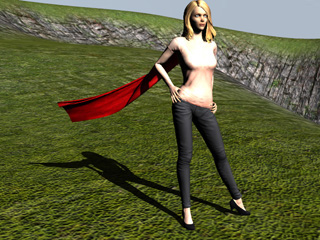
Shadows take a very important part in every scene. They not only indicate the directions of the light, but also create atmospheres in the environment,
and emphasize the existence and mass objects in the 3D scene.
You may combine several features in iClone to darken the shadows, in order to
generate a high contrast feeling of light, such as at noon time.
Darkening the Shadows
Prepare a project with default light. Activate the Shadow option. By default, the shadow is not very strong.
Switch to the Atmosphere tab in the Visual Settings panel,
and select a darker color for the Ambient Light in the Ambient Light section.
Select the light in the Scene Manager.
Go to the Modify panel and increase the light strength by adding the value of Multiplier in the Light section.
Click the Shadow Settings button to increase the shadow Opacity in the Visual Settings panel.