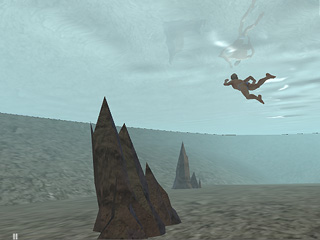
Start = 0
End = 3500
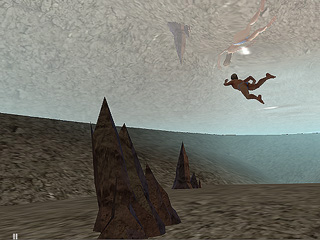
Start = 1500
End = 3500
If you want to create a mysterious or eerie atmosphere for underwater scenes, you can turn on the Underwater Fog feature. Please see Basic Water Parameters - Color and Basic Water Parameters - Wave before this section.
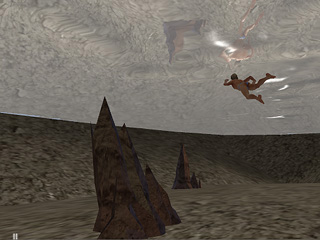
Underwater Fog OFF
Go to the Modify panel and then scroll to the Advanced Water Parameters section.
Check the Underwater Fog box.
Click the color picker and select the desired fog color.
Enter a value for Start to specify where the Fog starts.
Specify the value for End to specify where the Fog ends.
|
Start = 0 |
Start = 1500 |