|
|
|
|
AVI RAW |
(32-bit) WMV |
(64-bit) WMV |
The general output settings for Video and Image are described in this section.
|
|
|
|
|
AVI RAW |
(32-bit) WMV |
(64-bit) WMV |
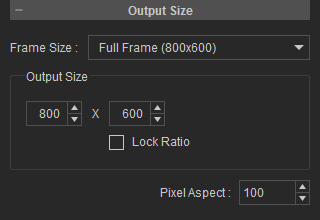
You can define the size of the exported image in the Output Size section. To define output size, You may select either a standard size from the Frame Size drop-down list or define a custom size by entering the height and width, in pixels, in the Output Size boxes.
Please note that if you activate the Lock Ratio box, you can only adjust the width of the project while the height is updated automatically in current ration.
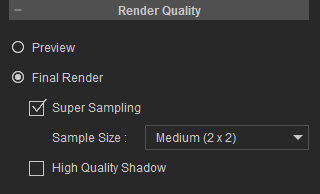
The render quality can be set to Preview or Final Render using the radio buttons. You may enable the Super Sampling and/or High Quality Shadow boxes to enhance the quality of the exported media.
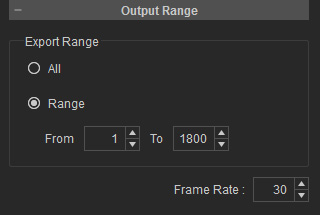
You can either export the entire video, or a specific range of frames. Select the output range using the radio buttons in the Output Range section.
