Camera - Look At

It is hard to keep the camera stable while aiming at an object in a scene. Thus, iClone introduces the Look At feature for the camera to achieve this goal in several simple steps.

  1. Select the desired camera in the Scene Manager.

  2. Go to the Modify panel >> Look At section, click the Pick Target button.

  3. In the 3D viewer, click on a target.

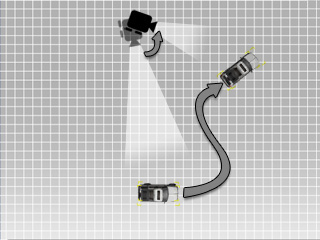
  4. Move the target object away to see the result.
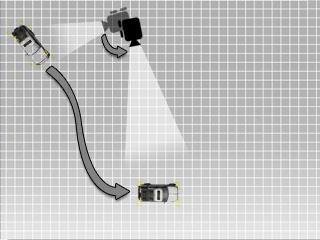
  5. The camera is driven to rotate and follow the moving car.


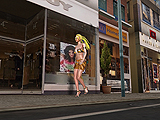
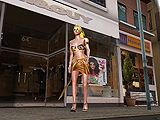
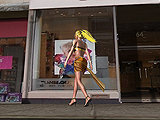
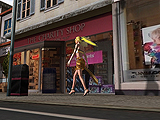
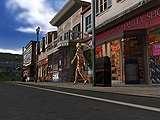
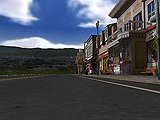
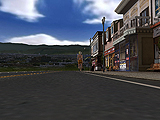
Example: A lady walks down the street with the camera following her.


Note:

  • You may have the camera Look At the target object over a fixed period of time and use Set Free outside the time range to stop looking at the object.