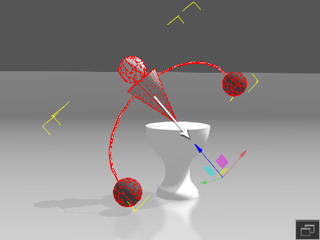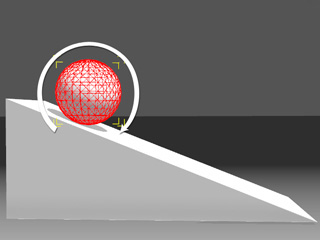
Friction, collision and bouncing are generated by the bounding mesh of the object.
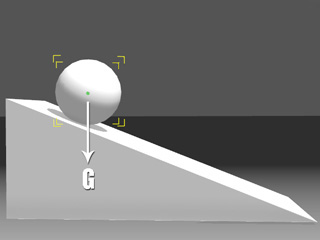
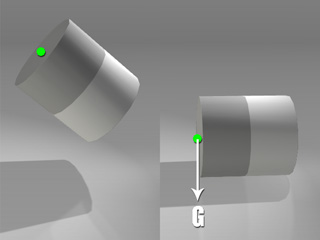
Gravity forces the mass pivot to drag the object down towards the ground.
Each 3D entity has its own pivot, which is the base for prop-puppeteering, transforming, rotating and scaling. When generating physics animations, your prop also has one more pivot, which is called the Mass Pivot. These two pivots can be located at different positions of your prop, and the Mass Pivot has a strong influence on the physics rotation of any rigid body object.
When a rigid body rotates, it's bounding mesh determines the angle of collision, bouncing, and friction. It is also affected by the Mass Pivot. It is forced to fall along gravity's direction until the bounding box is frozen via a state change to a static object.
|
|
|
|
Friction, collision and bouncing are generated by the bounding mesh of the object. |
Gravity forces the mass pivot to drag the object down towards the ground. |
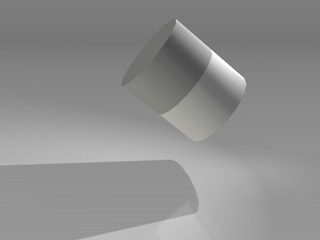
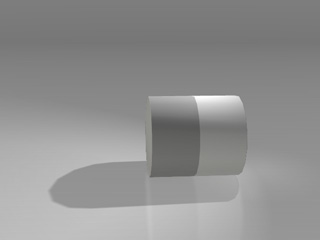
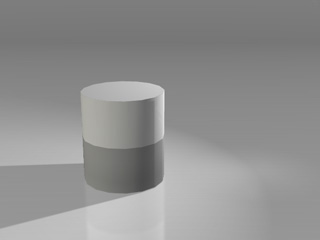
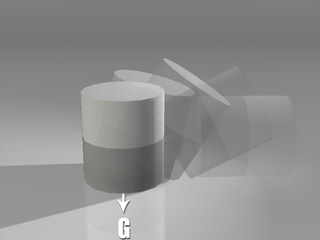
The position of the mass pivot affects the rolling behavior of all objects in any shape, especially cylinder and capsules. If the mass pivot of an object is in a strange place, the object may never appear to tumble.
|
|
The real simulation result. |
|
|
|
The mass pivot is pulled by gravity. |
The real simulation. |
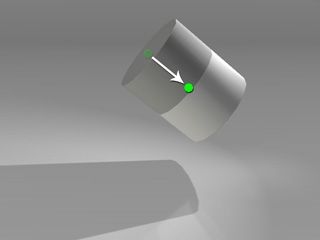
|
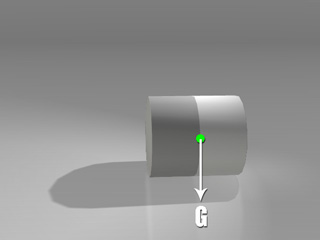
|
|
Move the mass pivot to the center of the object. |
The real simulation. |
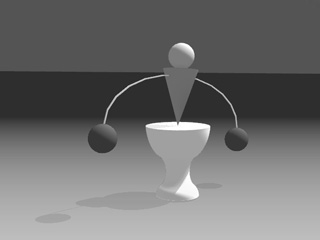
Although the rotation looks awkward when the mass pivot is eccentric, you may utilize it to create a balancing toy.
Because the initial mass pivot is located in the bottom or center of the object, it will cause the toy in the following example to fall directly.
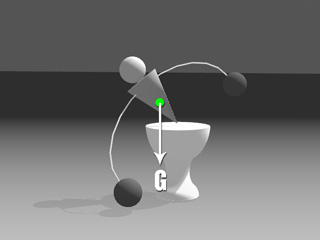
|
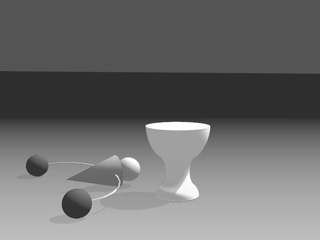
|
|
The mass pivot is at the center of the object. The gravity pulls the object via its mass pivot. |
The object falls. |
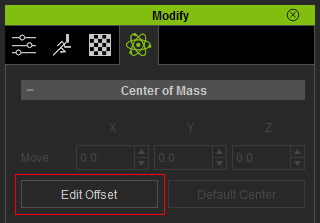
|
Note: |
|
Optionally turn on the gizmo mode (Ctrl + Q) if you want to use the
gizmo to adjust the position of the mass pivot. |
|
|
|
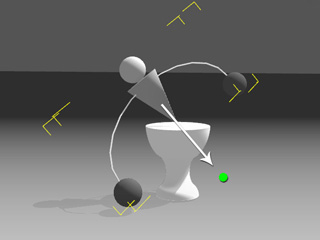
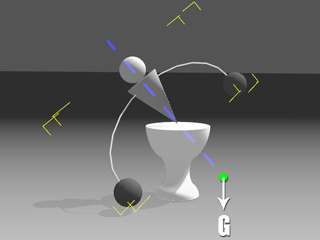
Deflection formed by gravity's direction and the object's blue axis. |
The pivot rectifies the object's orientation and deflection. |