Including Transformation with World Space (New for V6.5)
When you export animations of a specific object, you cannot only export the
animations or motions of it, but also include the transformation data. The
transformation data can be RTS, path, look at, reach, link, or any constrain
keys of the object. In other words, you can export both the
Clip-based and the Key-Switch-based data
simultaneously into an Alembic file.
Alembic with Transform Keys
When an object is having clip-based animations or motions at a certain location in iClone,
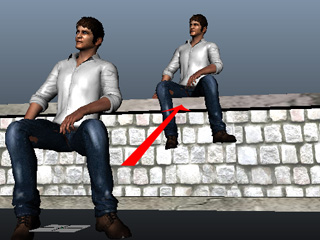
then you can include the location information into an Alembic file to prevent it from re-locating
to the original position in other 3D tools.
Create a motion of an object (in this case, a character) with RTS (rotation,
transformation, scale) data.
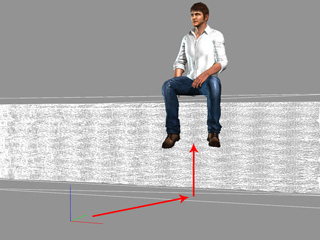
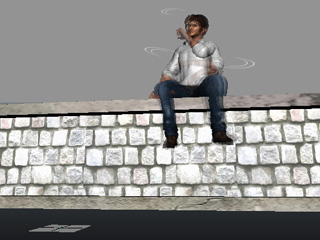
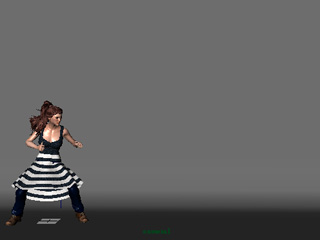
The character with motions is offset from the world
center.
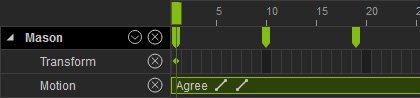
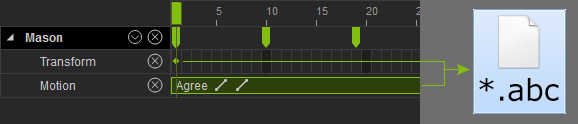
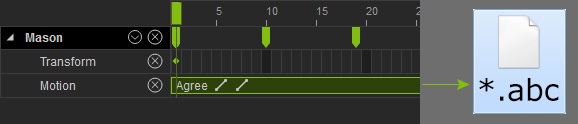
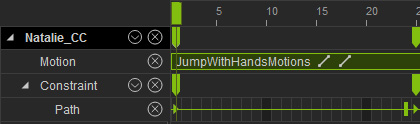
Two types of data in the Timeline
(motion clips and transform keys).
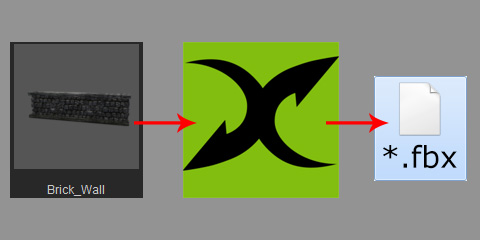
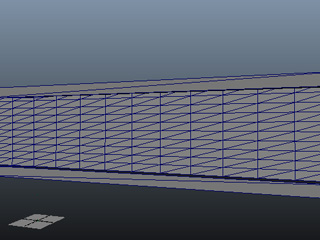
Export the static scenery into an FBX file through 3DXchange for use in
other 3D tools.
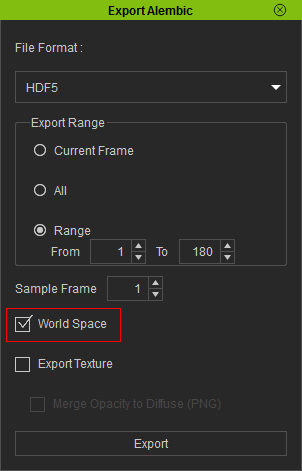
Go back to iClone, select the animated object and execute File >> Export Alembic.
In the coming panel, activate the World Space box.
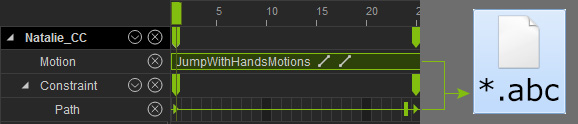
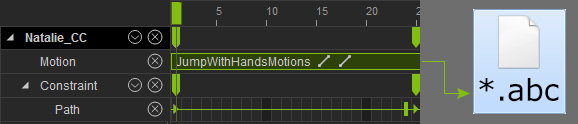
Click the Export button to save the clip-based data of the character with the
path keys into an Alembic file.
Note:
If this box is not activated, then only the clip-based data will be
included within the Alembic file.
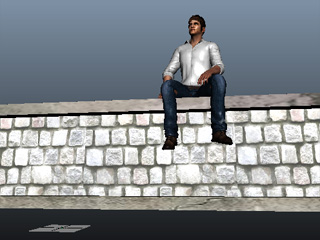
Load the scene in FBX format exported from 3DXchange.
Load the Alembic file into any other 3D tool (in this case, Maya)
and apply a material to it.
Render to create the video.
Note:
If this box is not activated, then you have to manually re-locate the
object before rendering the entire project in the 3D tool.
Alembic with Constrain Keys
Given an object with constrain keys in iClone, you can include the
key effects into Alembic in order to re-build the effect in other
3D tools.
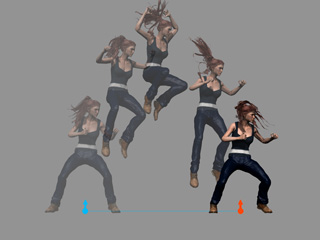
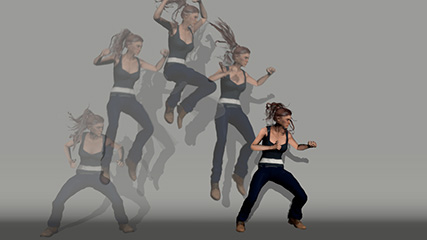
The original object's motion in iClone (Motion clip combined with path keys).
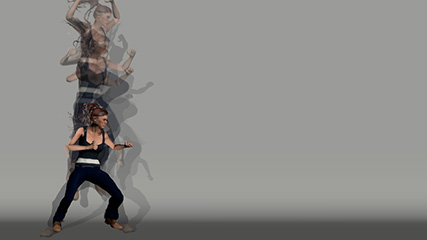
The Alembic file with clip-based data only,
rendered in other 3D tool.
The Alembic file with both the clip-based and key-switch-based data,
rendered in other 3D tool.
Create a motion of a character with transformation data (in this case, path keys).
The original object's motion in iClone (Motion clip combined with path keys).
The two types of data in theTimeline
(motion clip and path keys).
Select the character and execute File >> Export Alembic.
In the coming panel, activate the World Space box.
Click the Export button to save the clip-based data of the character with the
path keys into an Alembic file.
Note:
If this box is not activated, then only the clip-based data will be
included within the Alembic file.
Load the Alembic file into any other 3D tool (in this case, Maya).