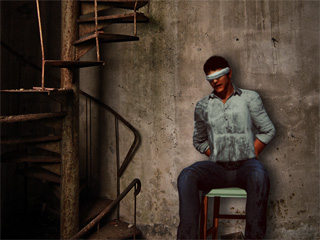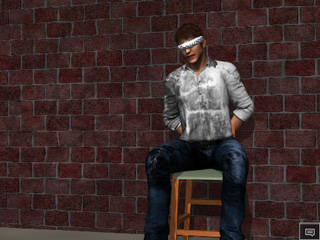
Combining 3D Rendering with Alpha Channel on a 2D Background
(New for 1.03)

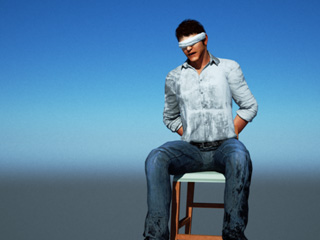
By combining the Indigo Shader (in iClone) and alpha mask features (in Indigo), you are able to render images with Alpha Channel, which allows you to compose images that combines Indigo renders with 2D image such as live photography. You can do this by extracting 3D objects from your current scene and using proper lighting to add them into another image.

Note:

Please note that this method is suitable for creating a static image, not for video.

  1. Create a project in iClone.
  2. Select the objects you want to make up your background. In this case, there is a brick wall as a background.
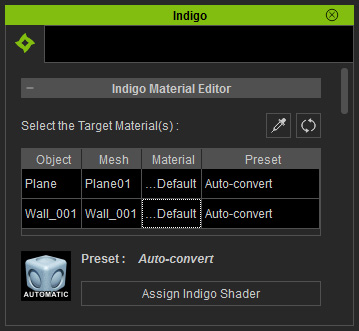
  3. In the iClone Indigo Render Settings panel, multi-select the materials of the object described in the previous step from the list.
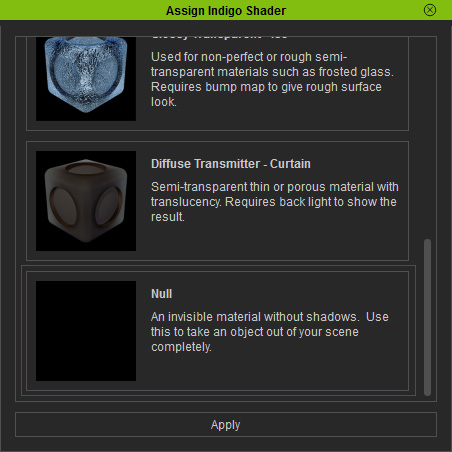
  4. Click the Assign Indigo Shader button below the list to show a library of embedded shaders.
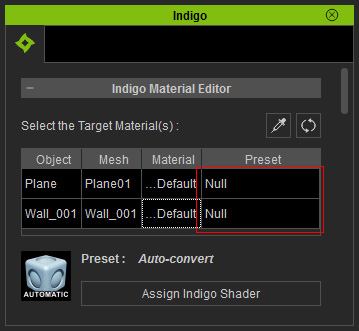
  5. Pick the Null from the library and then click the Apply button at the bottom of this panel.
  6. You can see from the list that the material will be replaced by a Null shader.
  7. Render the scene again in Indigo.

    Note:

    Although the wall and the floor are not rendered because they are assigned with Null shader, the default Indigo background is still rendered into the image.

  8. Click the Stop button to stop the rendering process.
  9. In the iClone Indigo Render Settings panel, activate the Foreground Alpha checkbox (New for 1.03).
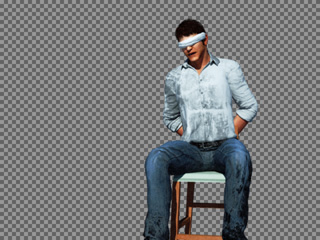
  10. Click the Render Button again to start rendering. The background will be replaced with a checkered pattern, indicating it is transparent.
  11. Save the image in PNG format, and the alpha information will be automatically saved as well.
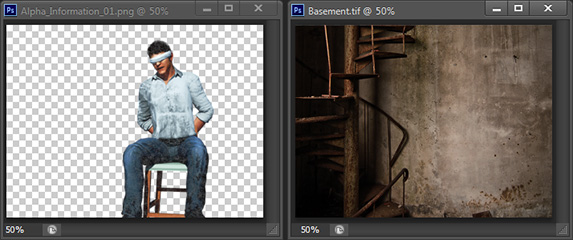
  12. Open this rendered image and another prepared background image in your favorite photo-editing tool.
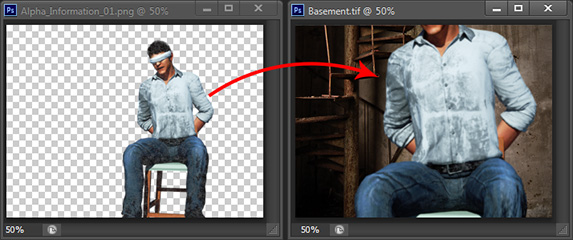
  13. Layer the rendered image onto the background image.
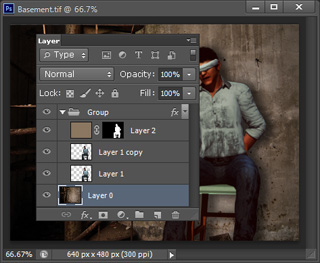
  14. Adjust the layered image, including the size and the tone, to fit into the background.
  15. Export the final image. You have just successfully composited a 3D render on top of a 2D image.