Link Track
Setting keys on the Link track can make an Actor, Prop, Camera or Spotlight/Point Light link to a target at one point in time and then link to another target or unlink at another point in time. Thus the transition of an Actor, Prop, Camera, Spotlight/Point Light comes from the target's moving and rotating animation even though they may or may not be static. Please refer to the Link section for more information.
- Pick the crate and go to the desired frame to link it to the forklift.
- In the Modify panel, scroll to the Linkage section.
-
Click the Pick Target button and click on the
forklift. You may optionally align the crate to
the forklift if its position is not adequate.
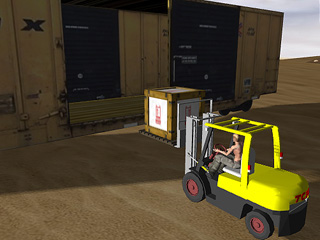
-
Go to another frame, click the Pick Target button
again, and then click on the train as the new target.
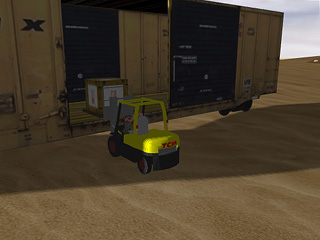
-
The crate will be brought away by the train afterward.
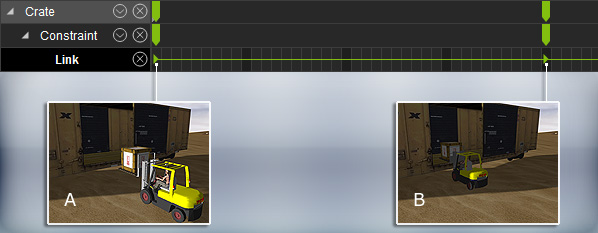
A: Link the crate to the forklift
B: Link the crate to the train
