Organization Node
The Organization node is used to manage the graph layout. You can establish nodes in a new sub-graph, or group nodes sharing the same parent for better observation and convenient adjustments.
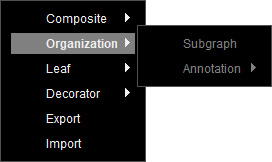
Right-click on the empty area of the Behavior Tree Graph, and select Organization to show the node options: Subgraph and Annotation.
 Subgraph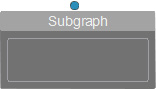
- Creating a Subgraph: You can rename the sub-graph in the Parameters sections on the right panel.
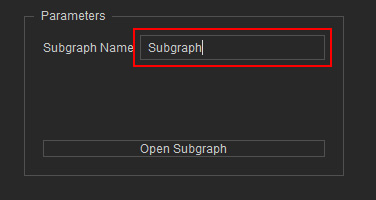
- Accessing a Sub-graph: Click the Open Subgraph button to enter the selected sub-graph. To navigate back to a previous graph, click the ←Parent Graph button near the top-right corner.
- Upward Linking: In the behavior tree, this node can serve as the first child node of the Root, or as a child of any Composite or Decorator node.
- Downward Linking: This node functions as a special type of leaf node. Instead of linking to child nodes directly, it encapsulates them within a new graph.
Annotation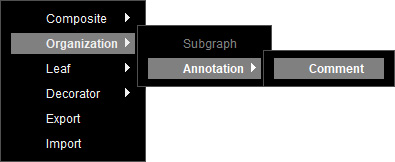
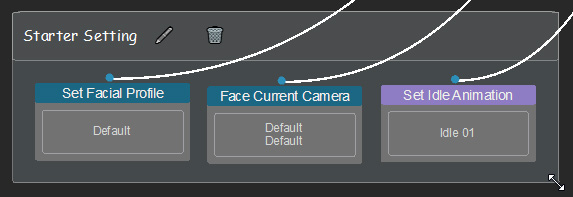
- Comment

- Renaming: Click on the brush icon to rename the node.
- Removing: Click on the bin icon to delete the node.
- Creating a Group: Drag on any corner of this node to make it bigger to include other nodes.
When other nodes are completely inside the group, dragging the group will move all nodes at once.