Keeping Elbow and Knee Angles
AccuPOSE generally positions elbows and knees within natural ranges and angles. However, if the positioning feels too conservative or you intentionally want to break biomechanical norms, disable AccuPOSE adjustments.
- Create a posed character.
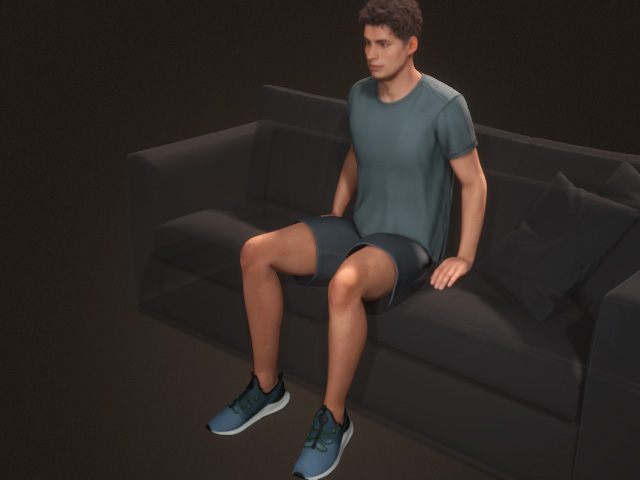
- Select the character and open the AccuPOSE panel.
- Reposition the character's elbow with
the Control Panel.
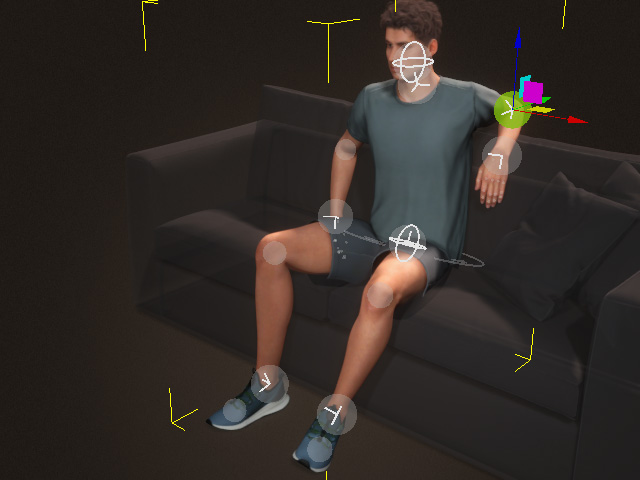
The dummy's elbow will be automatically set to manual translation.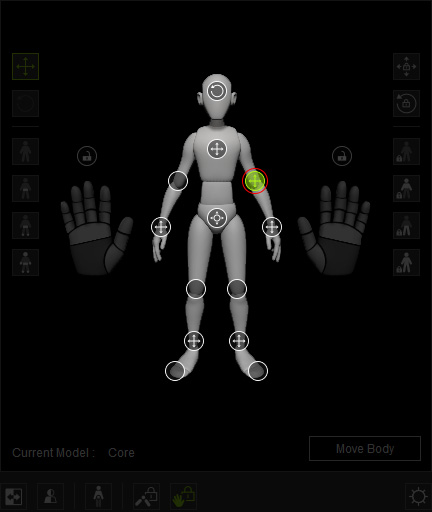
- You can keep elbow or knee adjustments depending on the
situation.
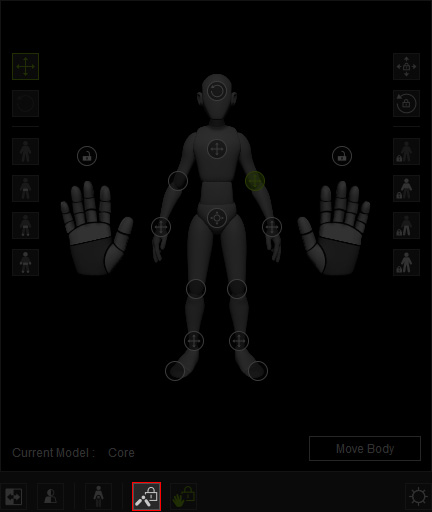
- Drag to reposition the hand. The elbow position will be
computed, while ignoring the elbow and knee adjustment settings.
Keep Elbow & Knee Adjustments is activated
Keep Elbow & Knee Adjustments is deactivated
** If you deactivate the feature, then the elbow's state will become fully computed .
. - Repeat the previous steps for the knee.
Keep Elbow & Knee Adjustments is activated
Keep Elbow & Knee Adjustments is deactivated
