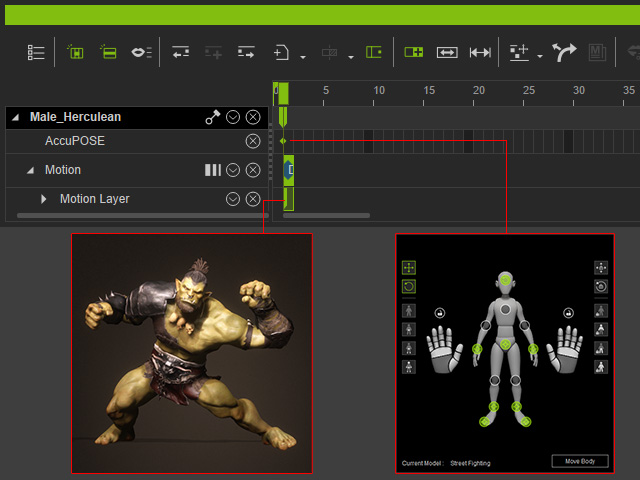
Working with Normal Poses
Certain poses can be transformed into AccuPoses to take advantage of the IK constraints for natural and organic motion.
- Deploy a character.
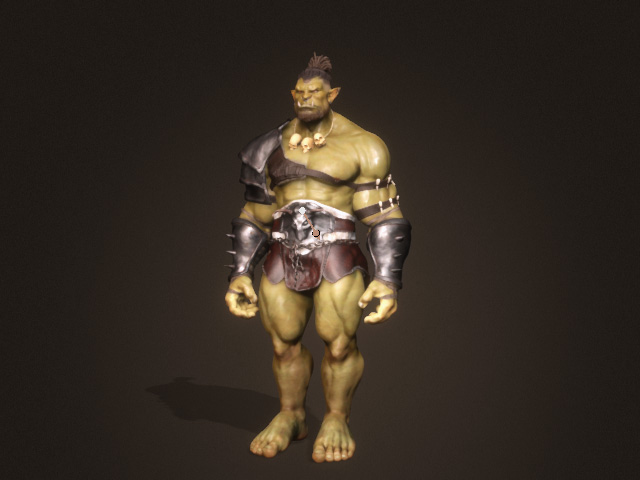
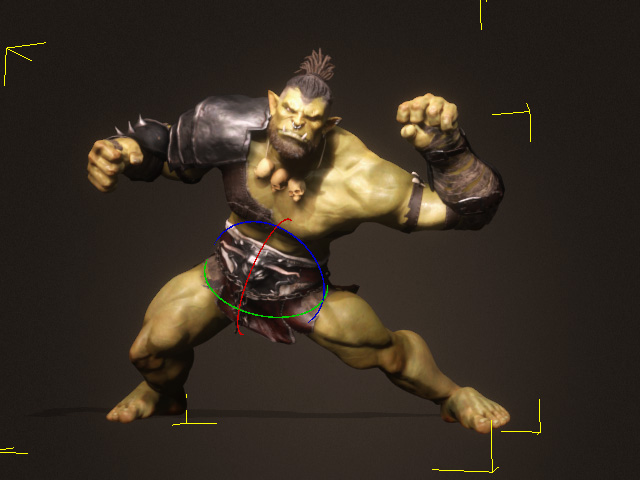
- Select the character and pose it with Edit Motion Layer.
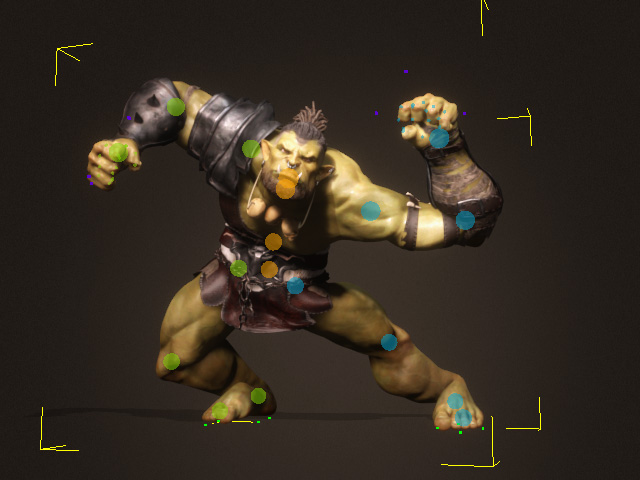
There may be some flaws that needed adjusting.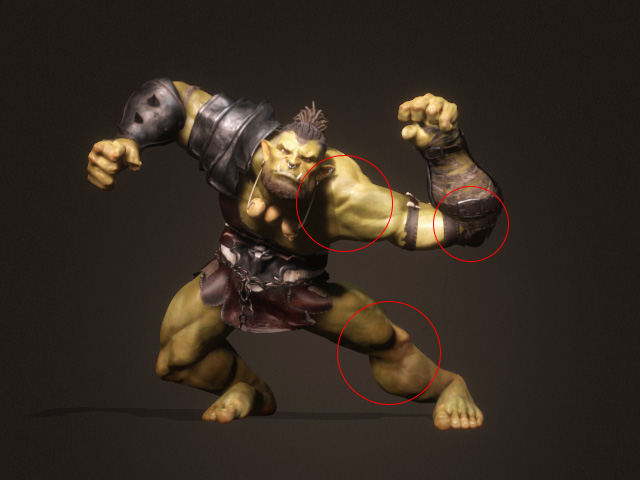
- Launch the AccuPOSE panel (shortcut: 9)
and switch to the Control Panel tab.
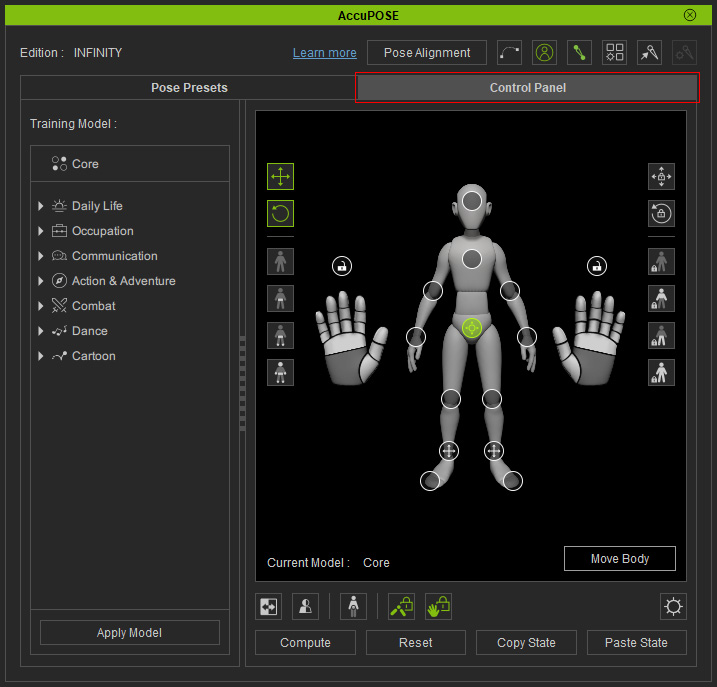
- Pick the control points on the dummy diagram and set their states.
You can mask out translations and/or rotations to remove influence
from AI computation.
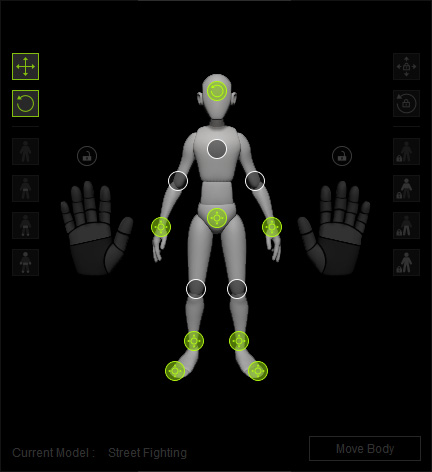
- In the INFINITY Expansion pane, choose a
training model.
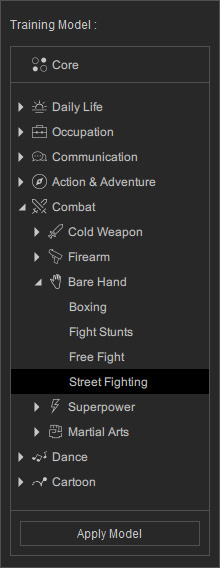
- Click the Apply Model button to have AccuPOSE
make corrections to the pose.
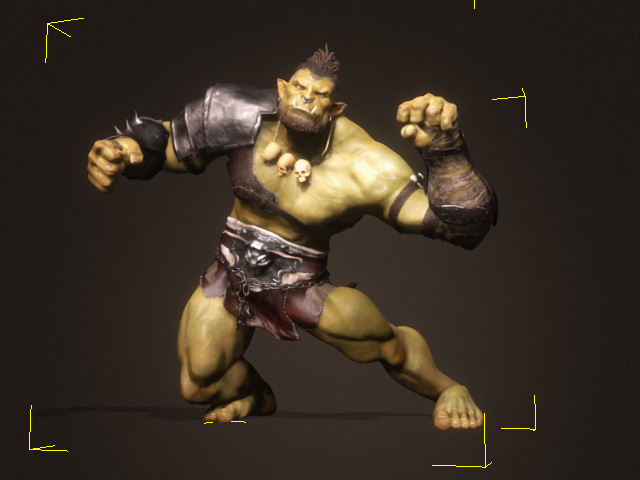
- You can then fine-tune the pose manually if necessary.
- The pose data will be kept in the Edit Motion Layer key, while the
model and control point settings reside in the AccuPOSE key.