Menu Bar
The menu bar on the top of the program contains the main AccuRIG commands as described below.
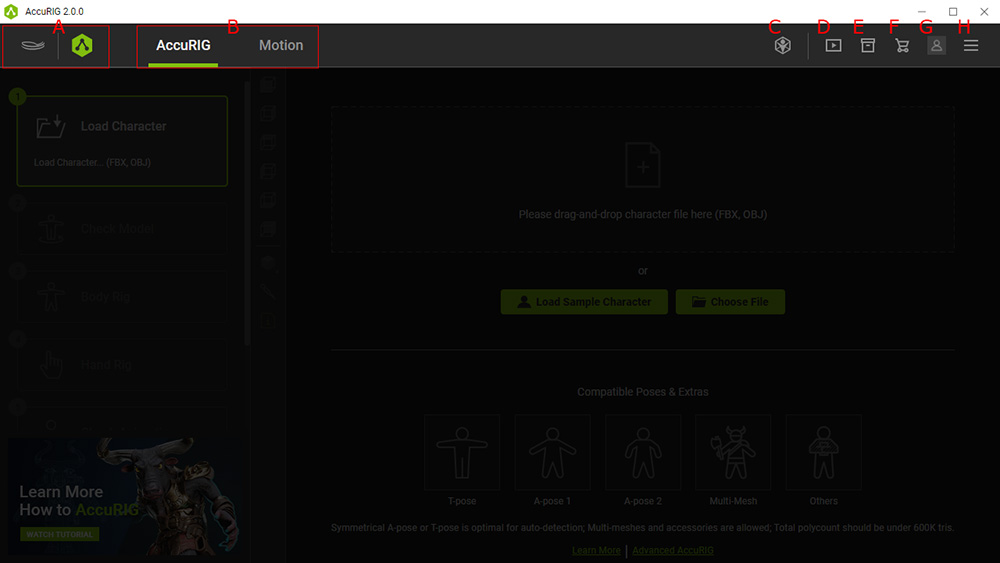
 Product Pages
For visiting the Reallusion and AccuRIG websites.
- Function Tabs
Access to the main features of AccuRIG.
- AccuRIG: Creates the character rigs.
- Add Motions: Applies motions from the ActorCore libraries onto the rigged character.
- Online Store
Visits the Reallusion ActorCore for 3D motions and characters.
- Quick Guide
Tutorial Video for AccuRIG.
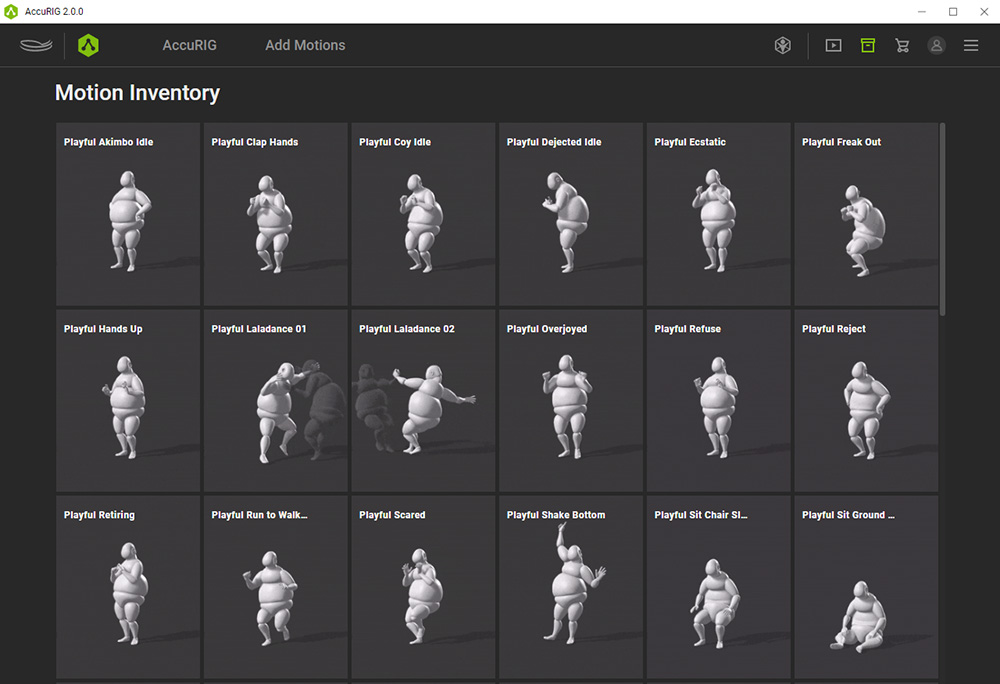
- Motion Inventory
Displays the purchased ActorCore Motions under this sign-in account.
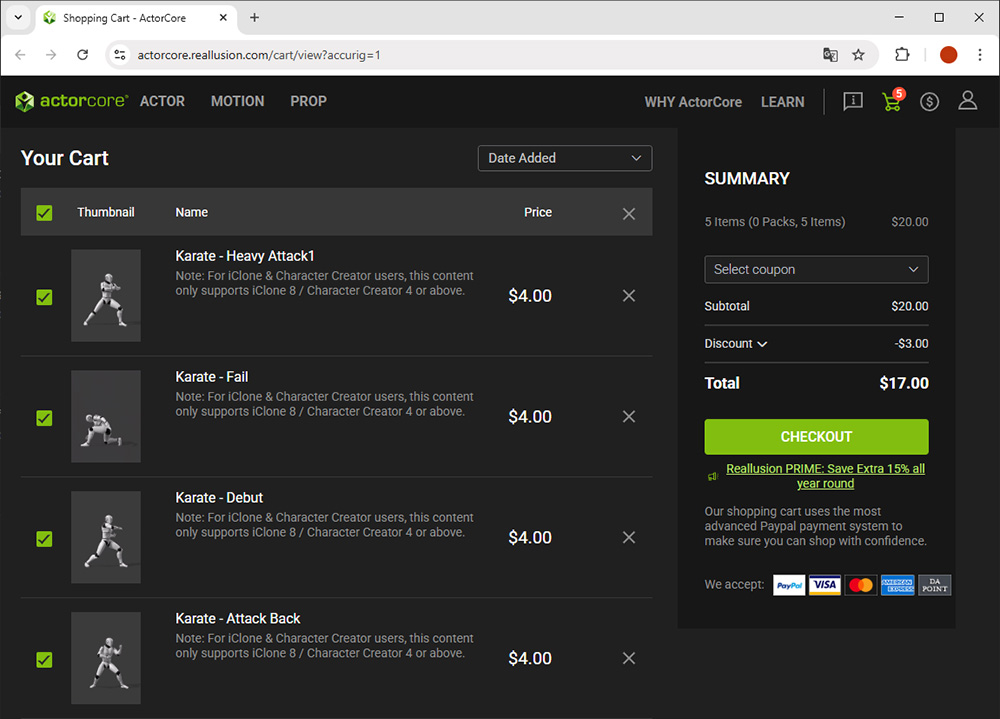
- Store Cart
Launches your shopping cart on Reallusion ActorCore.
- Member Information
Pops up the sign-in account information.
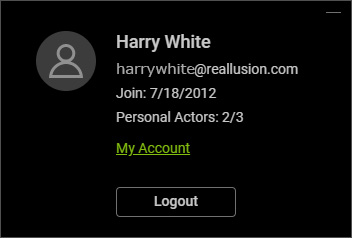
- Click the My Account link to show the complete information on Reallusion Marketplace.
- Click the Logout button to sign in with another account.
- Help
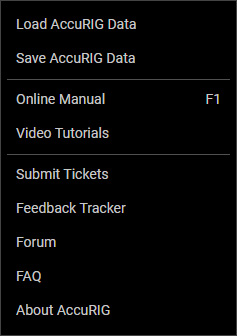
- Load AccuRIG Data / Save AccuRIG Data: Load or save an AccuRIG Data file (*.ini format) within which the joints and their masked data are stored.
- Online Manual / Video Tutorials: Accesses the online manual and tutorial videos.
- Submit Tickets / Feedback Tracker: For filing support tickets with user suggestions and bug reports.
- Forum: For exchanging experiences and ideas.
- FAQ: Shows the FAQ for more information related to AccuRIG.
- About AccuRIG: Shows the product information for AccuRIG.
