Main Menu - File
The File menu on the main menu bar contains all the commands that are
relevant to operating files.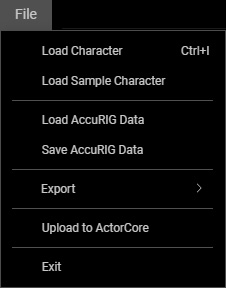
 Load Character
Create a new avatar by loading FBX or OBJ file.
Load Sample Character
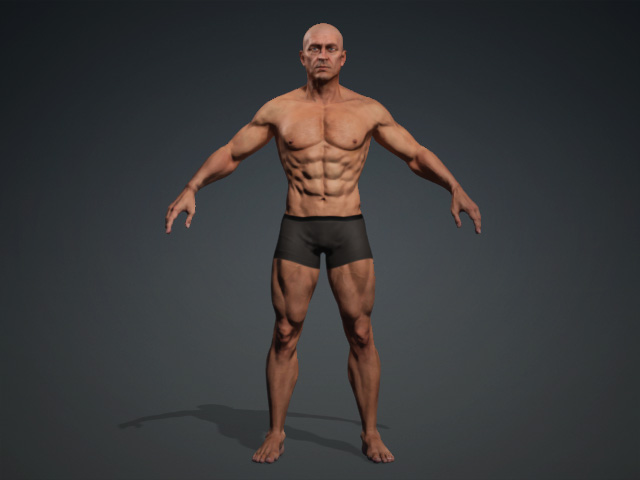
Load one of the three embedded sample characters:
Bianca, Craig or Pete to start exploring AccuRIG.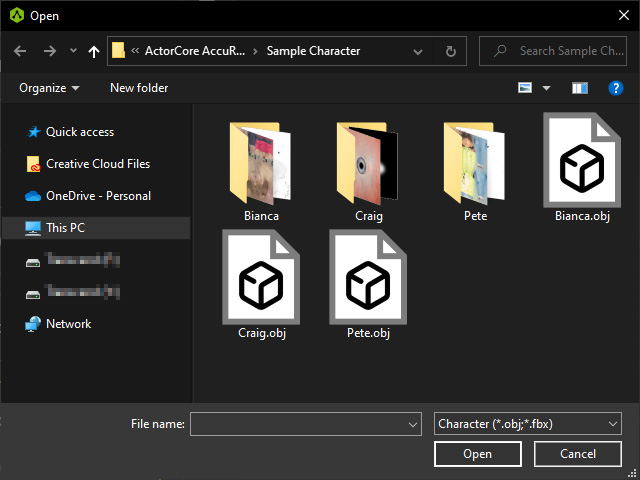
- Bianca’s model is an example of a scanned female character that can be used in AccuRig.
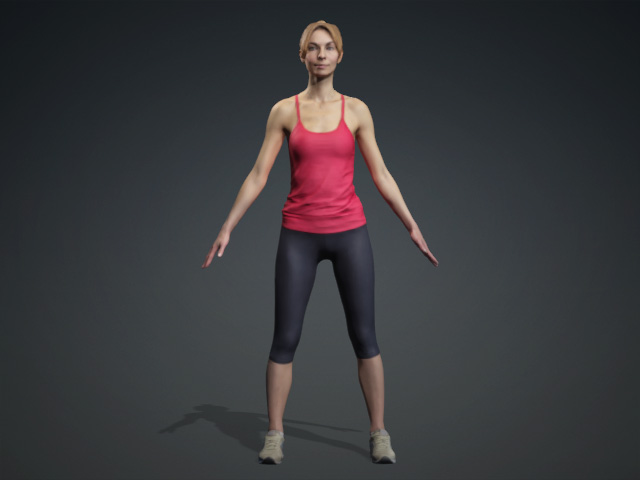
- Pete’s model is an example of a scanned male character that can be used in AccuRig.
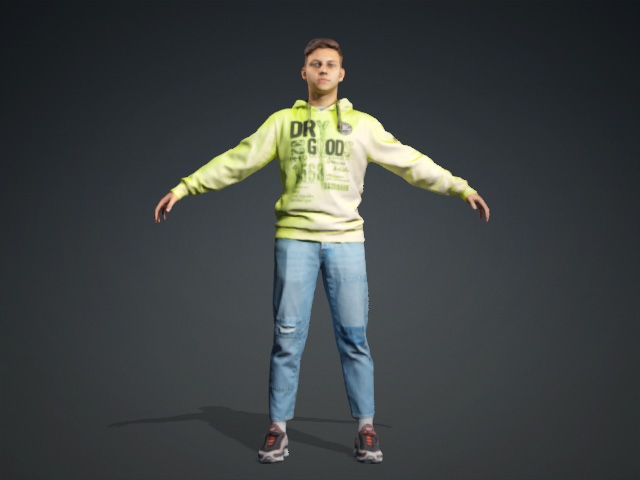
- Craig’s model is an example of a symmetrical character used as a test character for the symmetry tools in AccuRig.
Load / Save AccuRIG Data...
Load or save an AccuRIG Data file (*.ini format) in which the joints and their masked data are stored.
Export
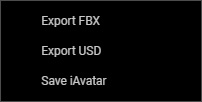
Export the currently rigged character in FBX, USD (for Omniverse), or iAvatar
format.
Upload to ActorCore
Upload the current rigged character to ActorCore website for sale.
Exit
Shuts down ActorCore AccuRIG.
