Quick Workflow Overview
- Complete the rigging of your actor mode in ActorCore AccuRIG, then upload it to your ActorCore account.
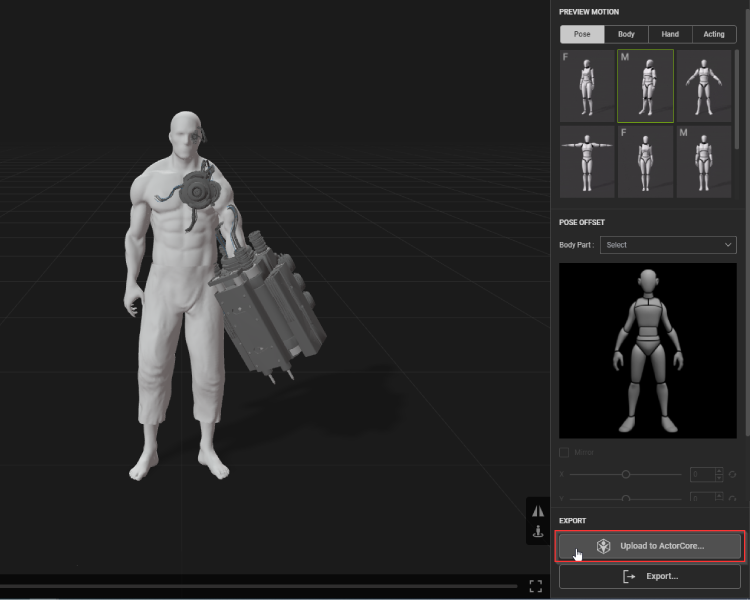
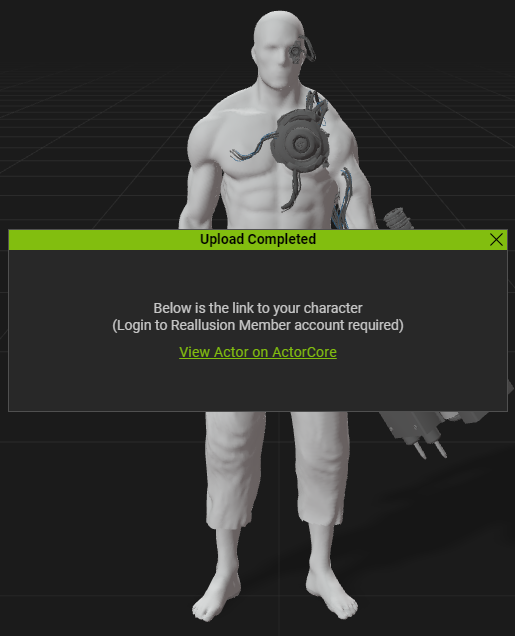
- Once the upload is complete, you’ll receive a link to view it online.
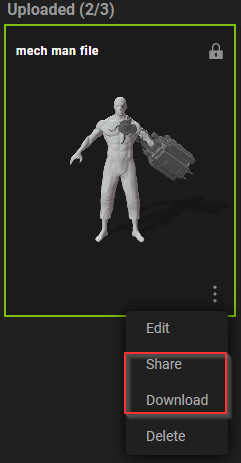
- The updated version of ActorCore will unlock 3 slots for you to upload your actors.

- Once the actors are uploaded, you can start editing its info and apply motions that are available in the store to test out the rig and skin-weights.
.png)
- Finally, you can decide to share the model or download it.

 Note:
Note:- When you click on the additional slot thumbnail, it will take you to a survey page where you will be able to provide feedback and suggestions concerning the new Beta features. Please keep in mind that the extra slot indicator will only appear once you've uploaded the maximum number of actors.
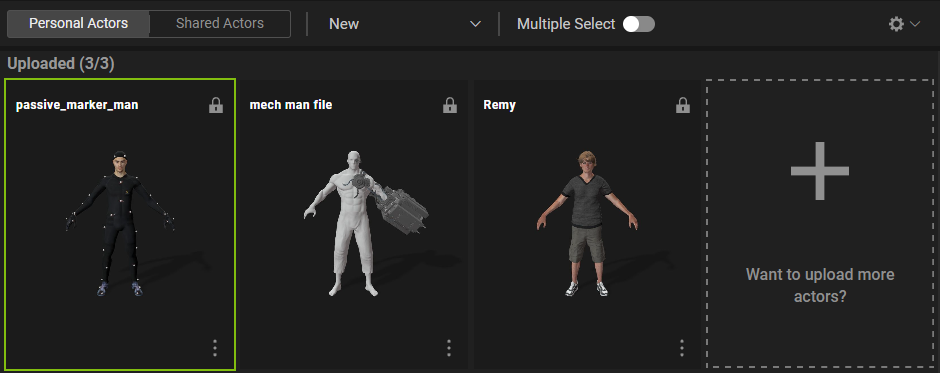
- To improve the new feature, we have limited the number of actors that can be submitted during the beta period to three. This is due to the fact that we respect user feedback and wish to gather comments and suggestions via the survey page. This data will assist us in making future changes to the feature, such as increasing or decreasing the number of actors that can be uploaded.
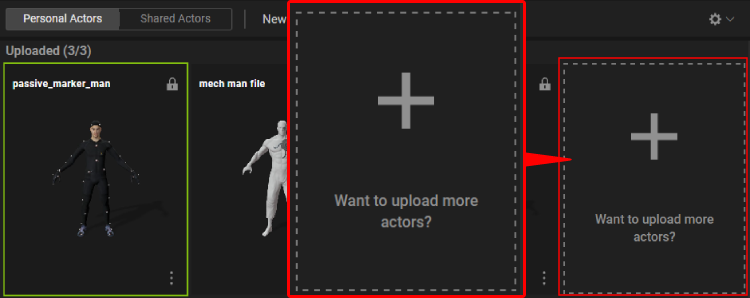
- When you click on the additional slot thumbnail, it will take you to a survey page where you will be able to provide feedback and suggestions concerning the new Beta features. Please keep in mind that the extra slot indicator will only appear once you've uploaded the maximum number of actors.
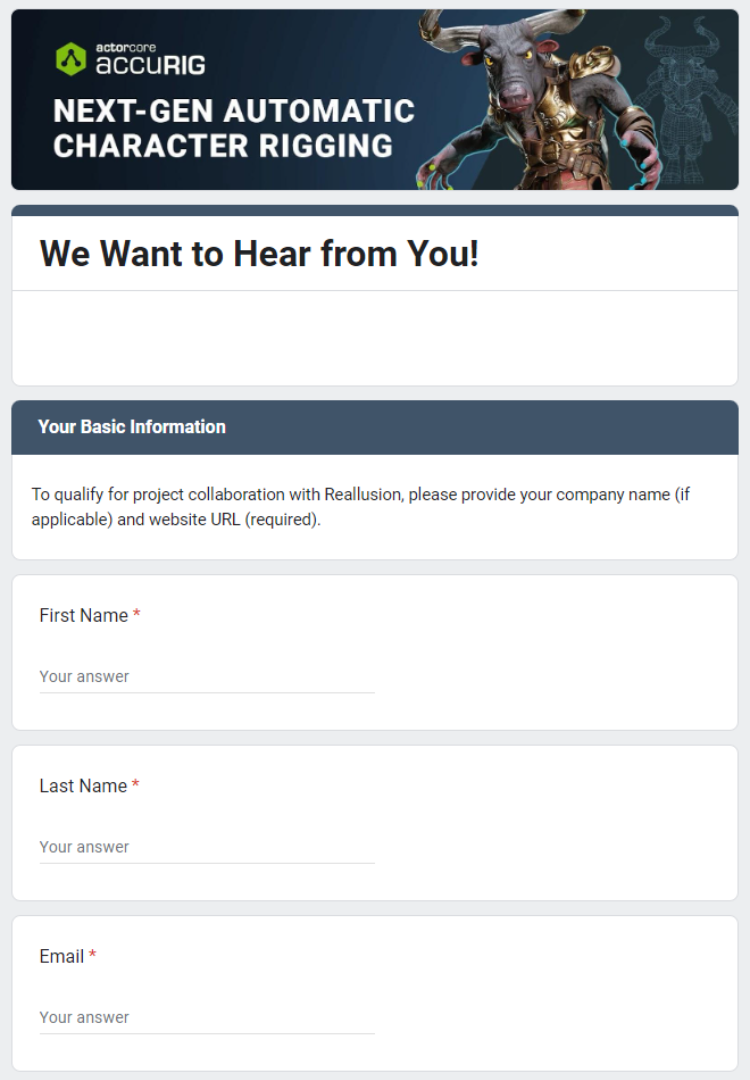
Feedback Survey
The online feedback survey lets you provide comments and suggestions that can guide the improvements to AccuRIG.