Switching Categories
The structure in ActorMIXER system is as the diagram below: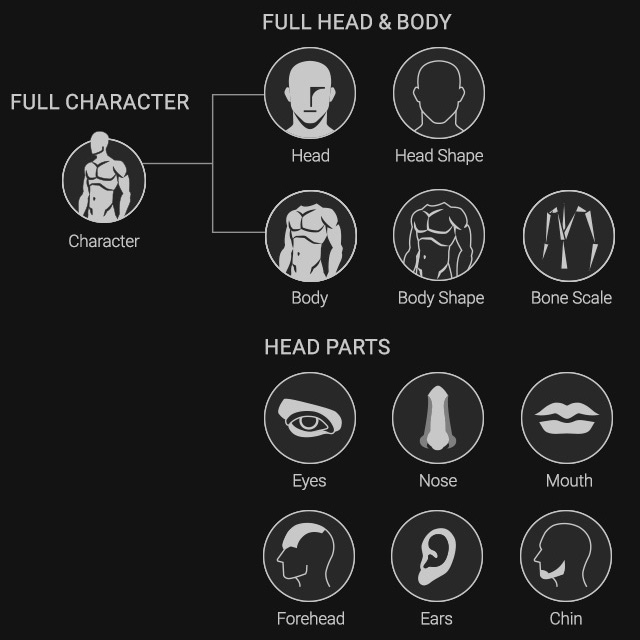
At the top of the ActorMIXER panel, you can switch between different modes to apply transformations specifically to the full character, head, body, facial features, or limbs.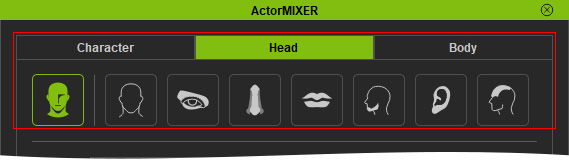
Switching categories can be either in the Editing mode or Mixing mode. Each time a mode is switched, the Wheel targets below will update accordingly.
Character
After switching to Character mode, the targets in the wheel will automatically update to represent the entire character, including head, facial features, and body shape and proportions. 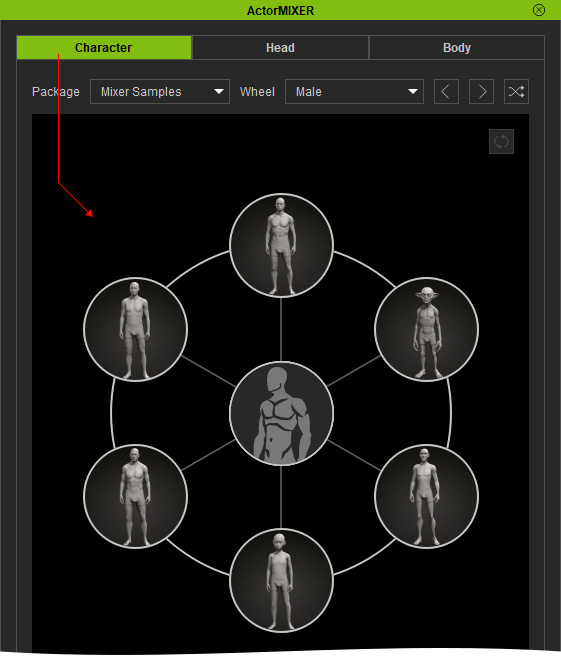
Notice that when you switch to different category, the Content Manager will synchronizing switch to the Character library under the ActorMIXER node as well.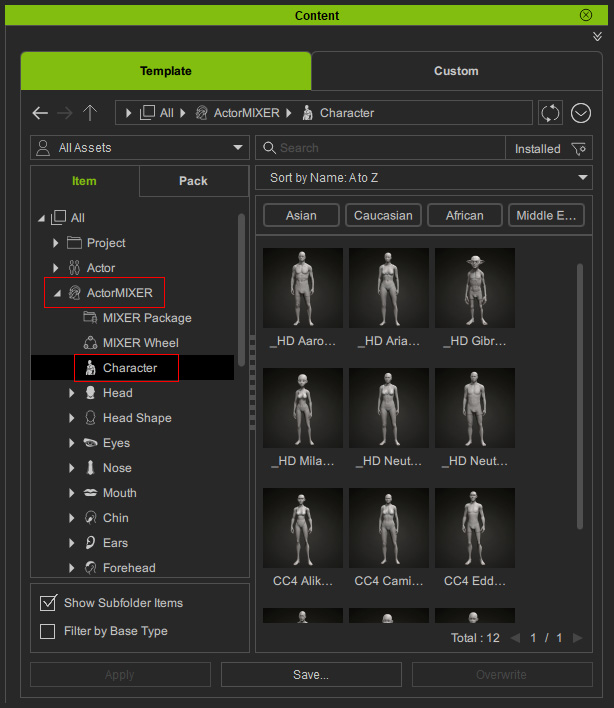
You can drag a template onto a target to customize any wheel.
Head
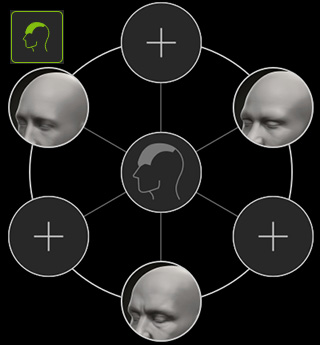
Switching to the Head tab will display various categories, including Head, Head Shape, Eyes, Nose, Mouth, Chin, Ears, and Forehead.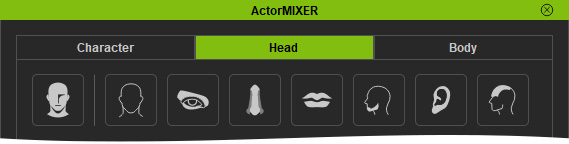
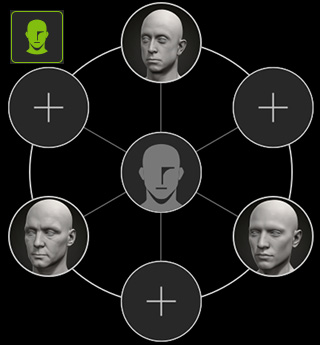
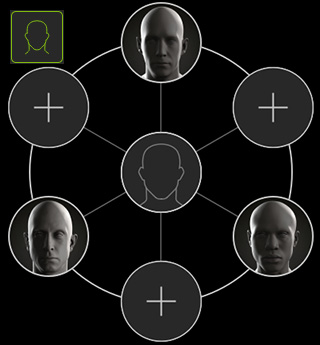
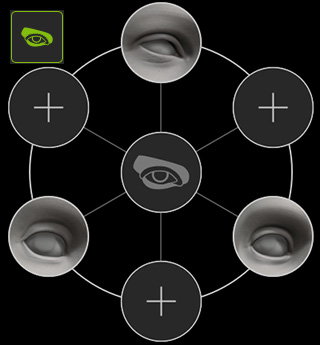
Each category will cause the wheel targets below to display the corresponding parts or facial features.
|
|
|
|
|
Head: Morphs the head and face. |
Head Shape: Morphs head shapes only. |
Eyes: Morphs eye shapes only. |
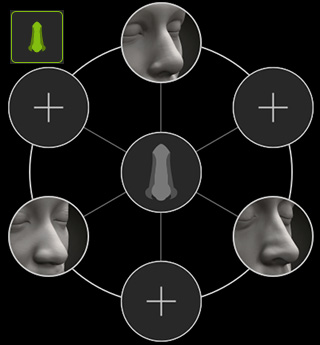
Nose: Morphs nose shapes only. |
|
|
|
|
|
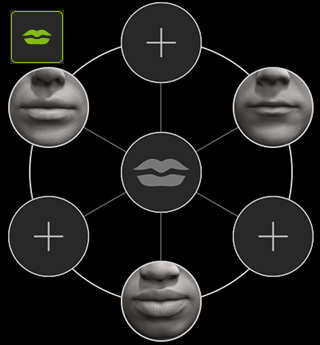
Mouth: Morphs the mouth shapes only. |
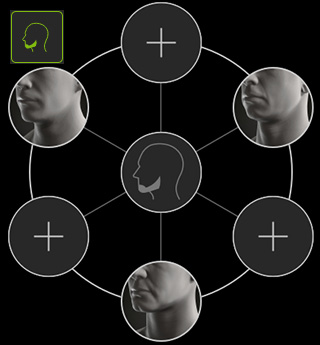
Chin: Morphs the chin shapes only. |
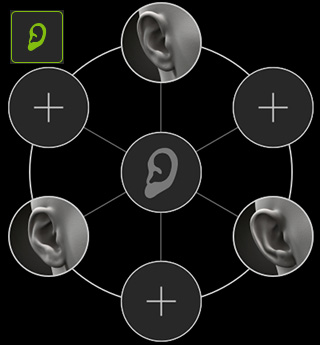
Ears: Morphs the ear shapes only. |
Forehead: Morphs the forehead only. |
Notice that when you switch to different category in the Head tab page, the Content Manager will synchronizing switch to the Head, Head Shape, Eyes, Nose, Mouth, Chin, Ears and Forehead libraries under the ActorMIXER node as well.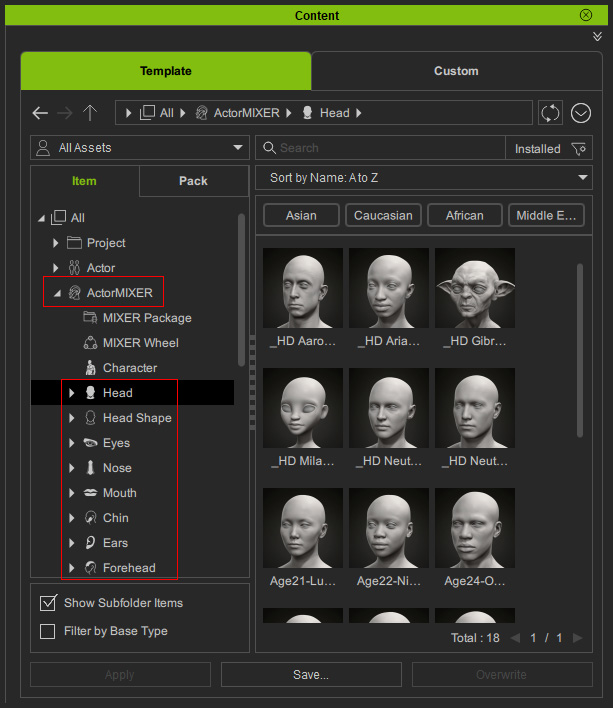
You can drag a template onto a target to customize any wheel.
Body
Switching to the Body tab will display various categories, including Body, Body Ratio, Torso, Arms, and Legs.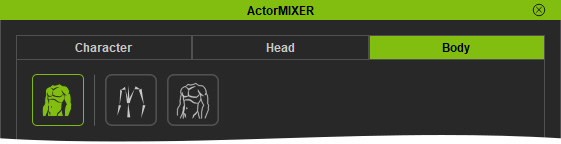
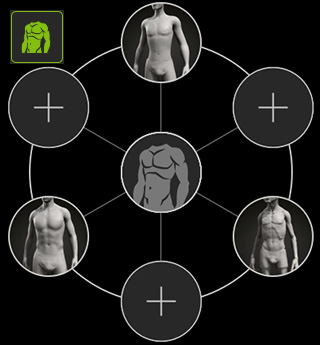
Each category will cause the wheel targets below to display the corresponding body parts.
|
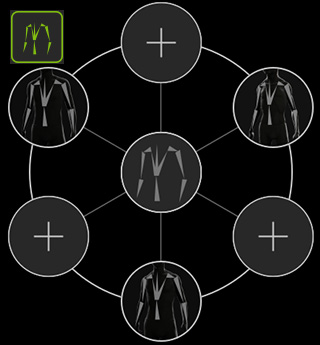
|
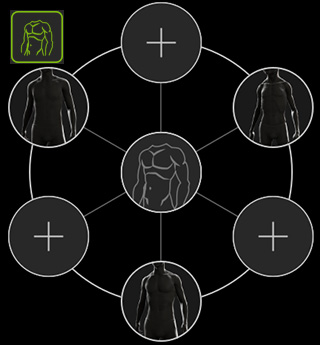
|
|
Body: Includes torso, hands and legs. |
Body Ratio: Body proportion. |
Body Shape: Torso shapes only. |
Notice that when you switch to different category in the Body tab page, the Content Manager will synchronizing switch to the Body, Body Ratio, Torso, Arms, and Legs libraries under the ActorMIXER node as well.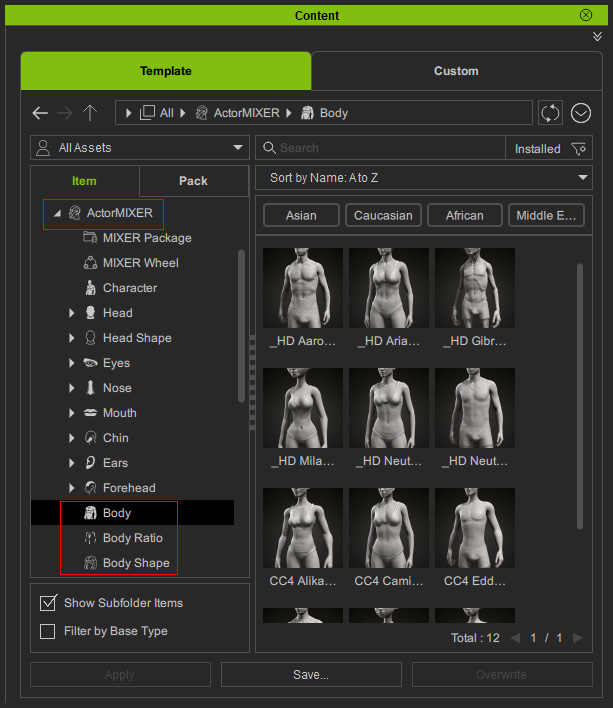
You can drag a template onto a target to customize any wheel.
