Assets for ActorMIXER
After installing CC 5, the ActorMIXER feature will be included with the program. Once you install the corresponding free content pack, you can use the built-in functions of ActorMIXER.
The assets in the pack include Mixer Preset (Gallery Items), Mixer Slider and Skin.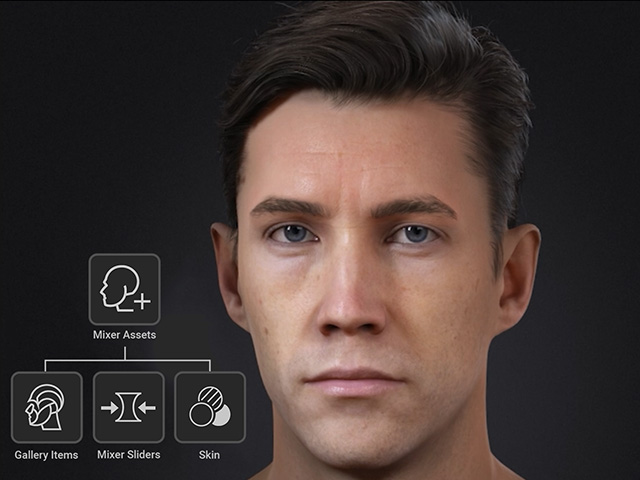
Content Pack for ActorMIXER
Please install CC5 Characters content pack in the Free Resource item, in which all free ActorMIXER items sit.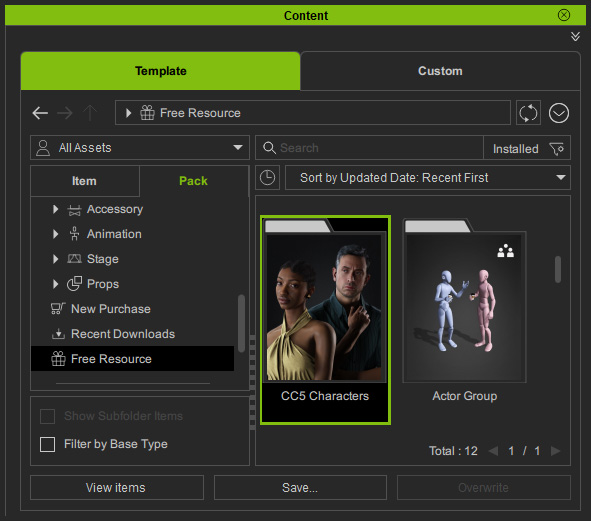
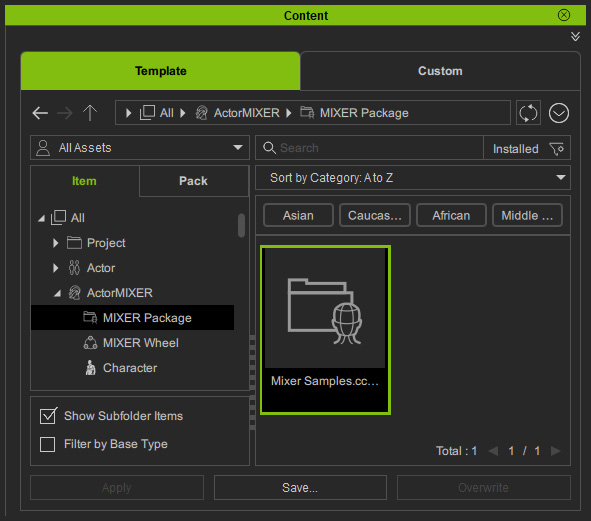
Mixer Package
The default MIXER package, Mixer Samples, contains all default wheels for mixing.
Mixer Presets (Gallery Items)
The mixer presets are ready for applying to the targets in different wheels of character's parts. Each preset is composed of Mixer Sliders and partial Facial Profile sliders.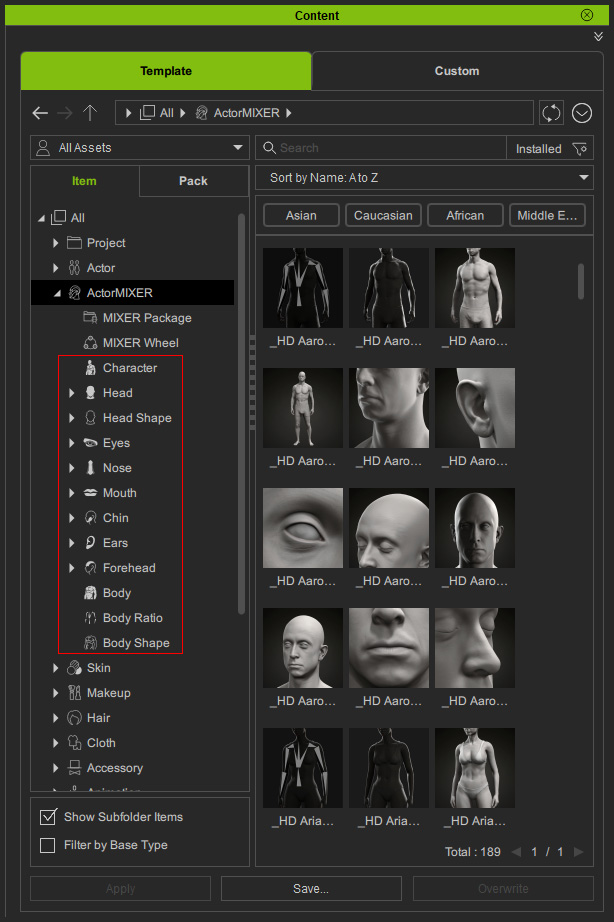
Simply drag and drop the presets to the targets to customize any wheels.
Mixer Sliders
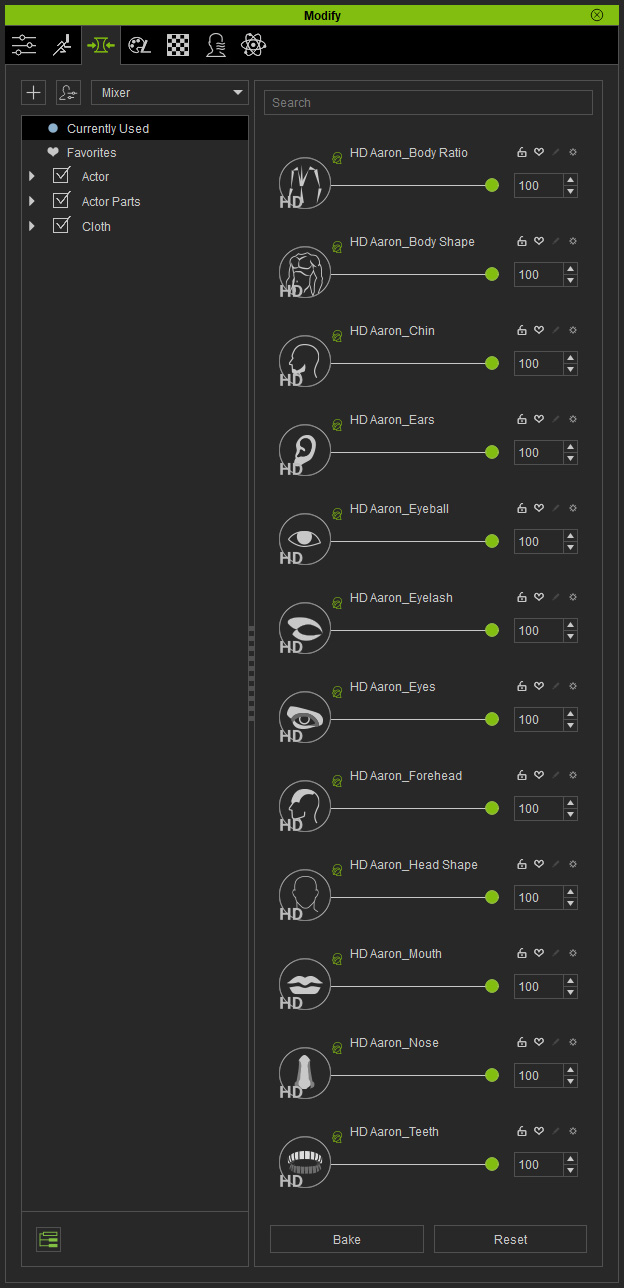
Although you are allowed to use the Mixer Sliders to morph the character, by using ActorMIXER, you can save a lot of time morphing character slider after slider, instead, morphing character by drag the green blend point to quickly re-shape the character.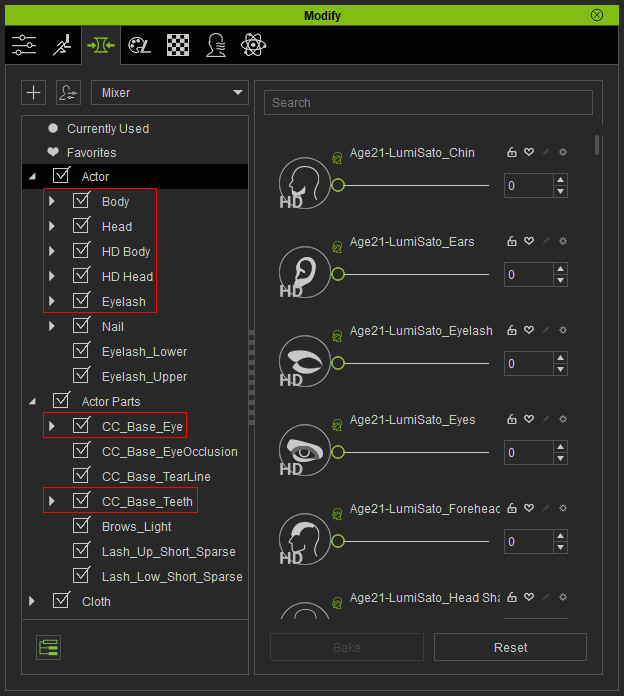
The actual files can be found in these libraries: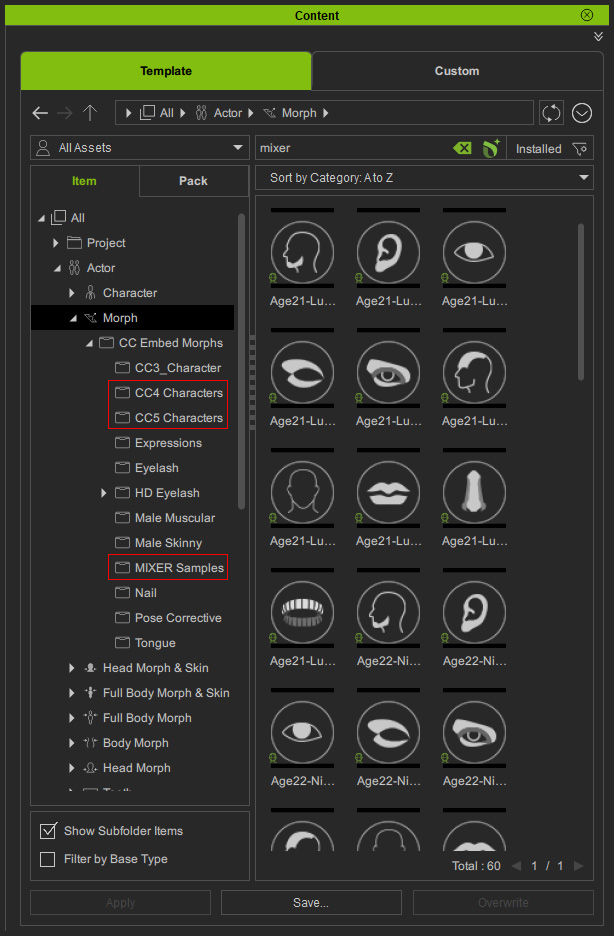
Note that the Mixer Sliders always have a Mixer Logo on them, either regular or HD morph sliders.

Skin
The skin templates can change the style of a same model drastically. You can find the skin as shown in the following illustration: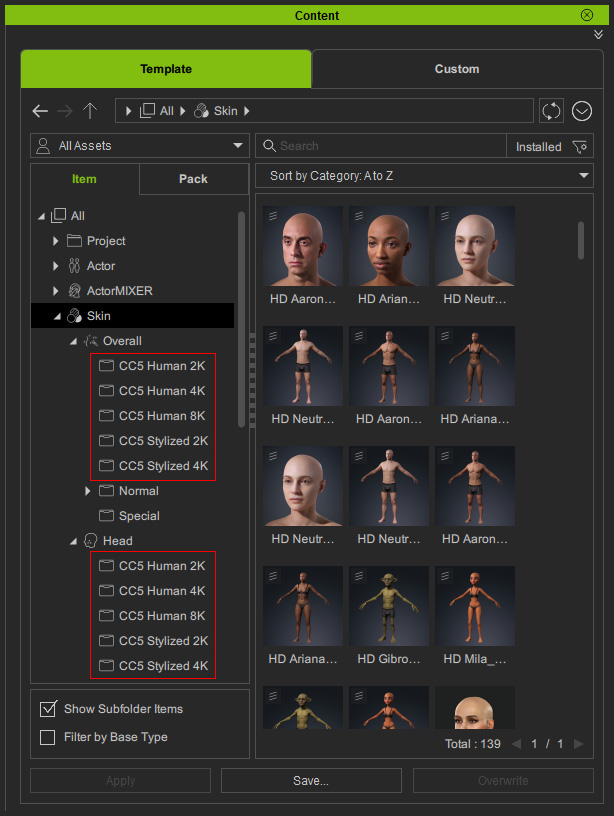
Apply different skin to produce different styles for the same model.
Mixer Actor
In addition, you can also get characters that have been designed ready for transformation in ActorMIXER.
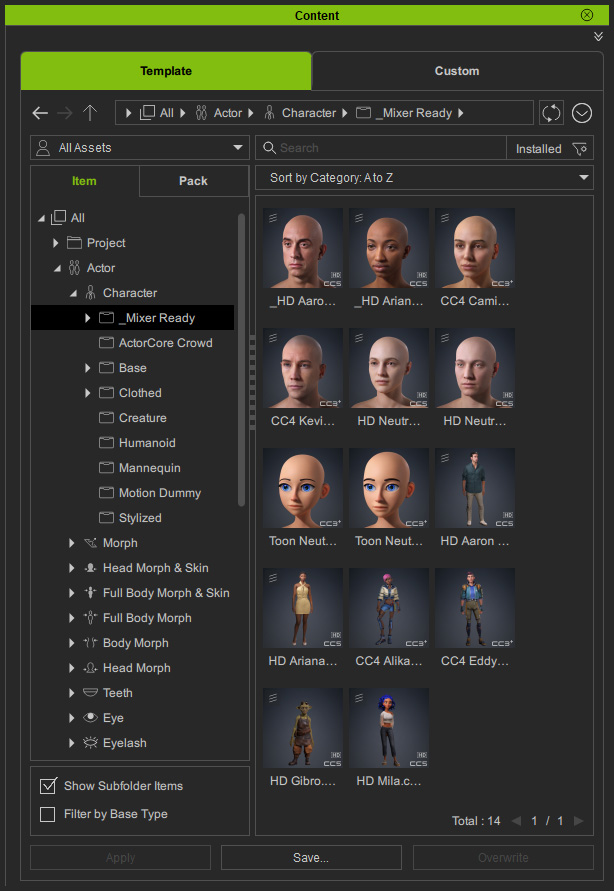
These actors' shapes are divided into 12 Mixer Sliders in accordance with the ActorMIXER's categories.