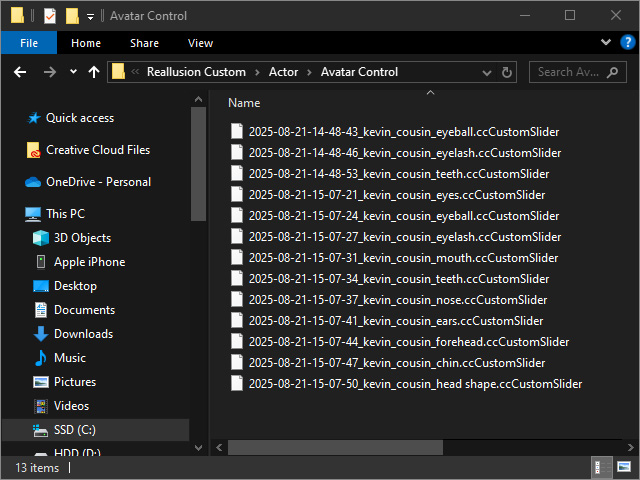
Creating Custom Mixer Sliders
Once the character’s overall appearance is roughly finalized, it can be converted into Mixer Sliders for use in ActorMIXER. The body and facial features will be separated into different sliders and stored in their respective categories.
- Create a character.
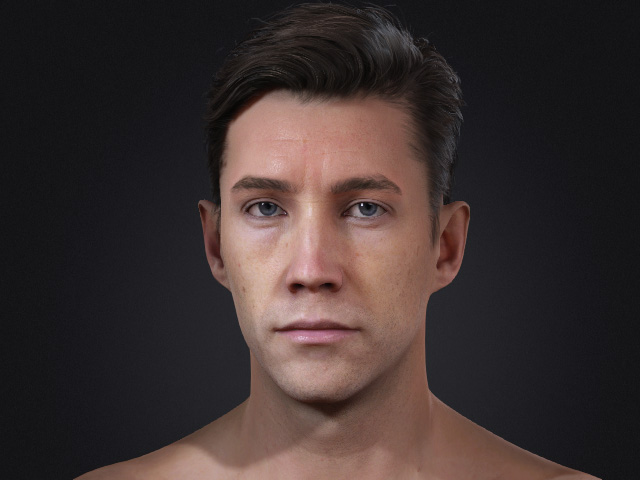
You can use either types of sliders to modify the shape of the character.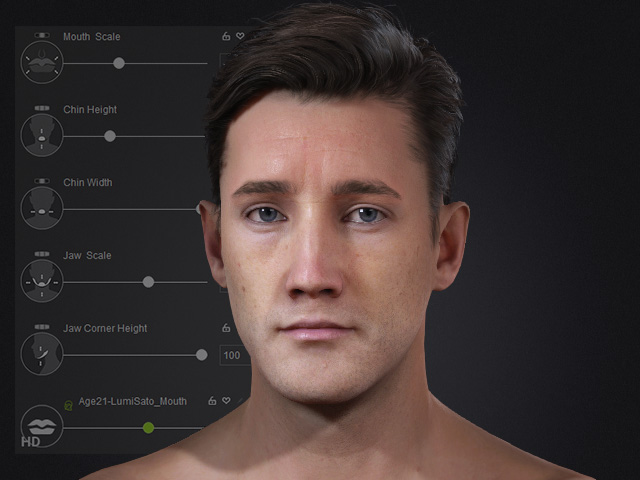
- Set the subdivision levels of the character (0, 1 or 2) to determine the type of the created mixer slider. Different subdivision level can create different type of mixer sliders.
- Open the Create Mixer Assets panel.
- In the Create Mixer Assets panel, type in the name and the path for the custom slider.
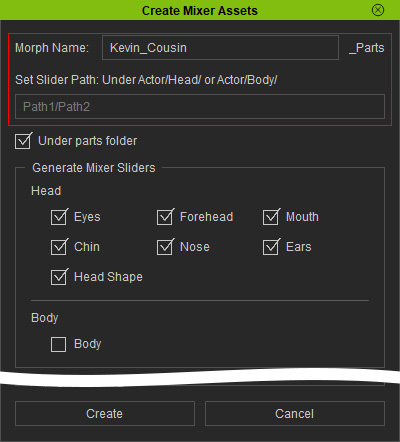
You can check Under parts folder to place the generated Mixer Slider into the appropriate location for easier access later. - Activate the part checkboxes in the Generate Mixer Sliders group. In this case, only the Head parts.
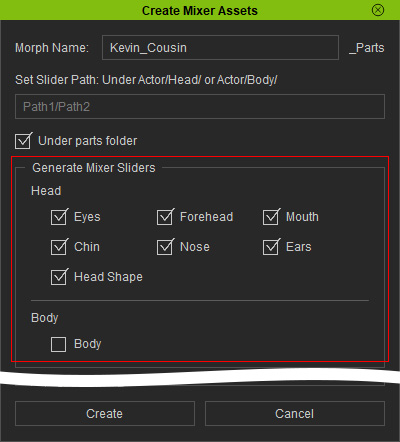
- Click the Create button.
- System will dissect the character into different parts controlled by the generated Mixer Sliders, you can then find the mixer sliders according to the settings.
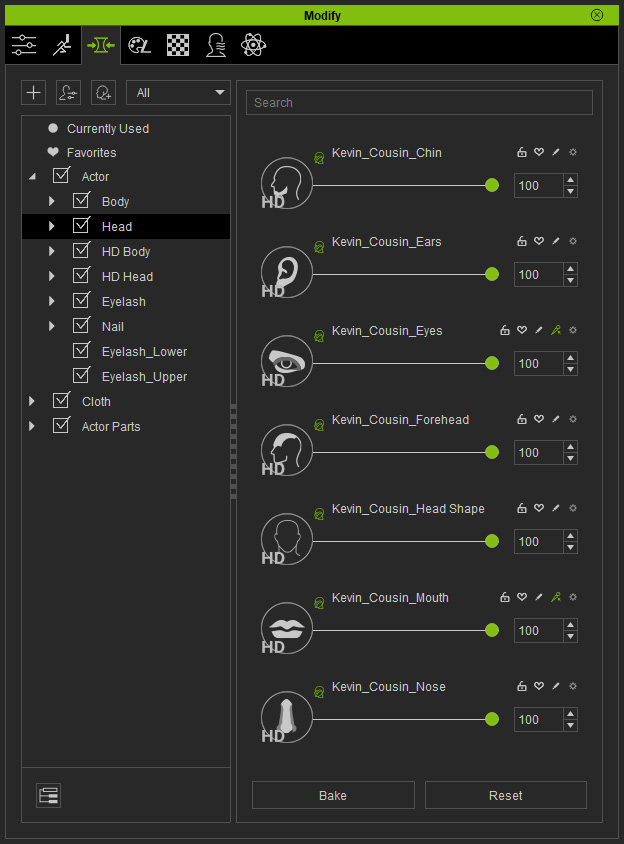
You can click the gear button next to the slider and select Find File to locate the actual file.