Installation Guide
For iClone and Character Creator
- iClone and Character Creator: Make sure you have installed Auto Setup for both applications.
- iClone: Install Live Link plugin if you want to directly transfer characters from iClone to Unreal Engine.
For Unreal Engine
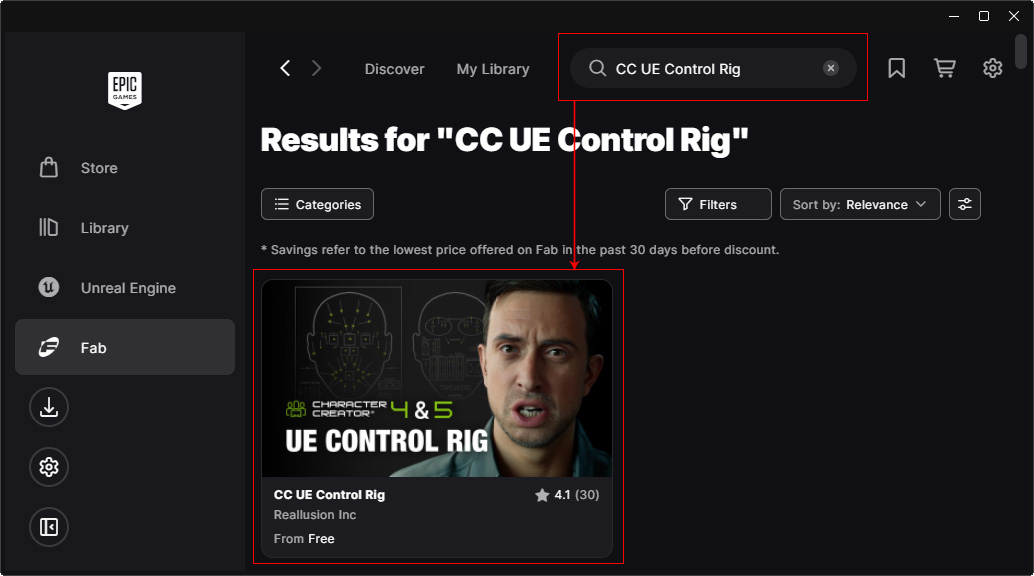
- Open the Epic Game Launcher and search for the CC UE Control Rig in the Fab.
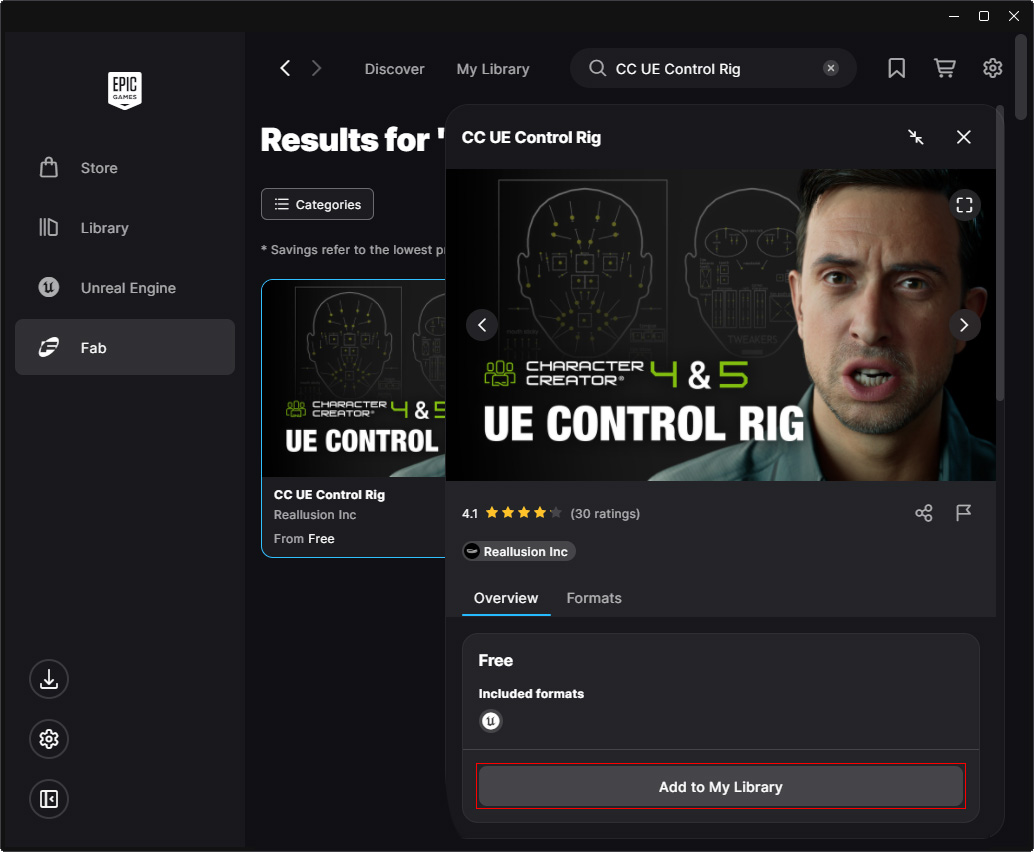
- Click on the item to open it and click the Add to My Library button.
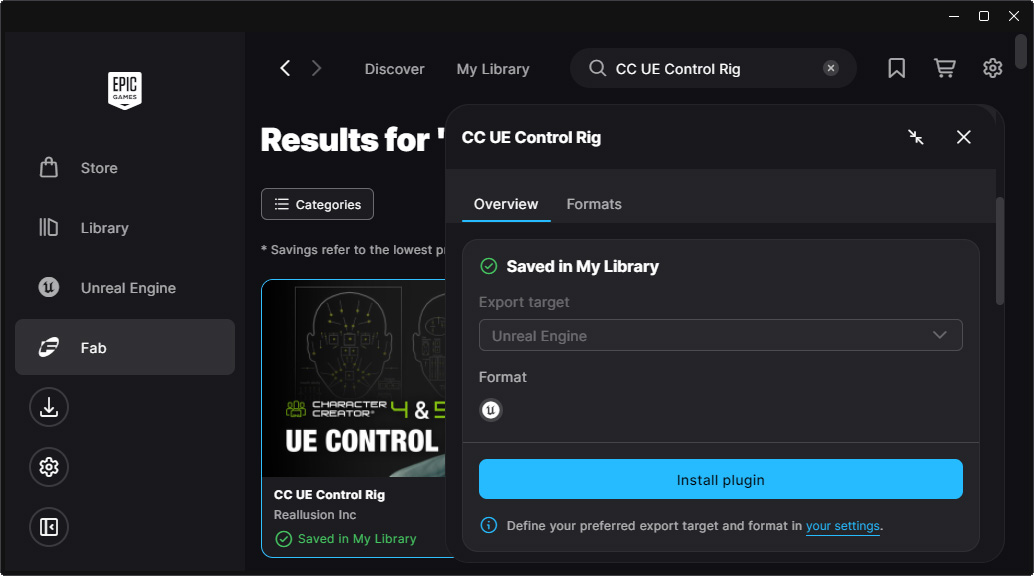
- Drag the vertical slider down and click the Install plugin button.
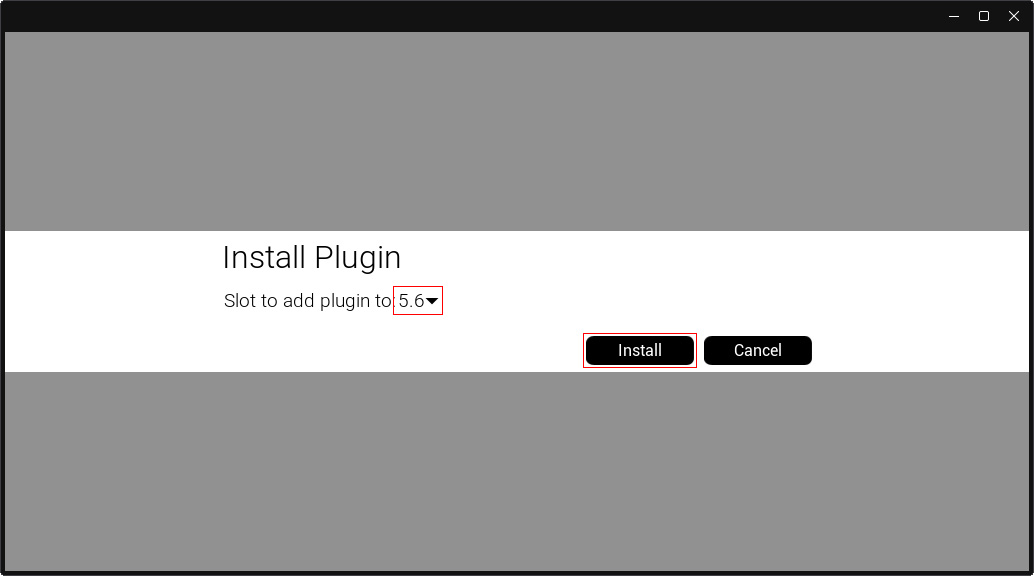
- Choose the Unreal Engine version (5.6) and click the Install button.
- Launch Unreal Engine (version 5.6 or above).
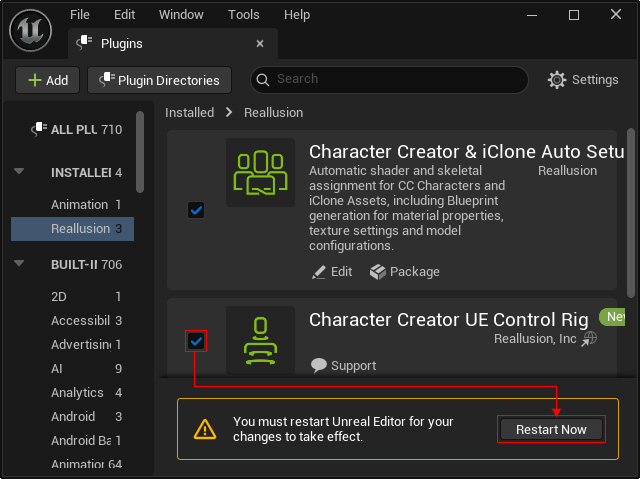
- Open the Plugins panel and activate the Character Creator UE Control Rig checkbox, then click the Restart Now button.
- The main tool will now
contain
the Execute CC ControlRig actionbutton.

This button lets you convert an iClone or CC character into a rigged UE character. It typically works with iClone characters transferred via the Live Link plugin or loaded CC characters in FBX format.
