What Does Auto-Setup Do (Update for v1.2)
Character Creator, iClone and ActorCore provide quality characters, animations, and assets to game developers. To save time in the complicated and repetitious import process, Reallusion offers tools to automate the task of Digital Human shader assignment (auto-material settings) and characterization (auto-retargeting) for Unreal Engine 4 & 5. 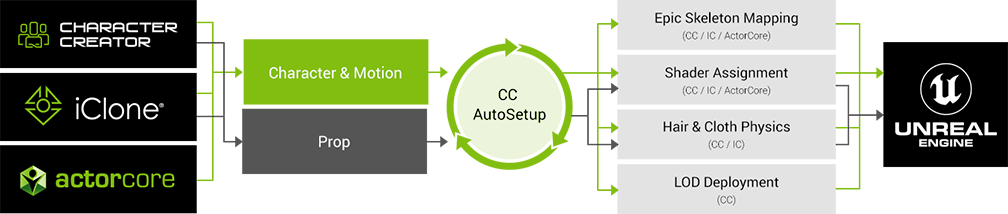
Digital Human shader (Auto-Material Settings)
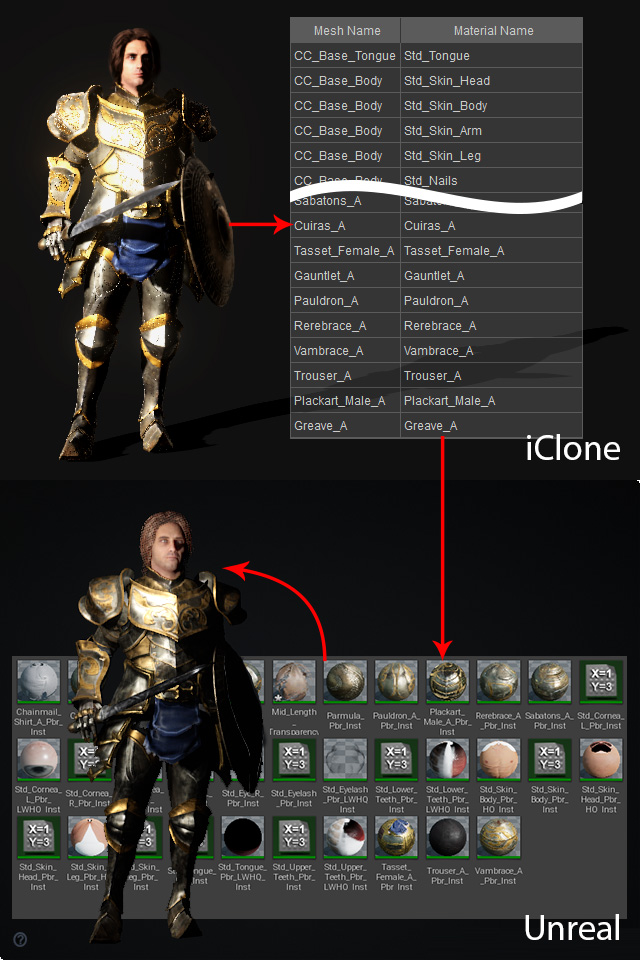
- CC Auto-Setup automatically creates Unreal compatible materials in accordance with the CC character's original materials and then apply them to the character transferred from iClone.
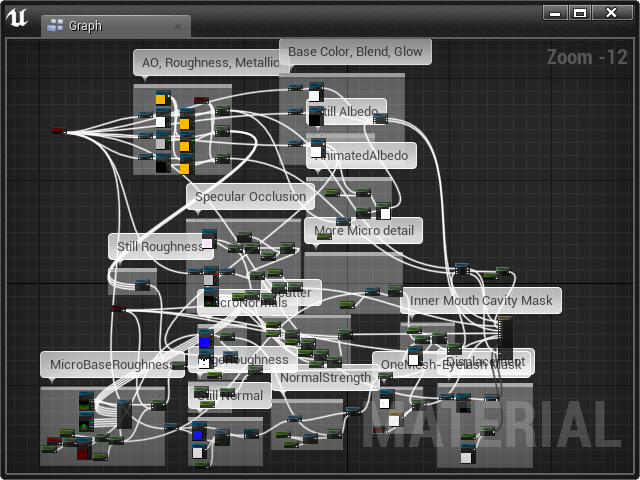
- CC Auto-Setup also automatically maps textures and set material parameters by connecting all the nodes in the blueprint for each material in Unreal; which saves a lot of time for you to manually work with these settings and nodes.
Characterization (Auto-Retargeting)
- The Translation Retargeting for each bone node is automatically assigned.
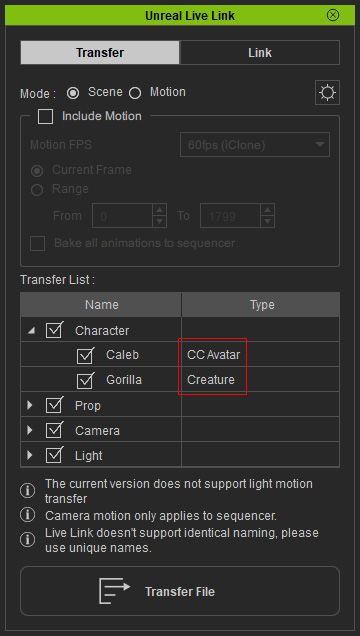
- Unreal Standard Characters:
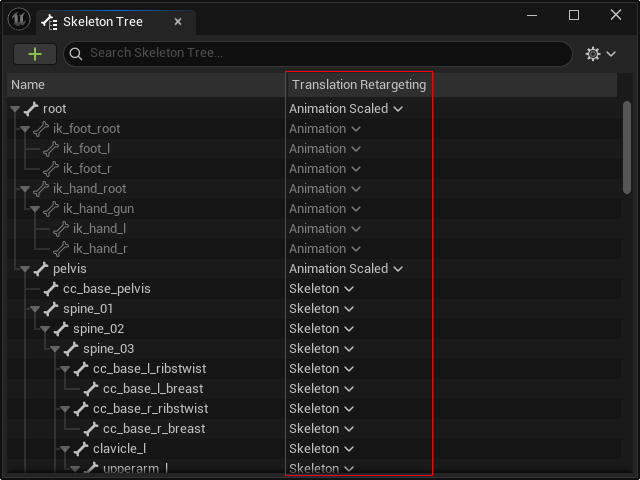
- Unreal Non-Standard Characters:
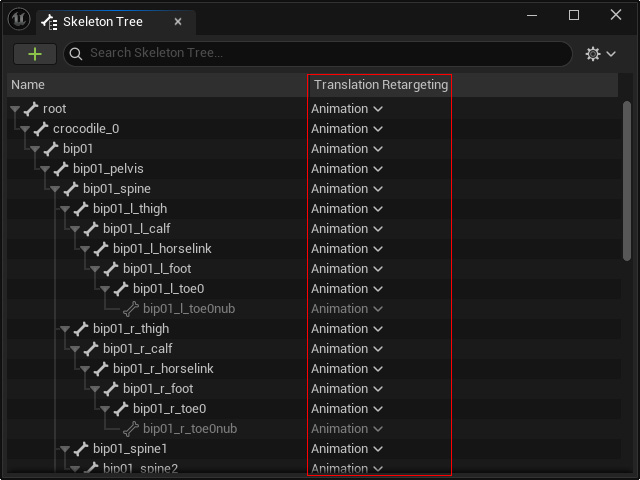
- Unreal Standard Characters:
Physics
Another major UE5 update is its physics system: Chaos Physics. Compared to UE4 PhysX, Chaos provides new configurations and settings for more physics possibilities. Hair and clothes can now move more convincingly, given their material nature. At the end of this article, we will cover how to adjust collision shapes, vertex weight painting, and Chaos physics configuration to best optimize the physics simulations.
