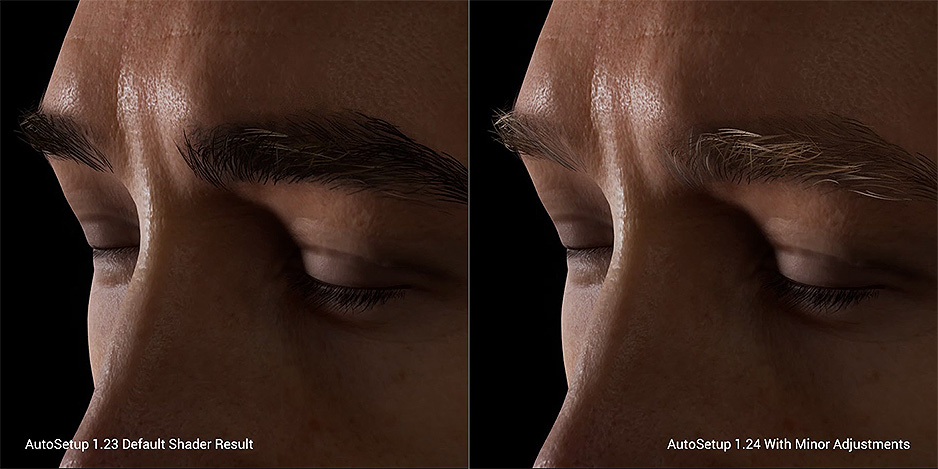
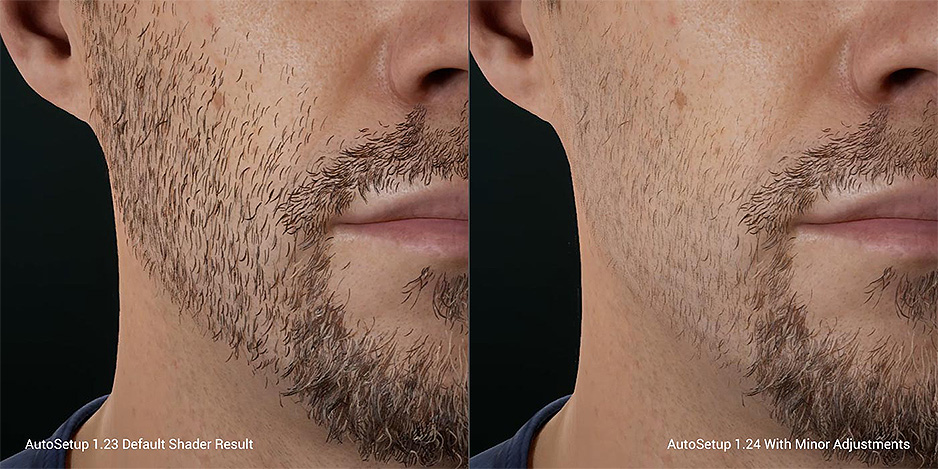
Hair and Beard (New for v1.24)
Auto Setup 1:1 transfers Hair Shader parameters from Character Creator/iClone to Unreal. Shader is setup to easily adjust hair color, highlights, specularity, roughness, thickness (hair alpha), and more. Hair, brow, and beard are all assigned the Hair Shader.
Hair Settings from Character Creator to Unreal
The Color, Strands Highlight, and Roughness / Specular settings in Digital Human Hair shader are transferred to Unreal material settings. You can freely tweak them to fit into the Unreal project scenario.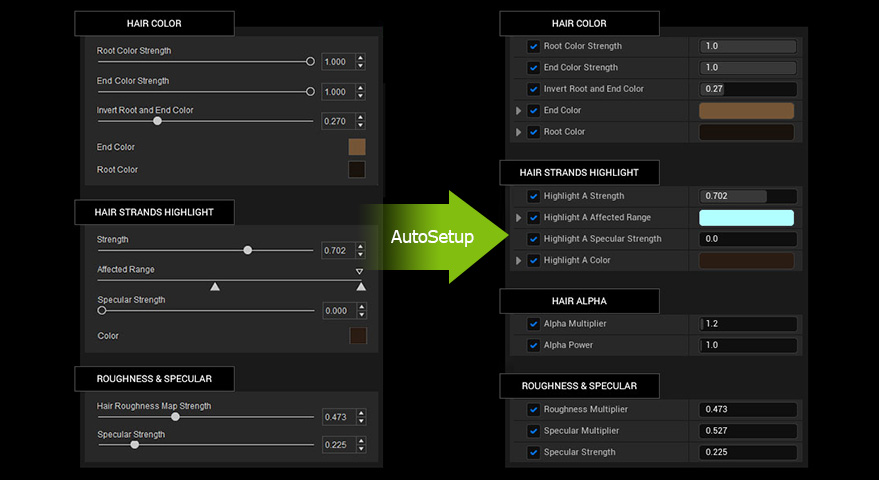
 Hair Shader comparison between Auto Setup 1.23 and Auto Setup 1.24 with minor adjustments
Added Advanced Opacity parameter for the hair, eyebrows, and beard to improve the look of the hair cards; also strengthened the Specularity of the hair to add more glossiness
- Hair scalp (Head)
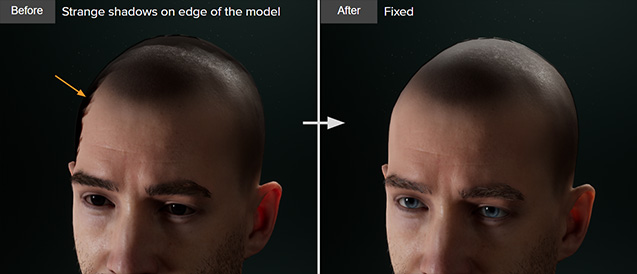
- Eyelash

- Hair

- Brows

- Beard

- Import a character from iClone (FBX file or Live Link Transferring) or Character Creator (FBX file).
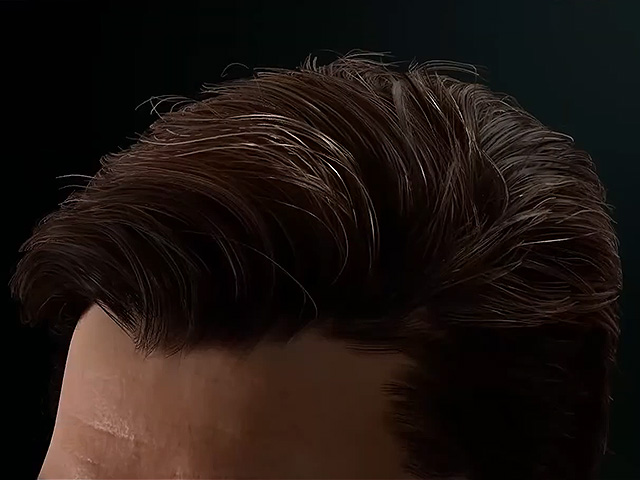
- Hair Shader > Specular and Roughness – Adjust hair glossiness and reflectiveness.
- Specular: Adjust the Specular Multiplier and Specular Strength to modify the glossiness of hair.

Before
After
- Roughness: Adjust the Roughness Multiplier to tweak the reflectiveness of the hair.


Before
After
- Specular: Adjust the Specular Multiplier and Specular Strength to modify the glossiness of hair.
- Hair Shader > Alpha Settings – Adjust the thickness of the hair (This is important if you want to achieve smooth and silky hair).


Before
After
- Hair Shader > Color – Adjust the root and tip color of the hair.

- Hair Shader > Highlight A and B – Additional highlights on the hair can be added.

- Repeat the same process on the eyebrows and beard (they share the same material properties).
- Additional opacity adjustment on brow base (PBR) is advised to tone down the heavy shading on the brows.

- Additional opacity adjustment on brow base (PBR) is advised to tone down the heavy shading on the brows.