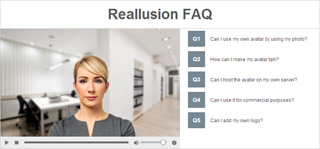
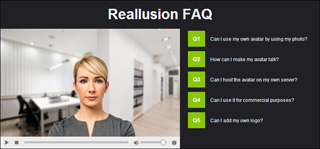
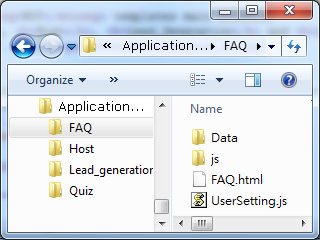
In each Application Templates template, there are general settings
that must be made by modifying the UserSetting.js file in the folder.
These settings determine the path for accessing the interactive assets,
the layout, font style and overall color of the page.
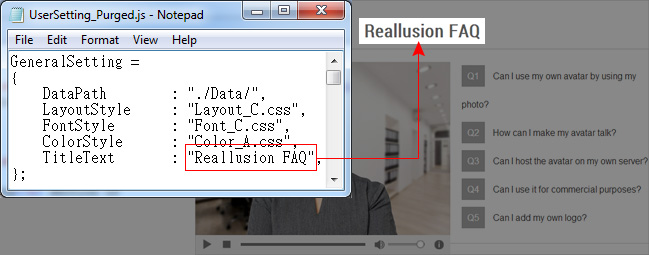
The settings in the General Setting section of
the UserSetting.js are listed below. You need to adjust the
text within the quotation marks following the names of each setting:
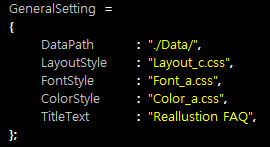
DataPath |
LayoutStyle |
FontStyle |
ColorStyle |
TitleText |