Setting FFD Strength on Objects
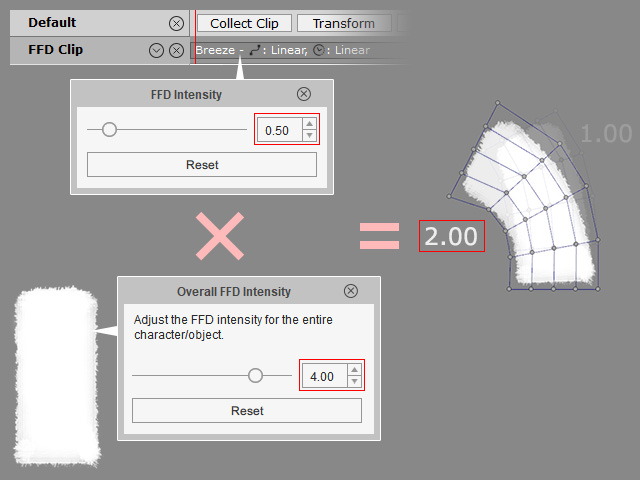
In addition to set the FFD Strength to the clip applied on objects, you can actually set the FFD strength to the objects instead. You do not need to apply the FFD clip one after one on a same object due to the hardness of the objects. This feature applies only to characters, accessories and props.
Notice that this feature applies to characters, accessories and props.
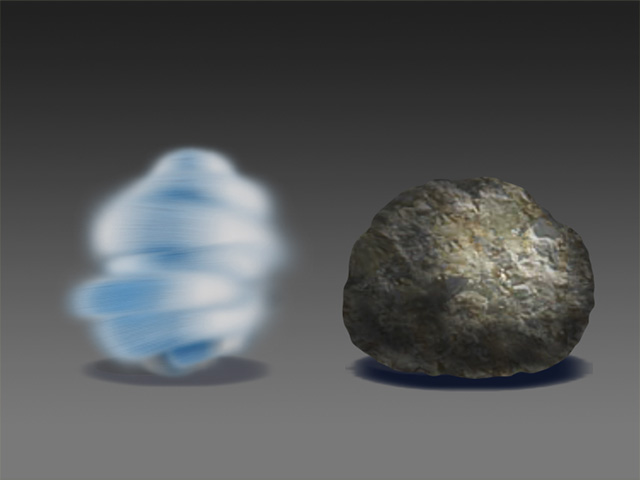
- Create different objects to the project (in this case, two props).
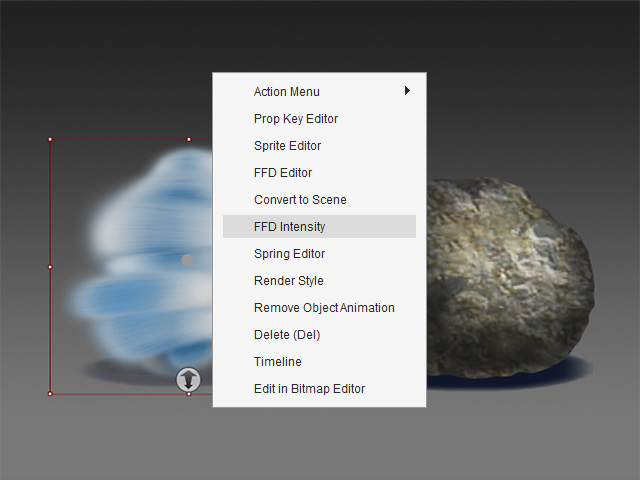
- Right click on one of the objects and choose the FFD Intensity command.
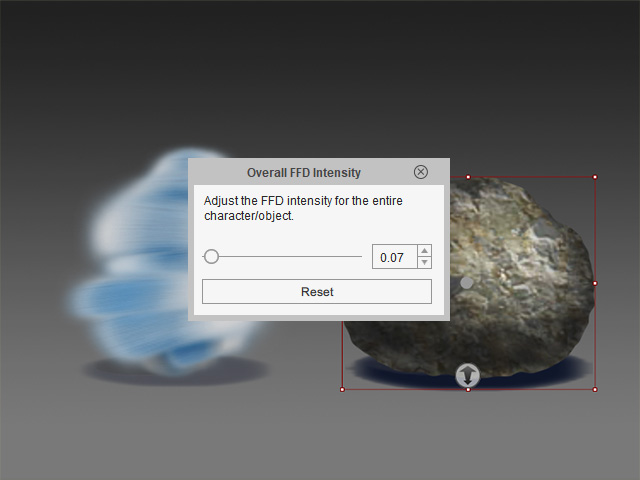
- Set the strength to "1.20", which essentially maginifies the FFD effect by 1.2x (including FFD Keys and FFD Clips).
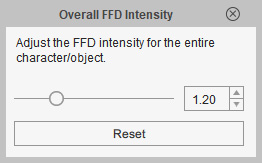
- Select the other object without closing the panel and set strength value to "0.07".
- Apply an FFD motion clip to both of them.
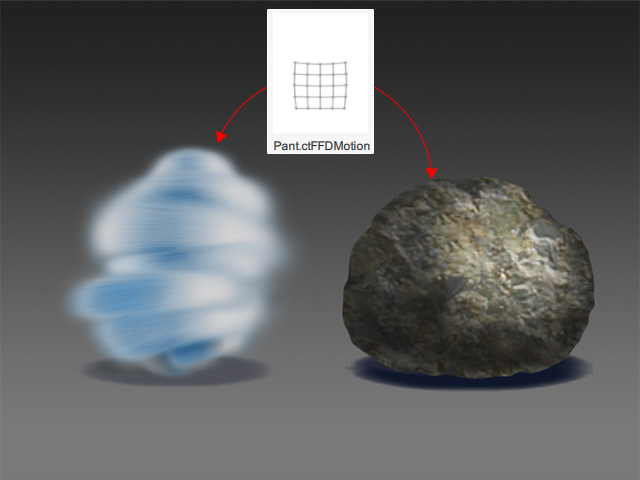
- Playback to view the result.
Please notice that the final FFD effect is determined by the FFD Strength set on the object multiplying the one set on the clip.