


Options for Applying Nail Templates
In the Content Manger, is where nail contents can be found. By applying one of these templates, you can choose to change the nail morph and material data.
- Create a new project.
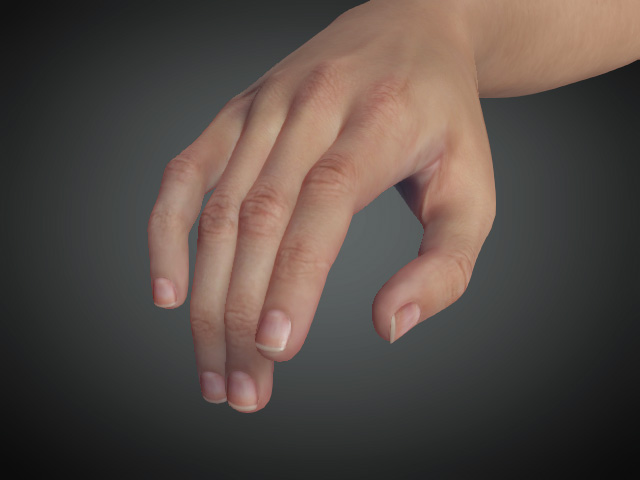
-
Launch the Content Manager and switch to the Base > Nail library, the templates inside contains morph and material data.
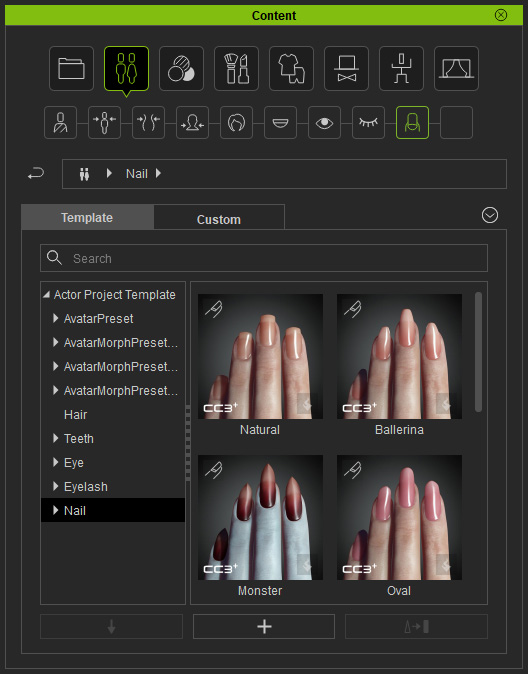
- Apply either one of the templates (in this case, Monster), and a dialog window will pop up with options for applying the template. This is because the nails templates contain not only material settings, but also the Nails Morph data.
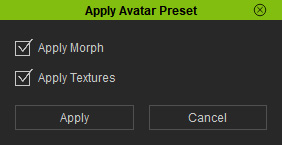
- Apply Morph: Only the morph data in the template will be applied to the character's nails.
- Apply Textures: Only the material data in the template will be applied to the character's nails.
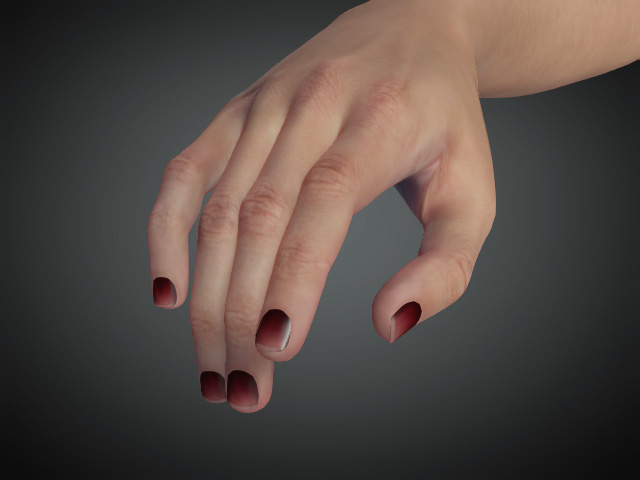
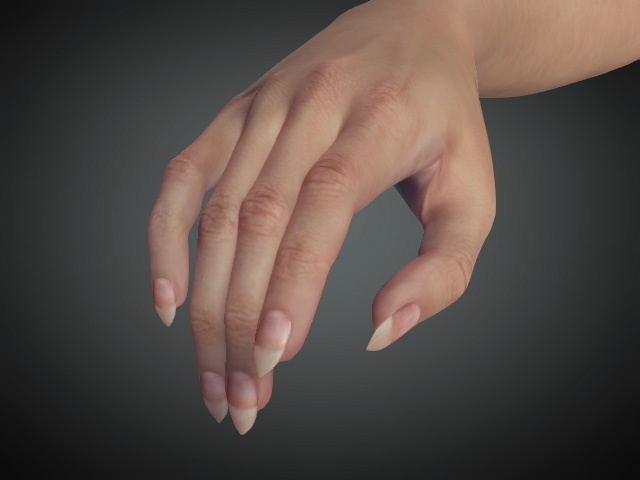
- Apply Morph and Apply Textures: The complete morph and material data in the template will be applied to the character's nails.
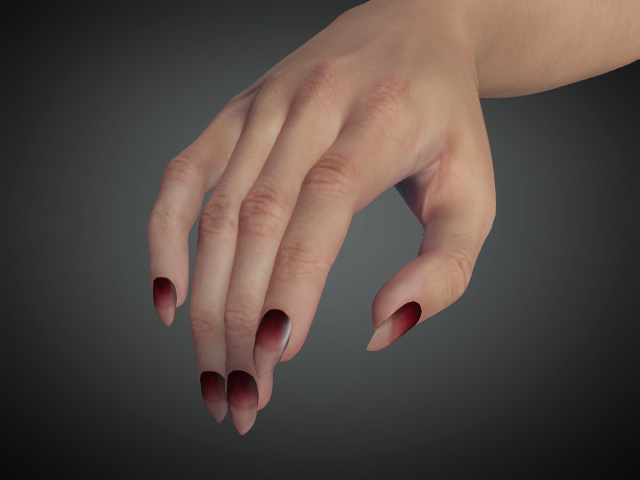
- Apply Morph: Only the morph data in the template will be applied to the character's nails.
