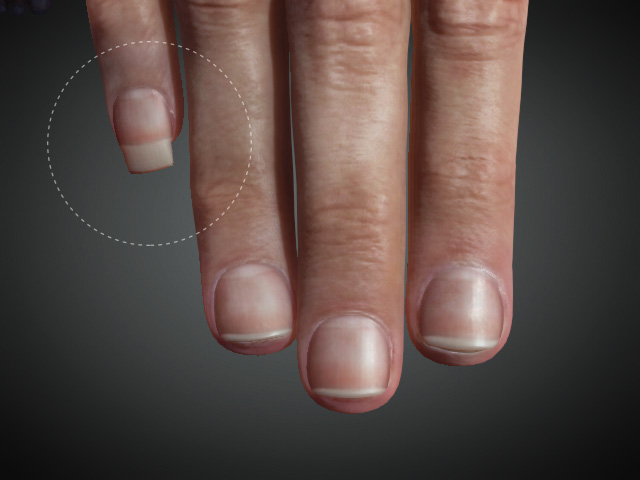
Morphing Character's Eyelashes and Nails
In Character Creator V 3.3, the eyelashes and nails also support morphing.
Morphing Eyelashes
-
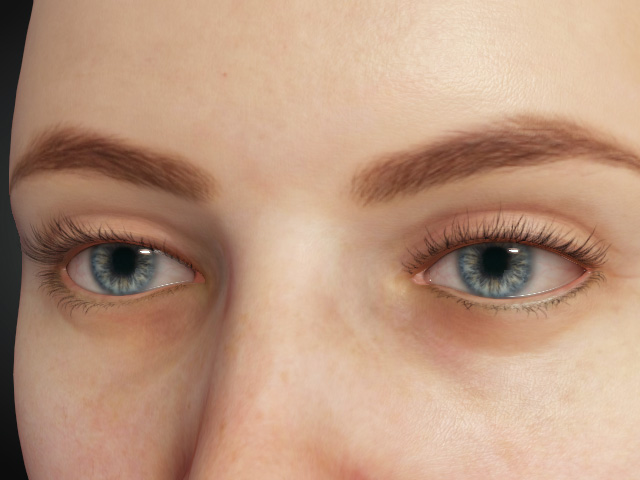
Create a new project of Character Creator, move the camera for
close-up of the eyes.
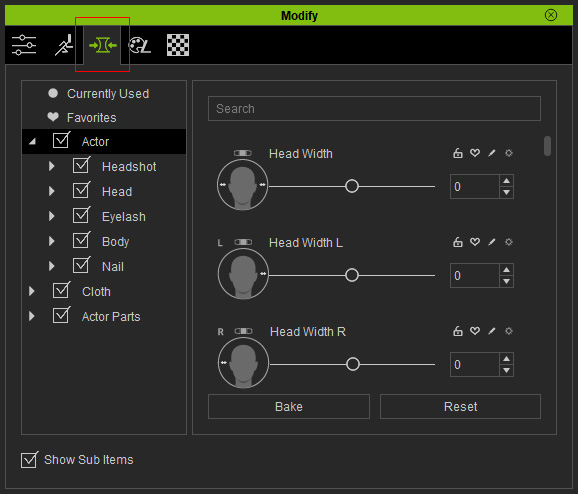
- Click on the Morphs tab in the Modify
panel.
-
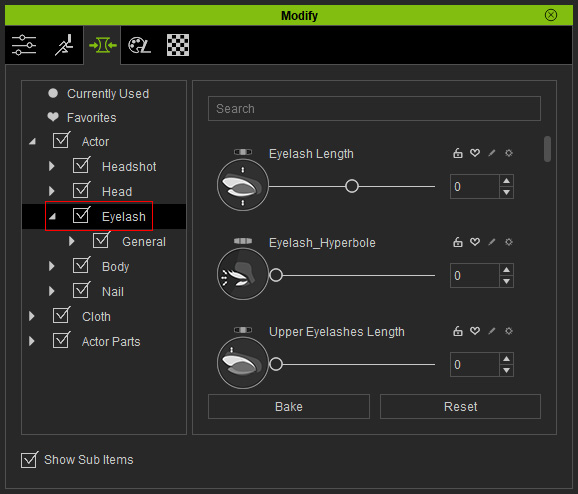
Select the Eyelash sub-node from the tree-view.
-
Adjust the eyelashes by dragging the slider or entering a value into
the combo-box.
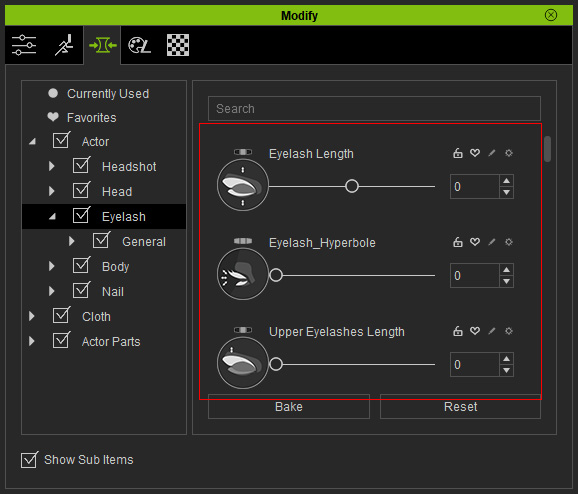
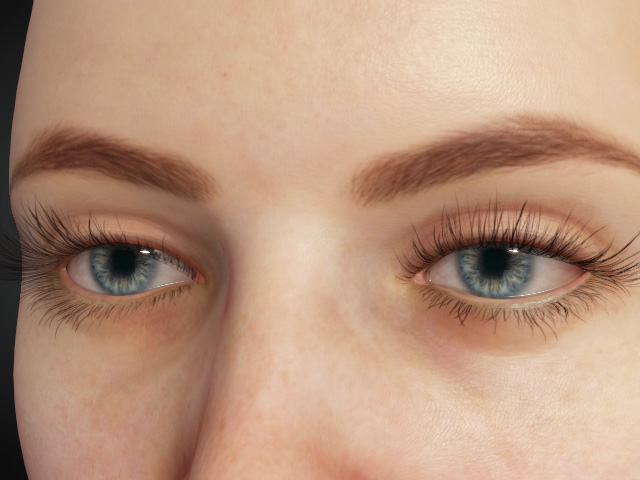
The eyelashes change before and after the adjustments.
Morphing Nails
-
Create a new project in Character Creator, move the camera to
have a close-up on the fingers.
- Switch to the Morphs tab in the Modify
panel.
-
Select the Eyelash sub-node from the tree-view.
-
Adjust the nails by dragging the slider or entering the value in the
combo-box.
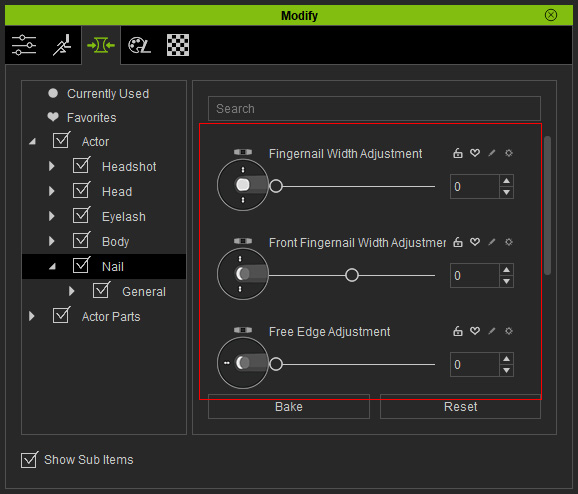
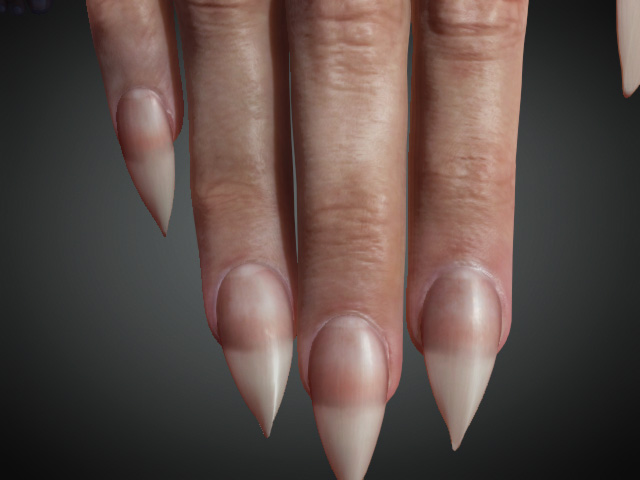
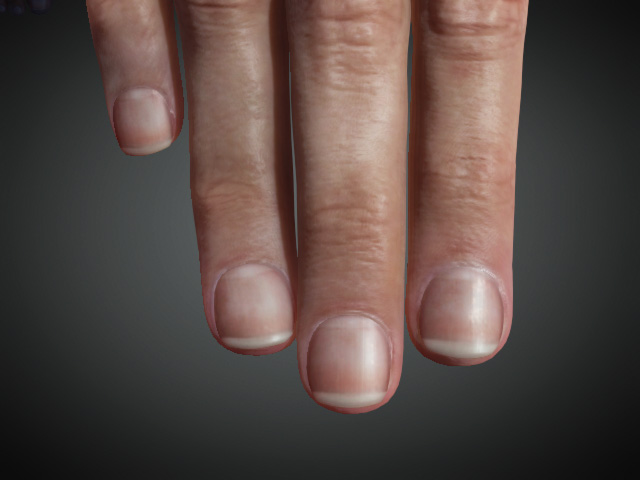
The nails change before and after the adjustments.
 Note:
Note:The nails can be individually modified according to your needs.