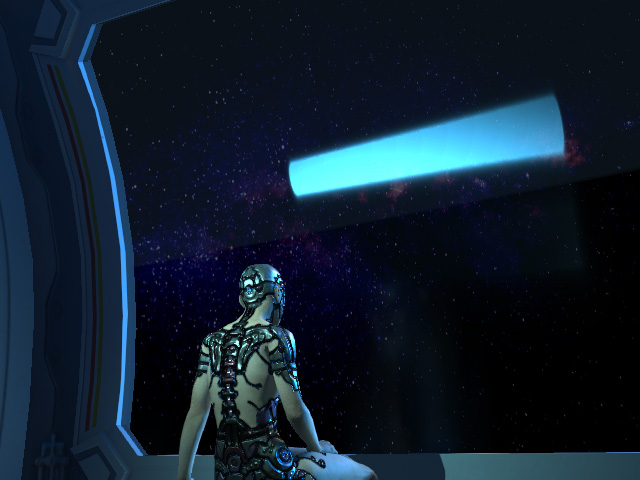
Creating Fluorescent Light by Light with Shape
By activating the Light with Shape attributes for the point light and spotlight, you can easily create volumetric light under these two types of lights. The light shape can thus be seen in all reflective surfaces. In this page, the light can be used to simulate fluorescent light effect reflection on the glass.
* Note that merely the reflective objects of PBR material support the light reflection.
- Create a project with reflective surfaces.
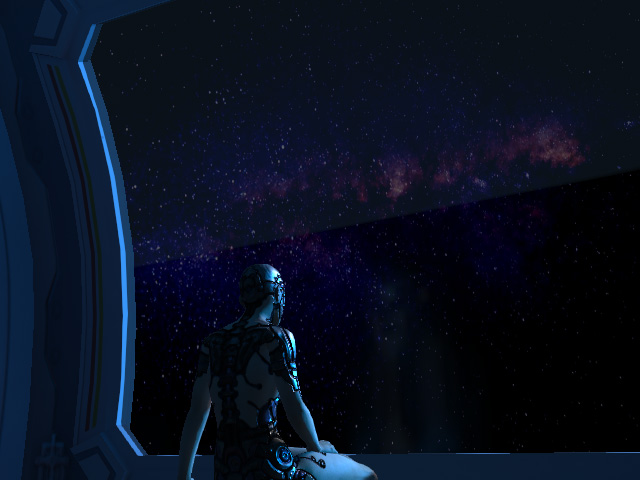
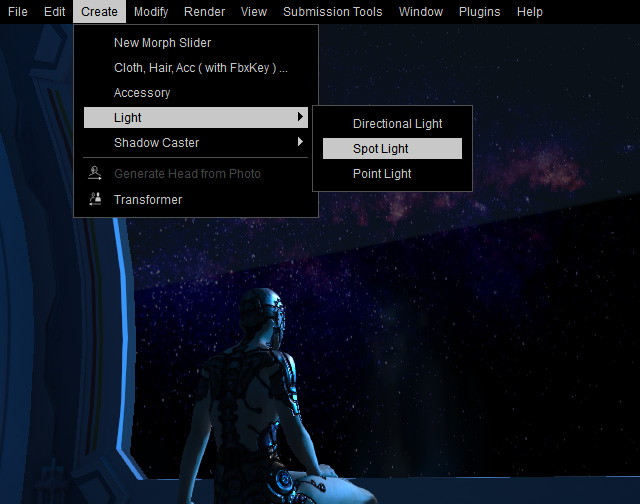
- Create a spotlight by executing the Create > Light > Spotlight command.
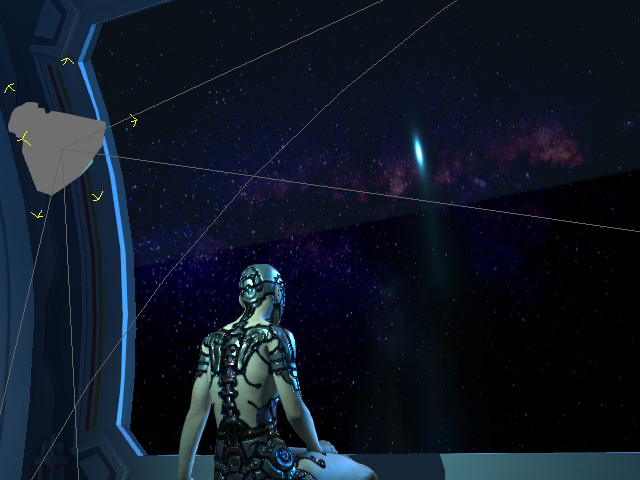
- Adjust the location and orientation of the spotlight to have it casting light onto the character. In this case, the reflection shows on the window glass.
 Note:
Note:Refer to the Shadow Option for more information about the Bias and Soft Shadow.
- Make sure the spotlight is selected and go to the Light section in the Modify panel. Change the Shape drop-down list to Tube.
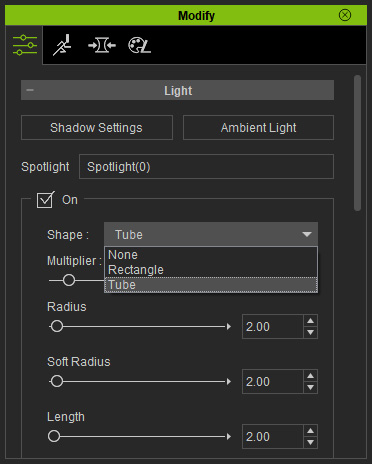
A new shape will be added to the Spotlight Gizmo and reflects on the glass.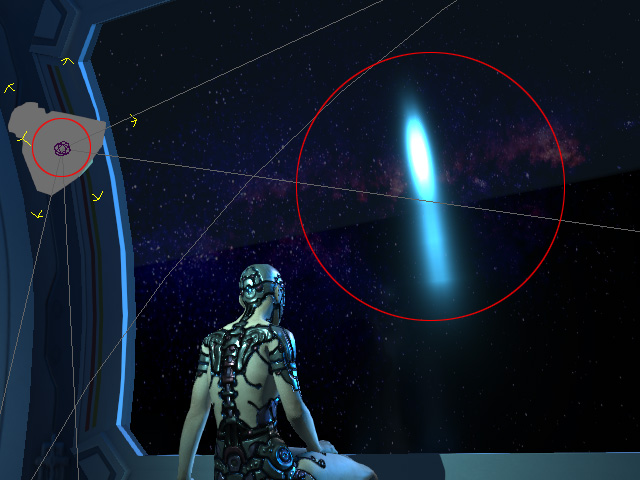
- Drag the Radius, Soft Radius and Length sliders to determine the desired shape of the fluorescent light.
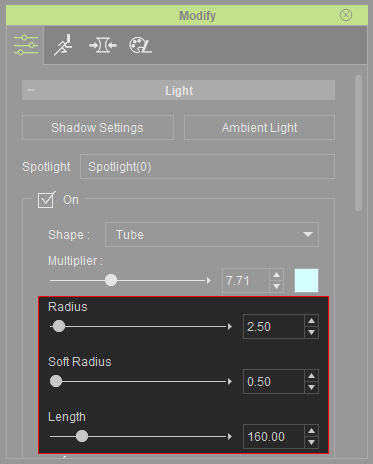
* The Soft Radius determines the blurriness of the reflection.
You will see the final reflection on the glass.