Shadow Map for Individual Lights
The Shadow Map is used to define the resolution for the cast shadows; with higher resolution equating to better quality. Moreover, every light can have its own individual shadow map to simulate the distance of the light from the objects in the scene.
- Create a project with IBL only.
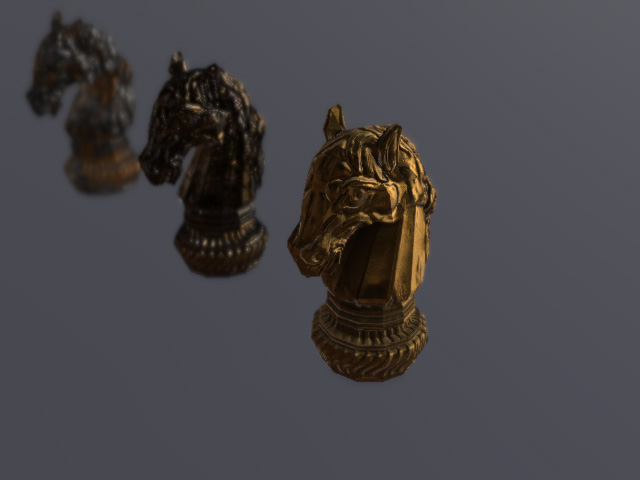
- Create a directional light.
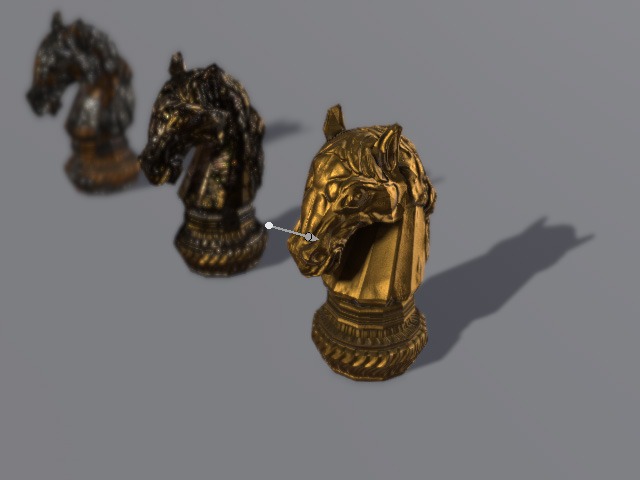
- Select the light and open the Modify panel. Activate the Unique Shadow Settings checkbox in the Light section.
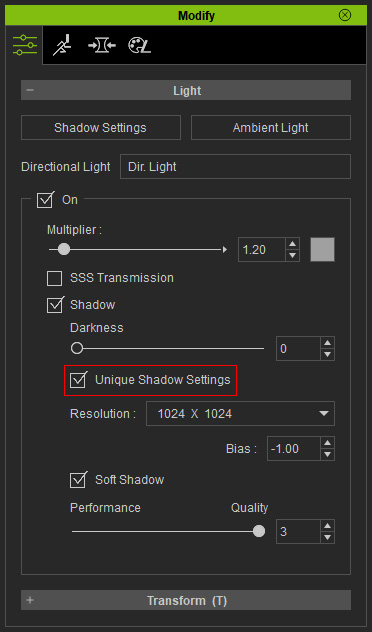
 Note:
Note:Refer to the Shadow Option for more information about the Bias and Soft Shadow.
- Decrease the Resolution to 512 x 512 and the shadows become blurry.
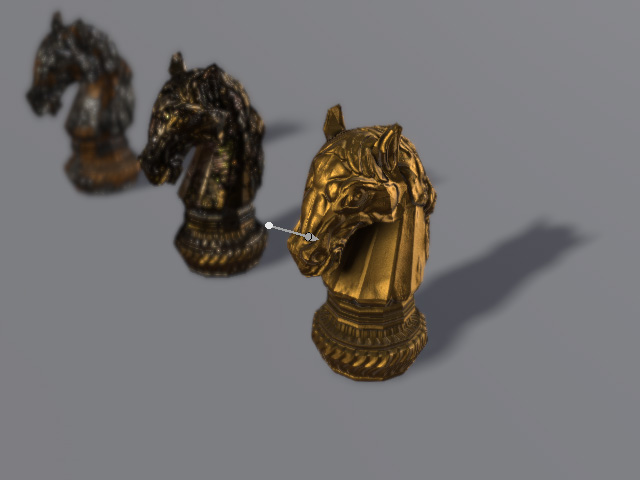
- Create the desired number of lights and set the resolution like the previous step.
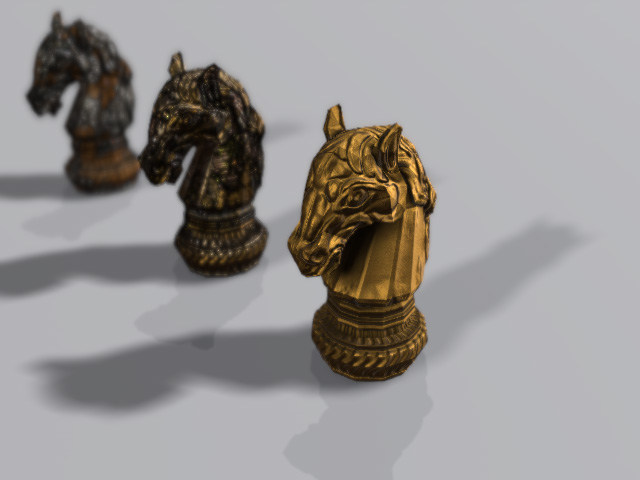
Notice that these settings can also be applied to spotlights.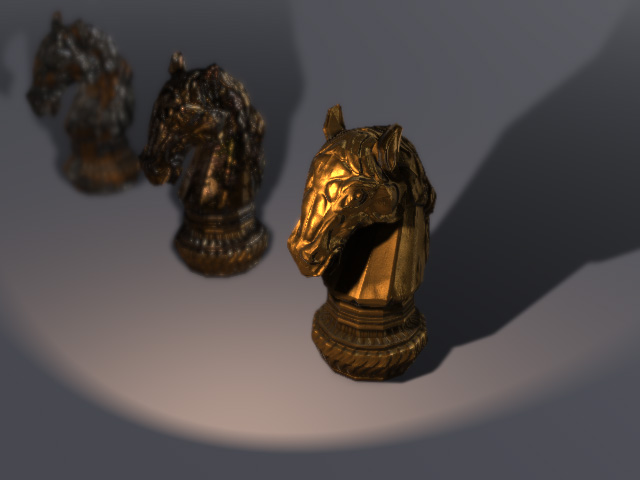
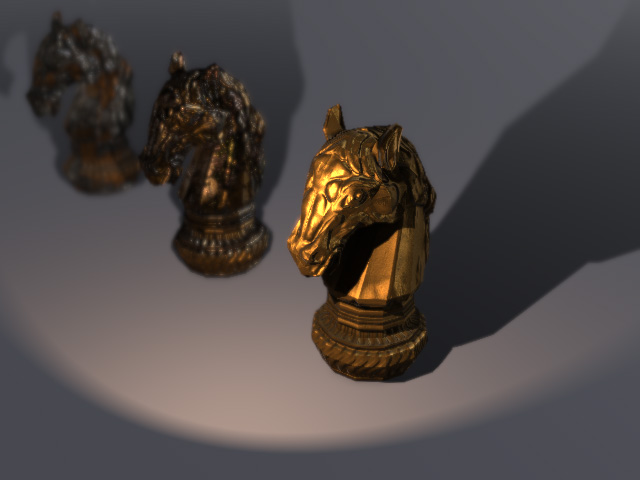
Resolution = 512 x 512
Resolution = 1024 x 1024
