Using Enhanced Eyes for CC3 Base+ Characters
If the CC character you are using was converted from CC3, CC1, or external Transformer characters—rather than using embedded ones—the original eyes remain untouched after conversion. To achieve better results for short-distance or close-up shots, applying new eyes can significantly improve realism.
Applying Eye Templates
- Create a new project and add a CC3+ or CC5 HD character by converting from CC3, CC1 or via Transformer.
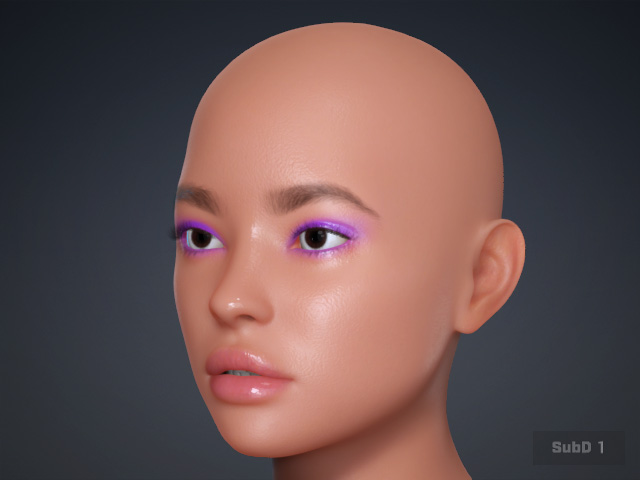
- The eyes of the external character remain in use even after conversion.
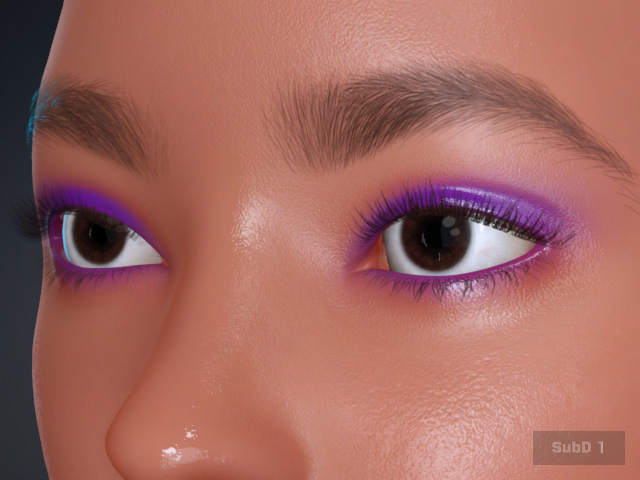
The shader for these eyes is still PBR and cannot be automatically converted to the Digital Human Shader for enhanced realism.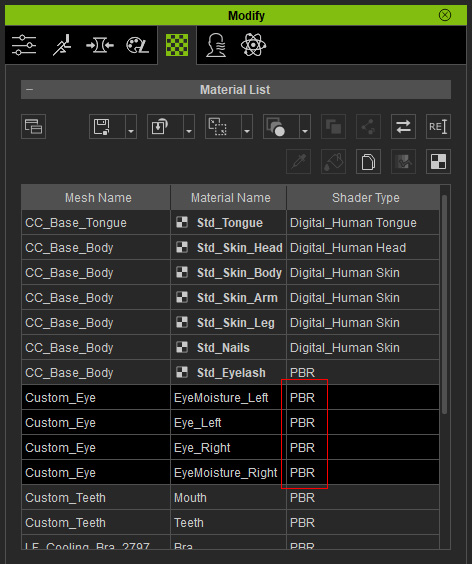
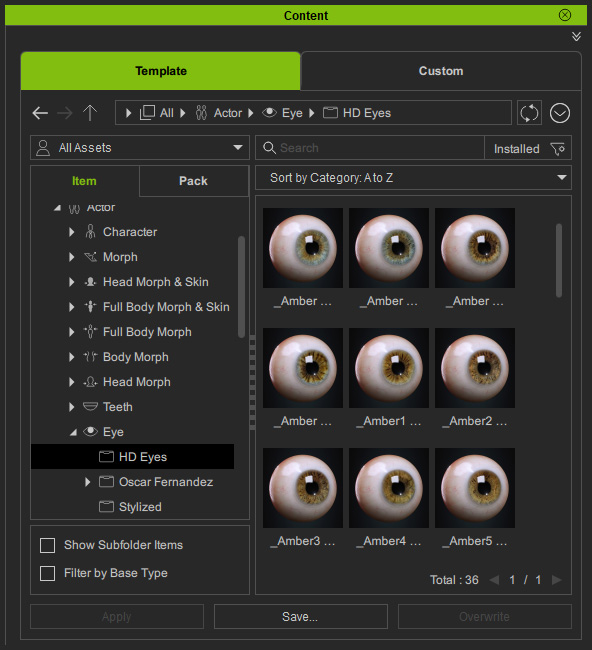
- Apply the desired eye templates from the Content Manager.
- Adjust the eyes to simulate their original appearance.
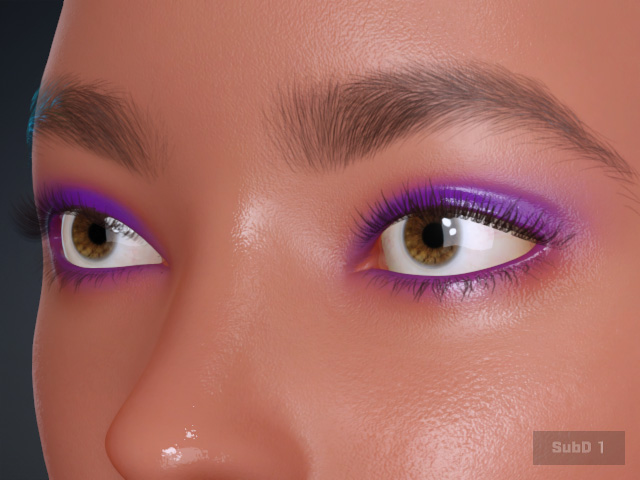
 Note:
Note:- The eyes now utilize the Digital Human Eye shader.
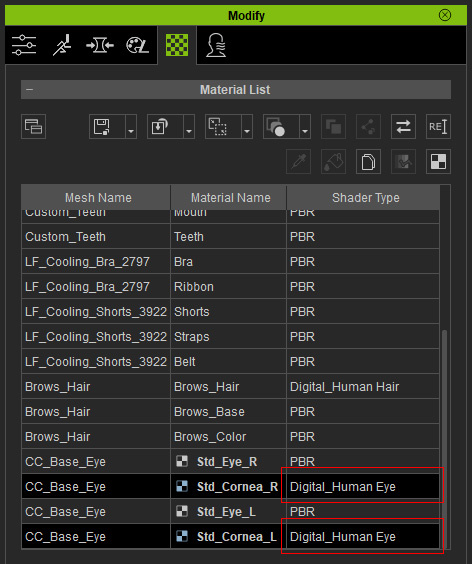
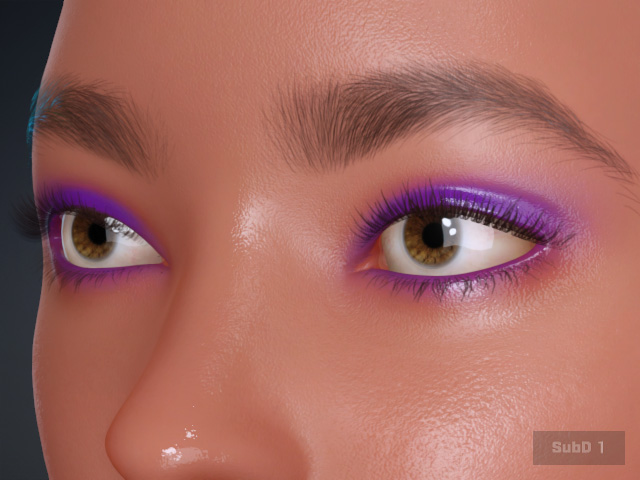
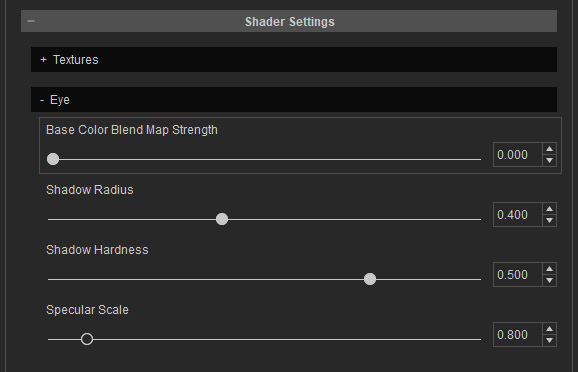
- By default, the Base Color Blend Map Strength is set to 0.500 to simulate the shadow cast by the eyelids onto the eyeballs.
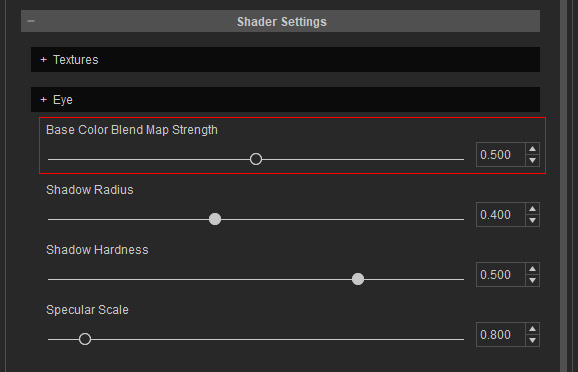
Base Color Blend Map Strength = 0.000
Base Color Blend Map Strength = 0.500
- However, an obvious visual flaw persists: the shadows on the eyes are "baked" onto the surface, meaning they move with the eyes even when the eyeballs roll in their sockets.
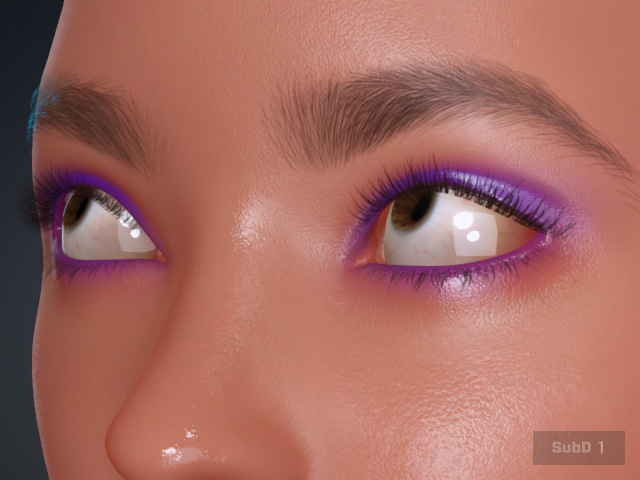
- The eyes now utilize the Digital Human Eye shader.
Adding Eye Element
- Click Add Eye Elements in the Modify panel.
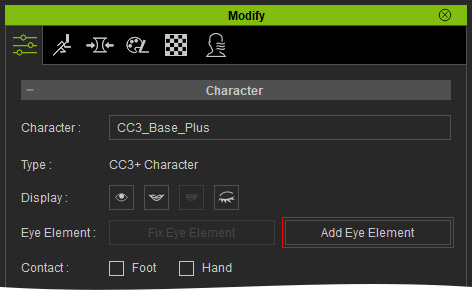
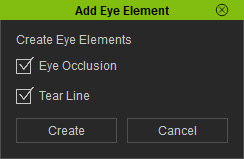
- Activate the Eye Occlusion and Tearline checkboxes to add new elements for the eyes. Click the Create button.
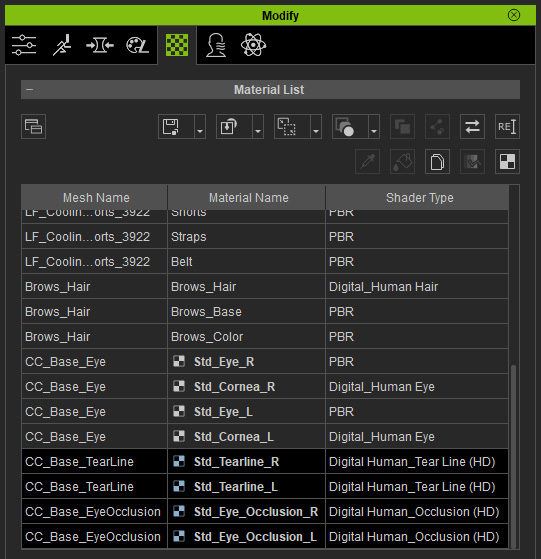
Two additional items (meshes) will be added under the character node.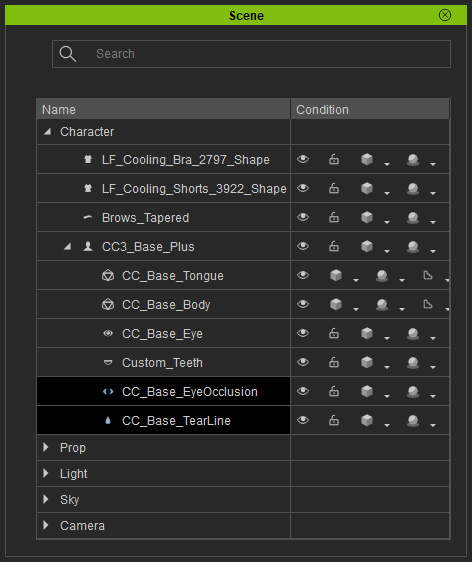 Note:
Note:- The enhanced eye elements are Digital_Human Tear Line and Digital_Human Eye Occlusion.
- The Base Color Blend Map Strength is automatically set to 0.000 because the eyelid shadows are now replicated by the Eye Occlusion meshes.
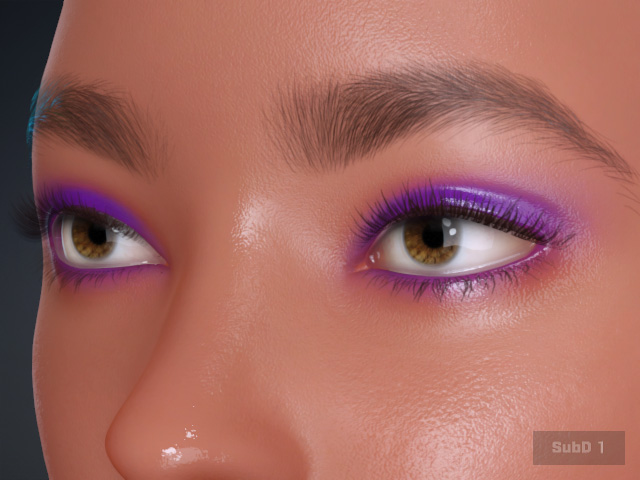
Eyelid shadows simulated by Base Color Blend Map
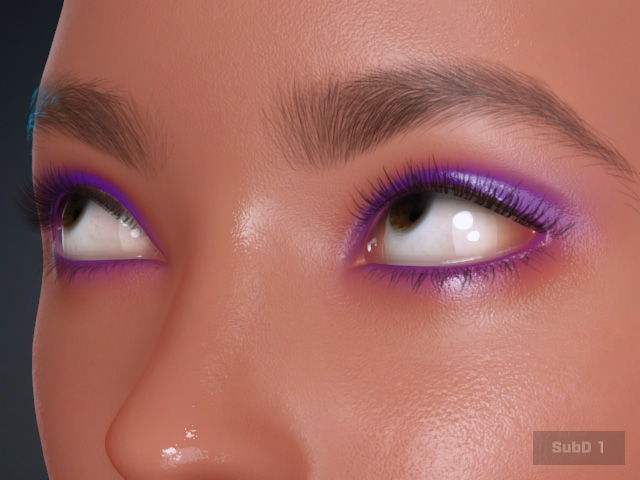
Eyelid shadows simulated by Eye Occlusion meshes
- Now, when the eyeballs roll, the shadows remain stationary and anatomically correct.
- The enhanced eye elements are Digital_Human Tear Line and Digital_Human Eye Occlusion.
