Activating Extended Plus Facial Profile
The Extended Plus Facial Profile allows you to retain your current facial expression settings while adding corrective sliders to refine and enhance the final expression performance.
To apply the Extended Plus Facial Profile to your character, follow these steps:
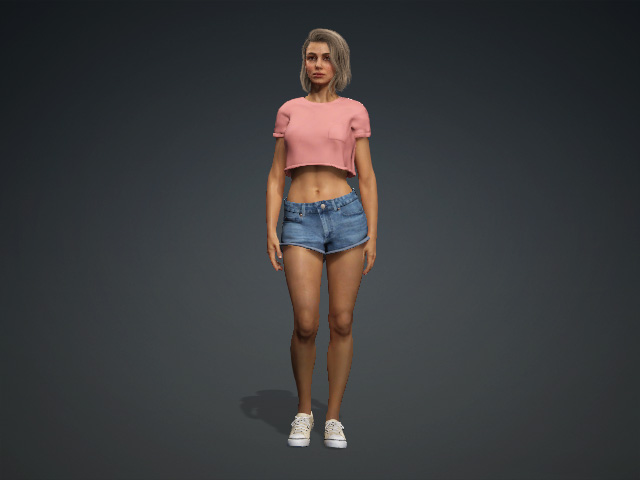
- Distribute a CC3+ character.
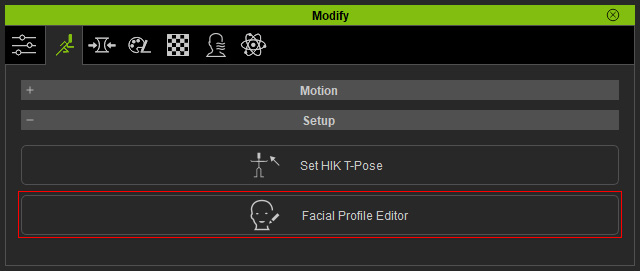
- Click the Facial Profile Editor button in the Motion Pose tab of the Modify panel.
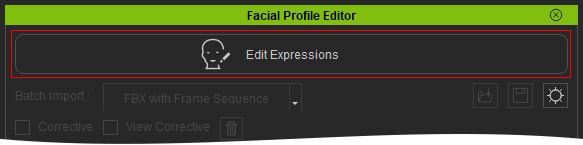
- Click the Edit Expressions button to enable the editor.
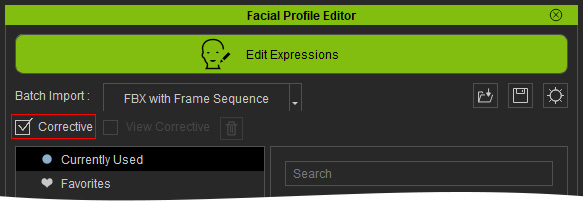
- Activate the Corrective checkbox.
You will be asked if you want to save the current facial profile. Click OK or No accordingly.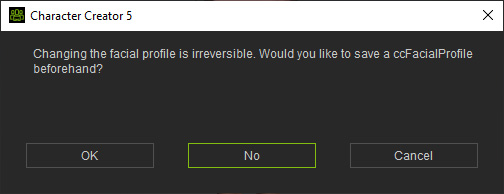
- You will see a brand new node, Corrective Regions, appears at the bottom of the tree structure on the left side.
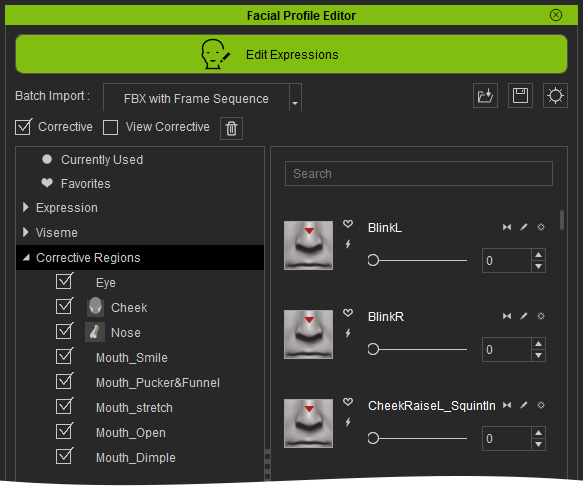
The sliders under the nodes of this category are rule sliders used to correct problematic results that may occur when certain expression sliders are used in combination. Refer to the Using Corrective Rule Sliders section for more information.
