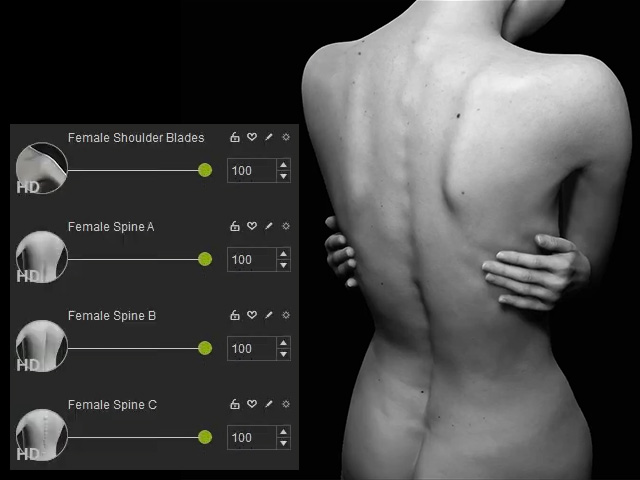
Adding Details by HD Morph Sliders
Character Creator 5 offers a wide variety of Morph Sliders that allow for detailed sculpting of individual body parts without altering the proportions.
Before getting started, please increase the character's mesh subdivision by one or two levels.
- Apply a CC5+ character or a CC3+ character with higher subdivision level (1 or 2).
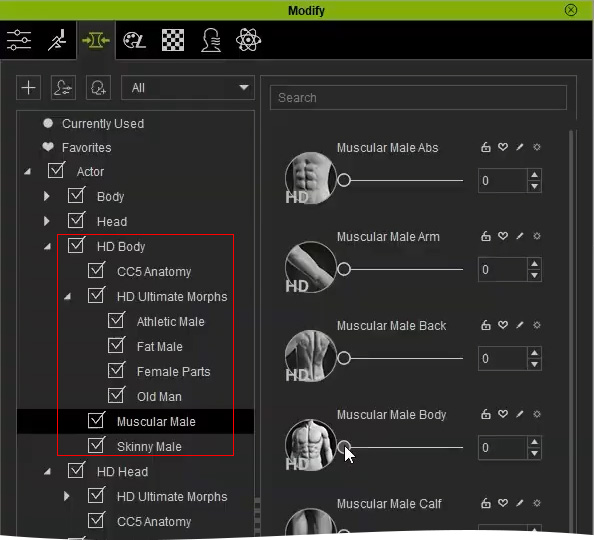
- In Modify panel, switch to the Morphs tab page, find the HD morph sliders in the HD Body category.
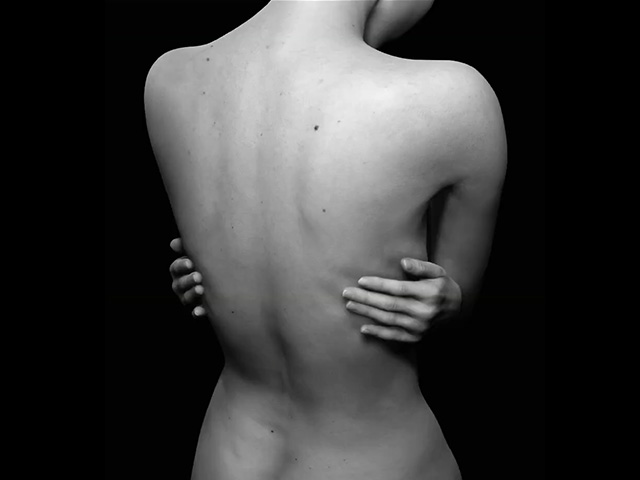
- Drag the sliders in the category to sculpt the surface of the character. As you can see, the details are added to the surface without changing the character's proportion or main shape.
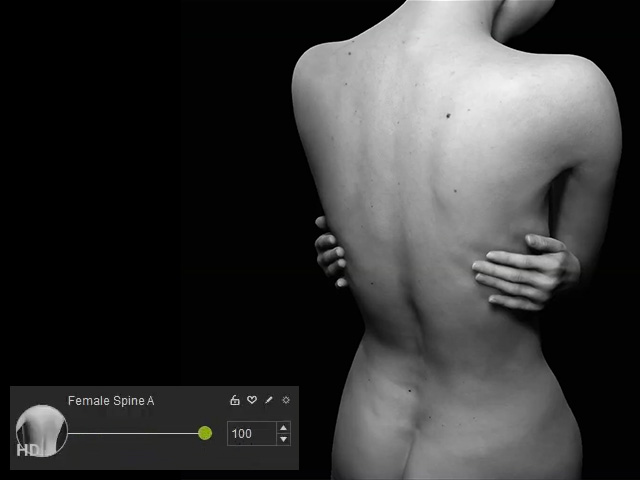
- You are allowed to blend more sliders to enhance the adjustments for the same body parts.