Creating Custom Redness Map from Diffuse Texture
To use the full Redness Map creation feature, upgrade Skin Gen to the Premium version. This allows you to create and load custom maps and use Skin Gen without layer limits. If you want to enhance the existing Redness Map content, you can follow the steps below:
- Apply a character.
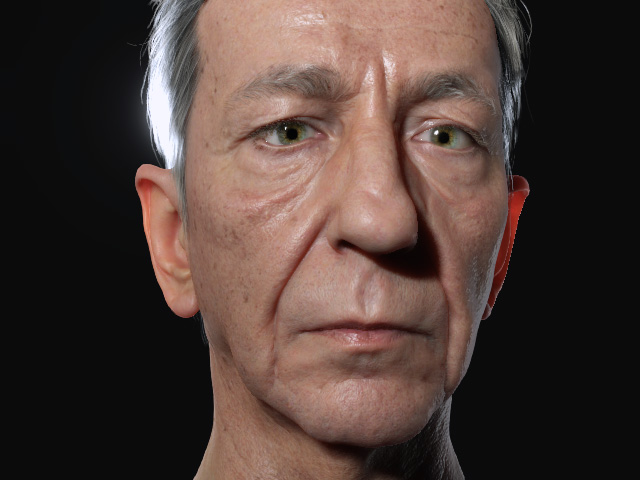
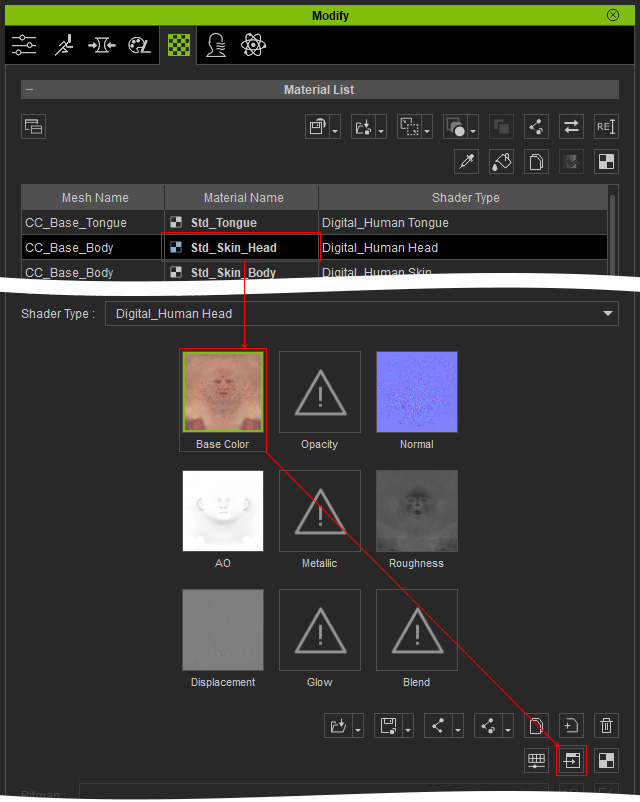
- In the Modify panel, select the head material and export the Diffuse texture to external image editor (e.g. Photoshop).
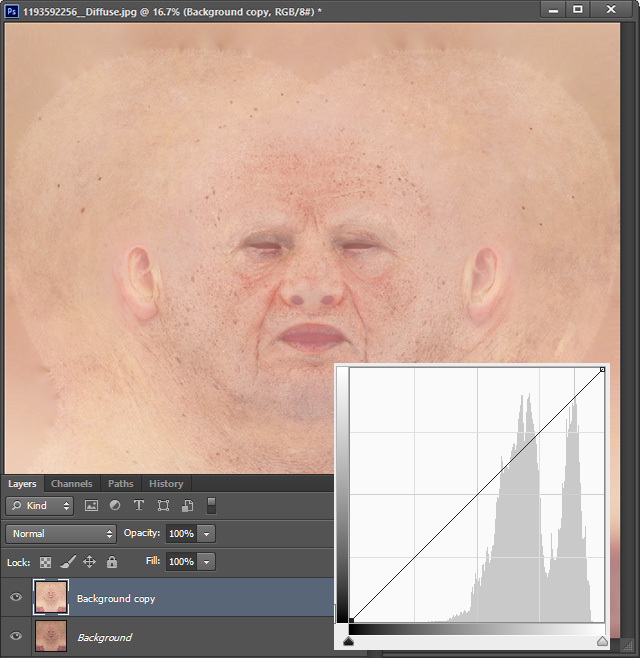
- In the image editor, duplicate the image layer. Adjust the image curves to brighten the new layer.
- Apply Black and White effect.
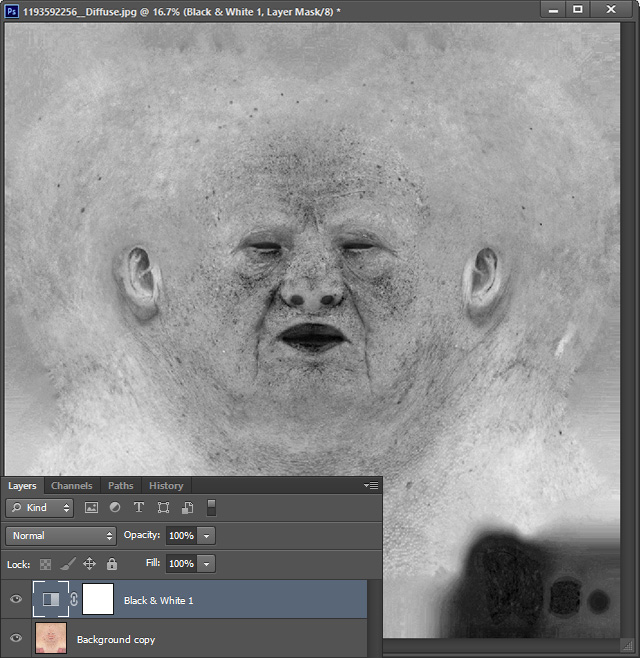
- Apply Invert effect.
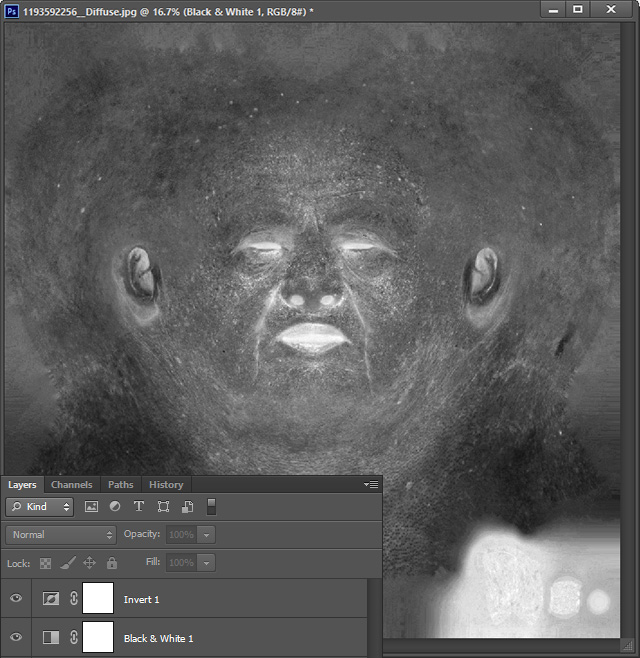
- Apply Level effect and adjust the markers.
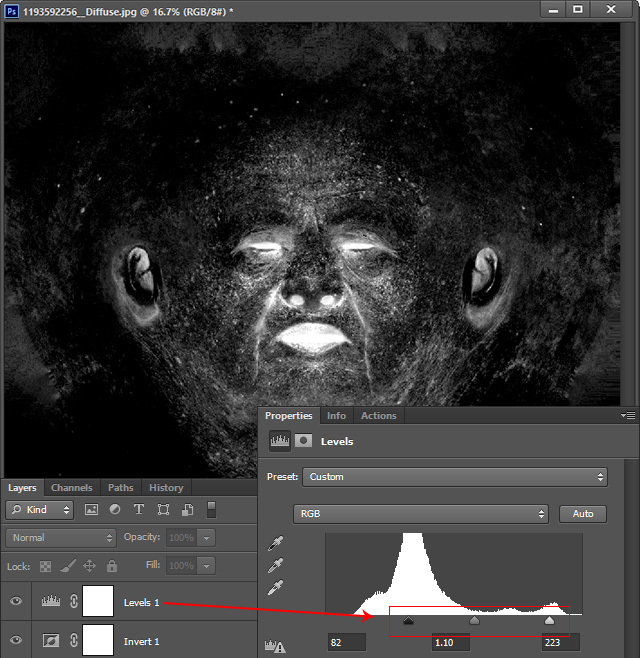
- Save the document as an image file.
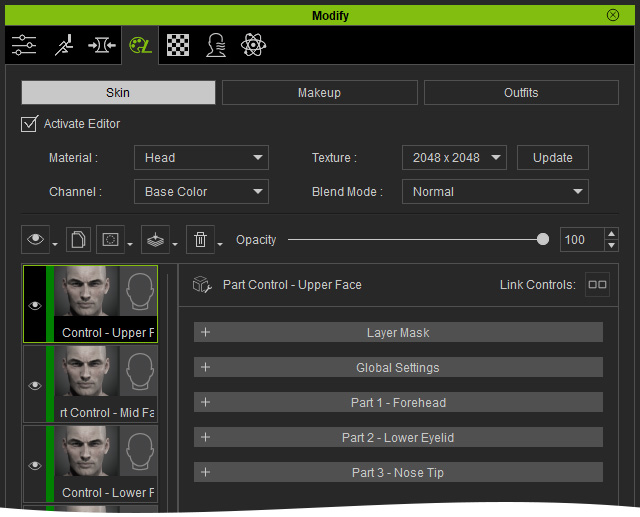
- In Character Creator, apply the Skin Gen tools for blending redness layers.
- Load the new Redness texture saved in previous steps to the Mask channel in the Layer Mask section.
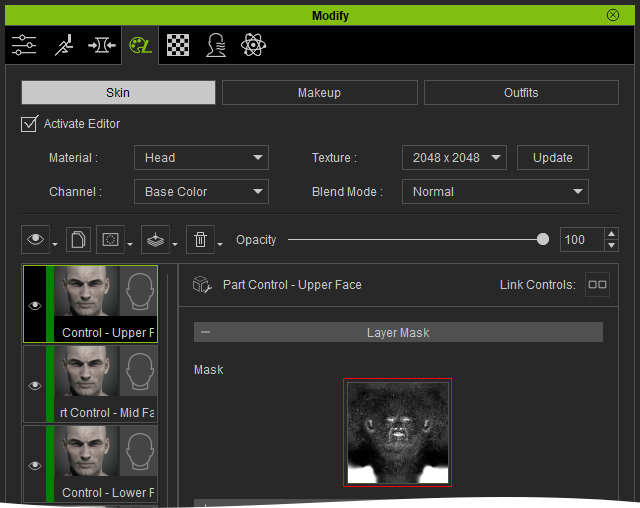
- Adjust the settings to enhance the redness on the skin.
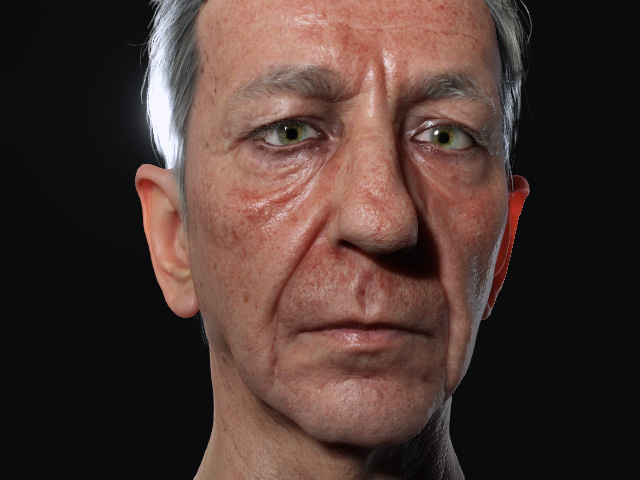
Before
After
