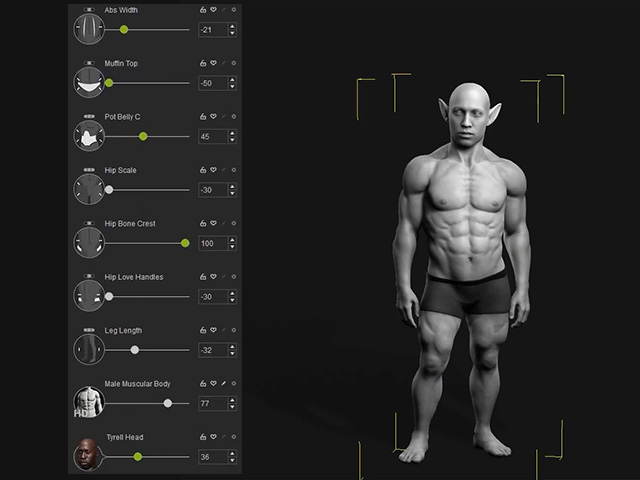
Full Body Alterations with HD Morph Sliders
Character Creator 5 offers a wide variety of HD Morph Sliders that allow for shapes changes of the entire character or detailed sculpting of individual body parts.
In this page, you will see the shape and proportion changes of the entire character using HD Morph Sliders and legacy morph sliders.
- Apply a CC5+ character or a CC3+ character with higher subdivision level (1 or 2).
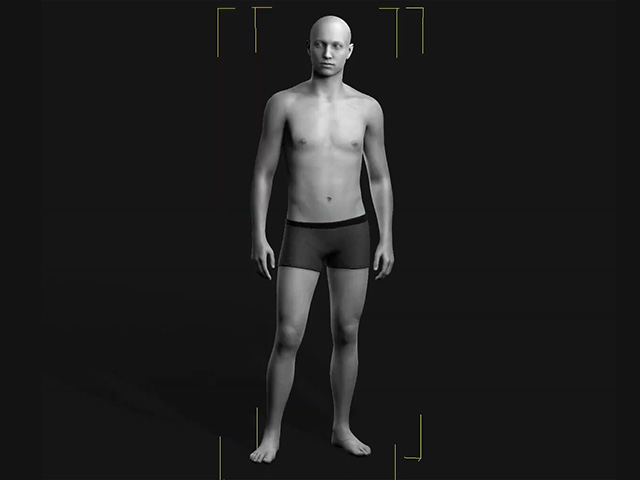
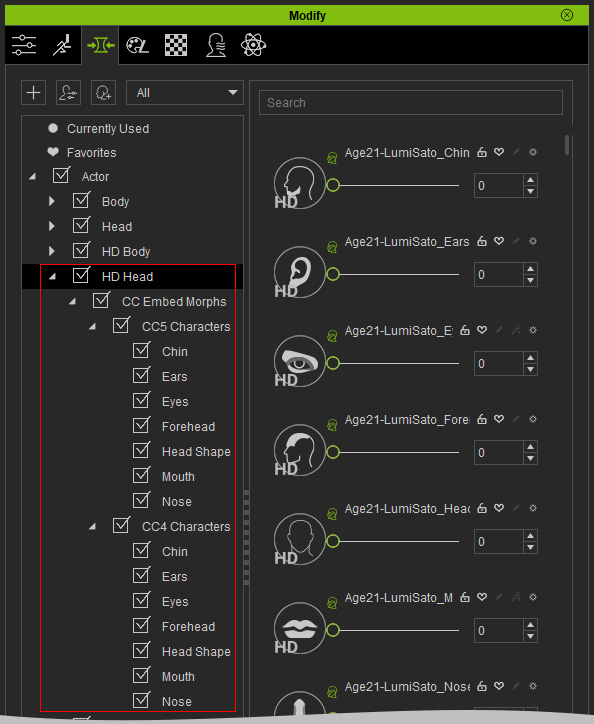
- In Modify panel, switch to the Morphs tab page, you will see the HD Body and HD Head sub-categories in the Actor main category.
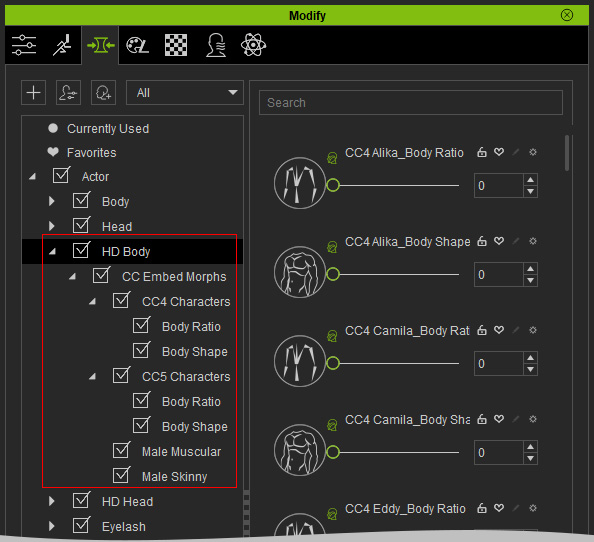
HD Body Category
HD Head Category
- Drag either of the sliders in the Muscular Male type to sculpt the surface of the entire character.
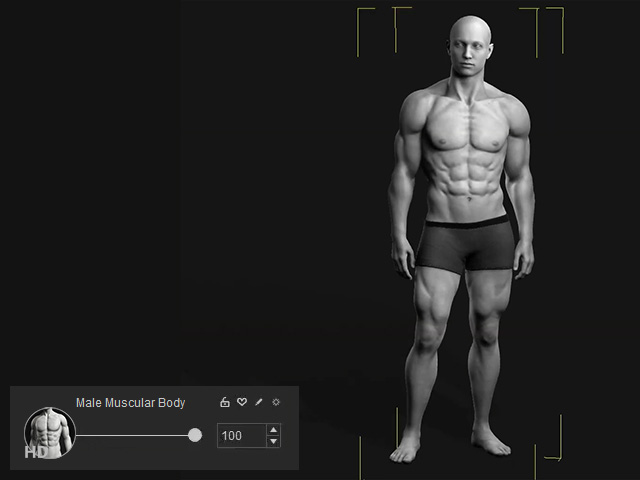
- Minimize the value and drag another sliders to view the affects.
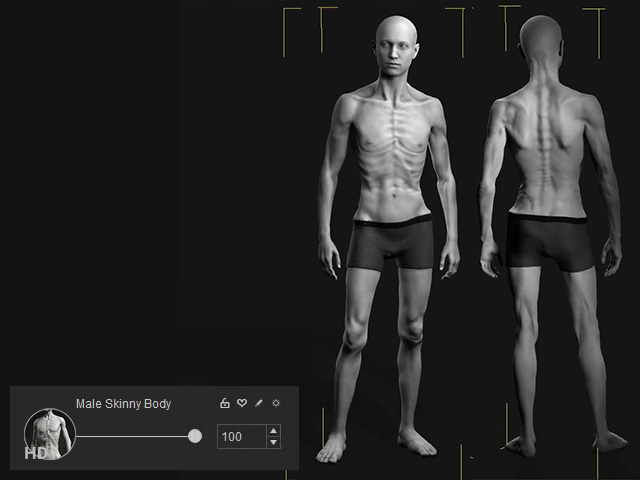
- Even if you switch to different subdivision levels, the HD Morph sliders still work.
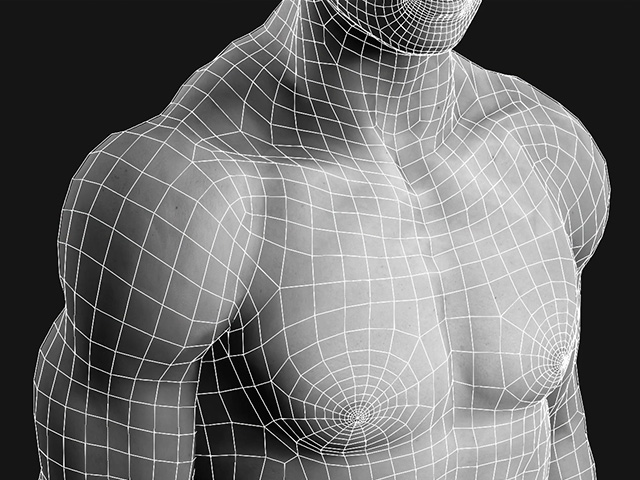
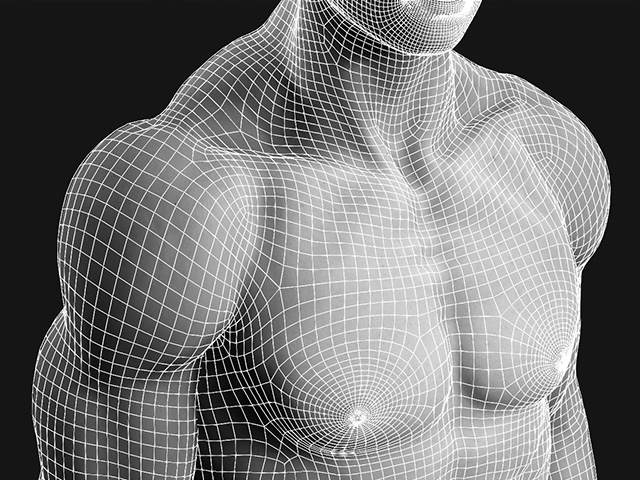
Subdivision Level = 0
Subdivision Level = 1
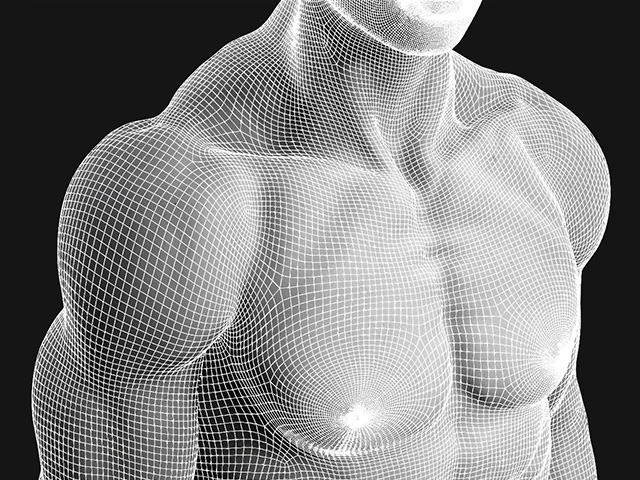
Subdivision Level = 2
 Note:
Note:You can then bake the mesh details to normal map and then reproduce the high details in lower subdivision mesh.
- If you want to alter the proportion of the character, the legacy morph sliders can be mix-used with the HD Morph sliders.